



LCD / LED Screens
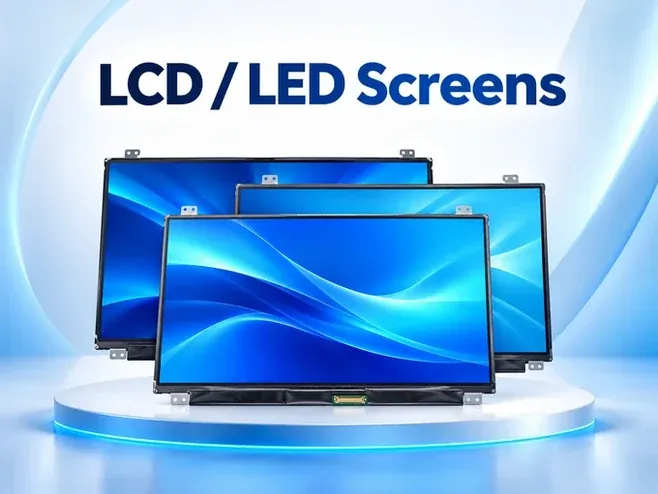
Replacement display panels for compatible laptop models.


Type at least 3 characters.
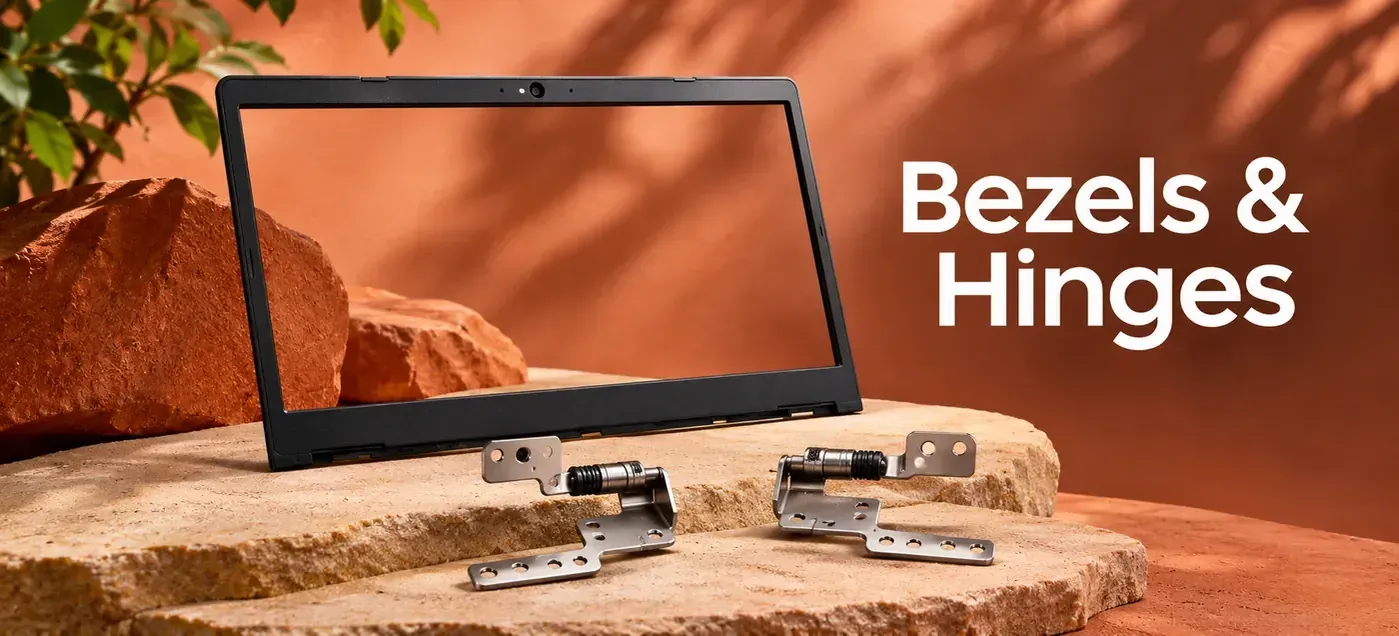
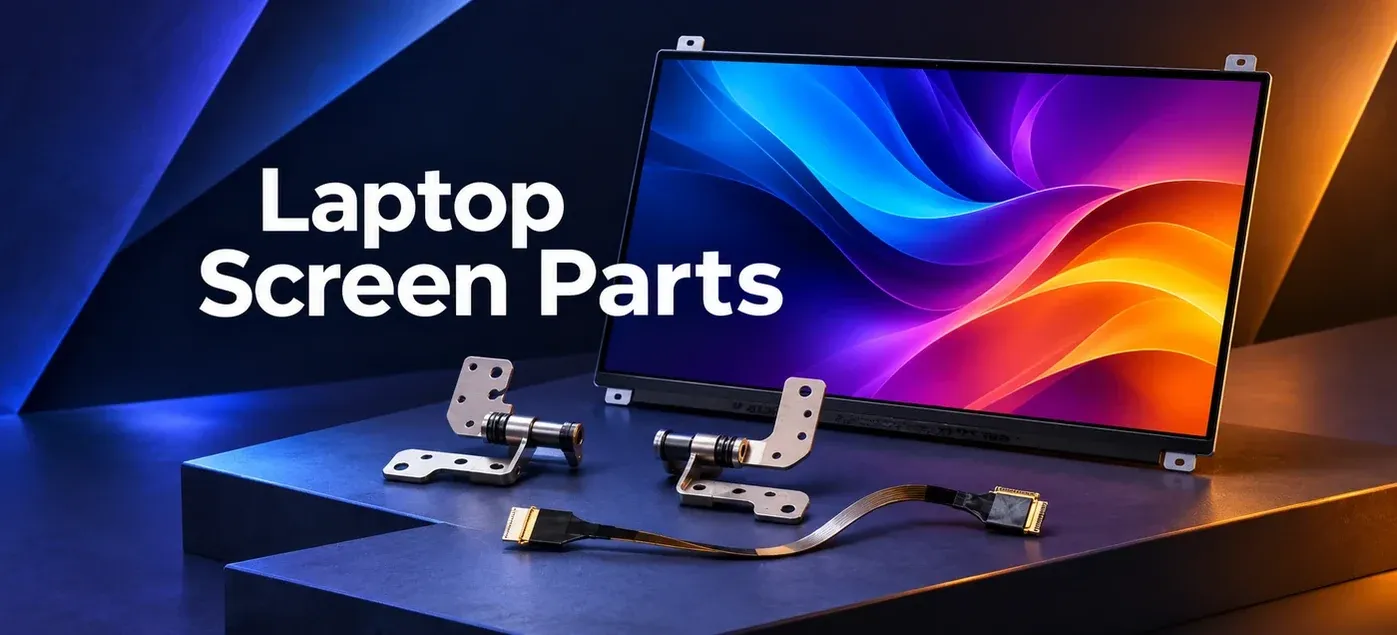





































Explore screens, touch assemblies and the parts that bring them together.
Find the right part of your display system.
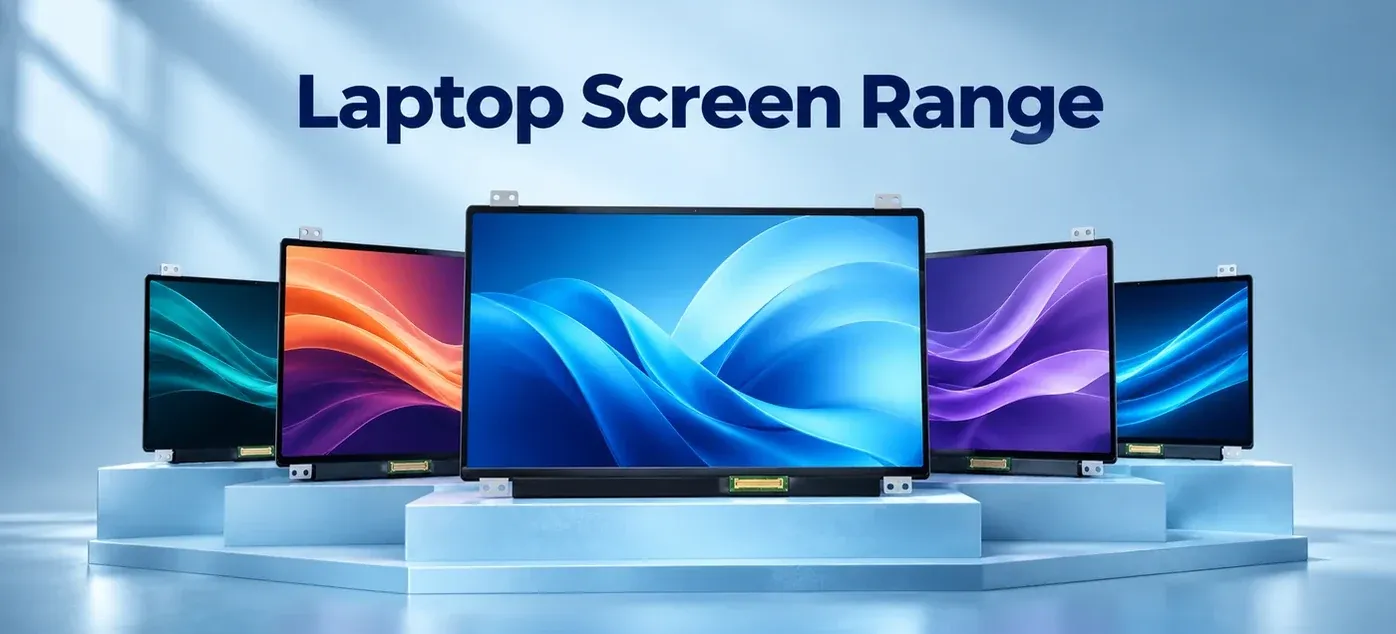
Browse replacement panels by display technology and intended use.
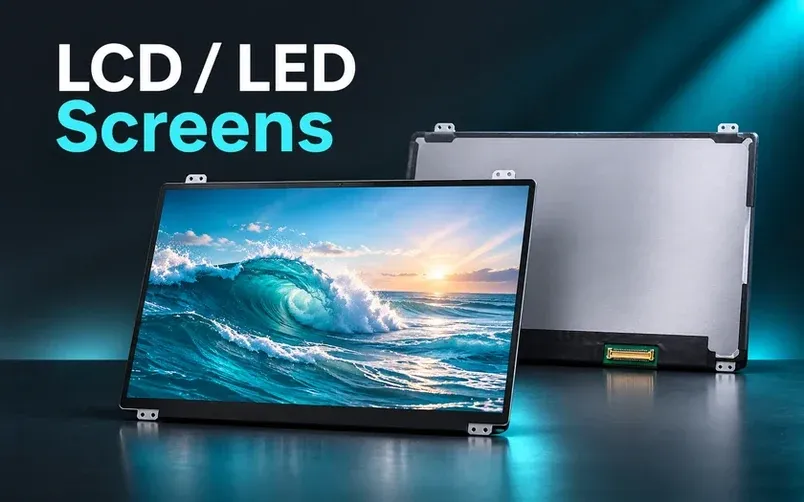
Replacement display panels for compatible laptop models.
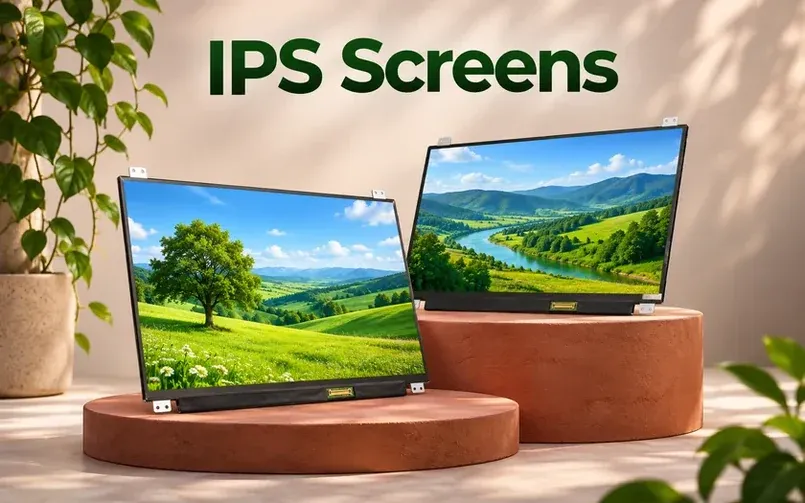
Browse by panel technology.
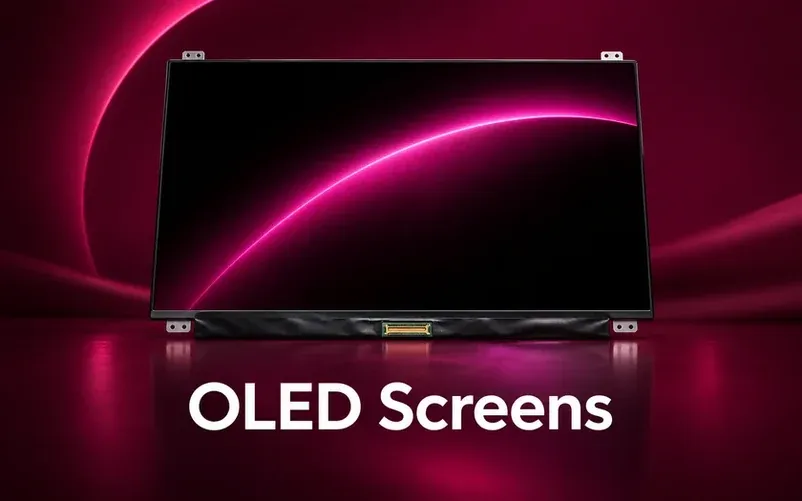
Model-specific OLED replacements.
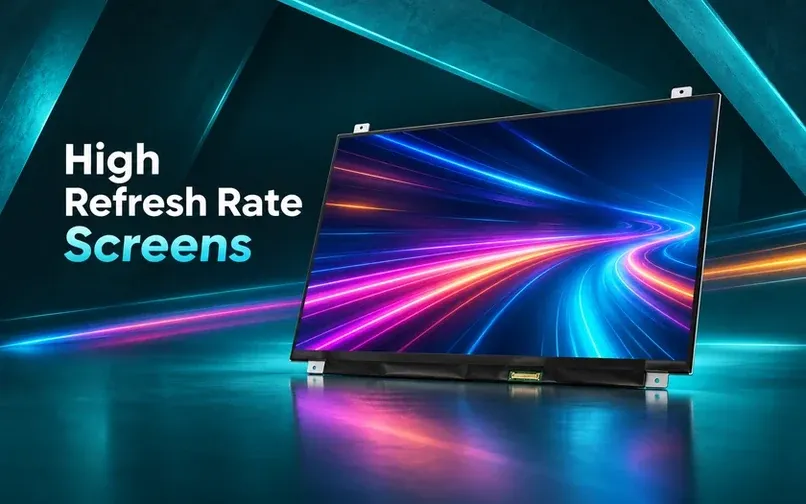
Check supported refresh rate and connection.
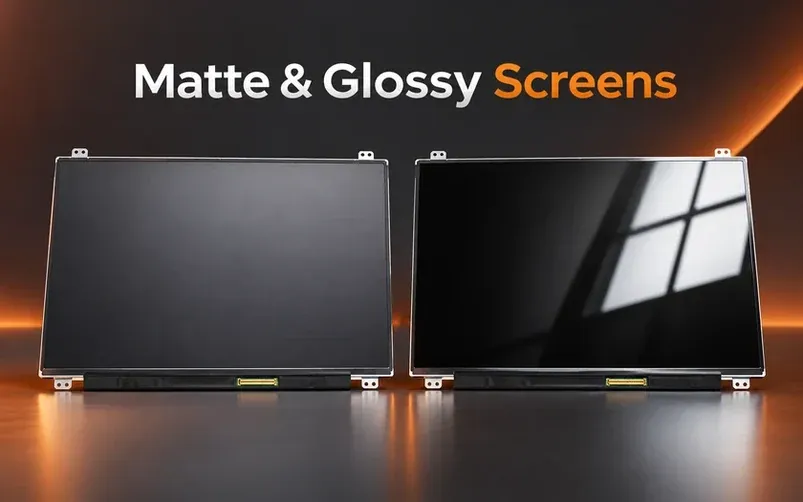
Match the finish to your requirements.
Start with the diagonal size, then match the complete panel specification.
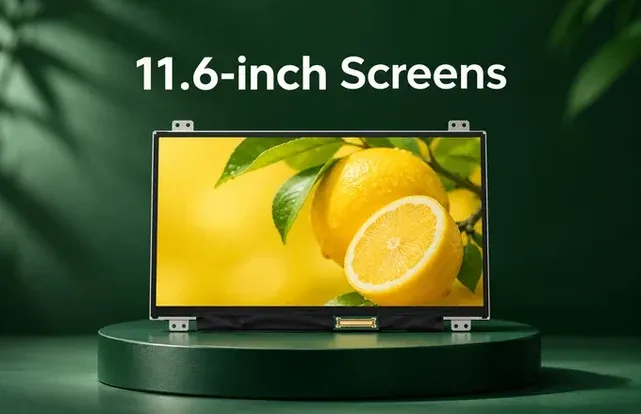
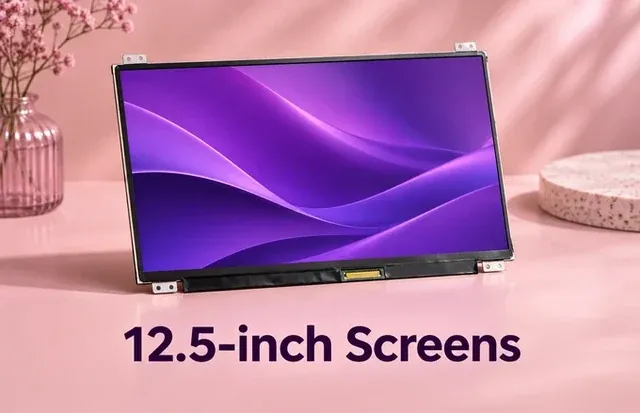
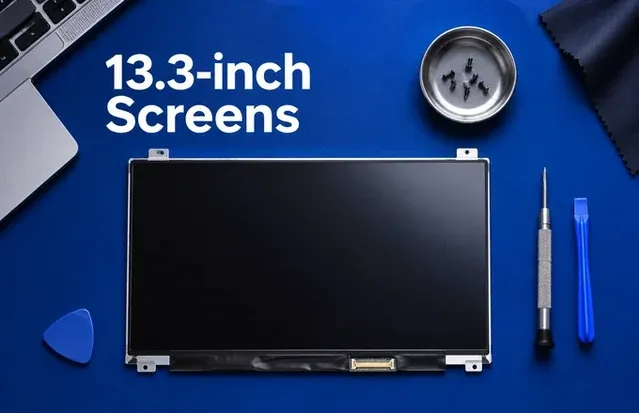
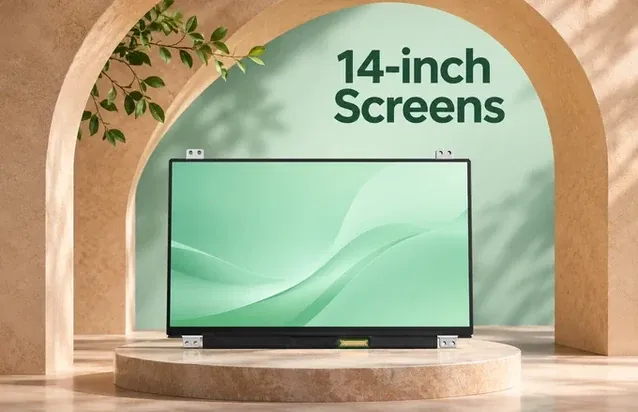
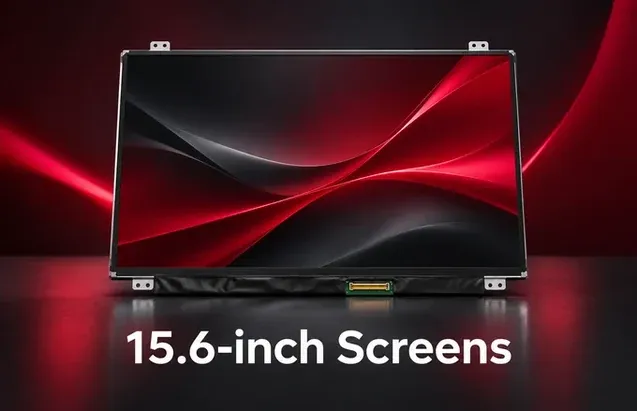
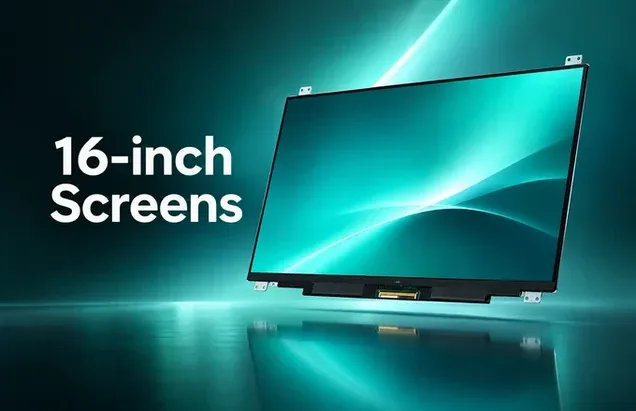
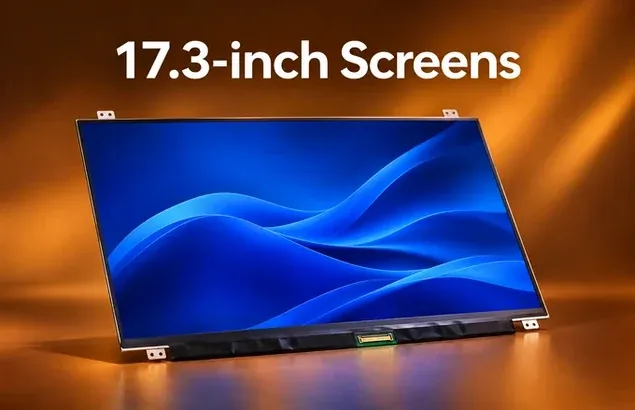
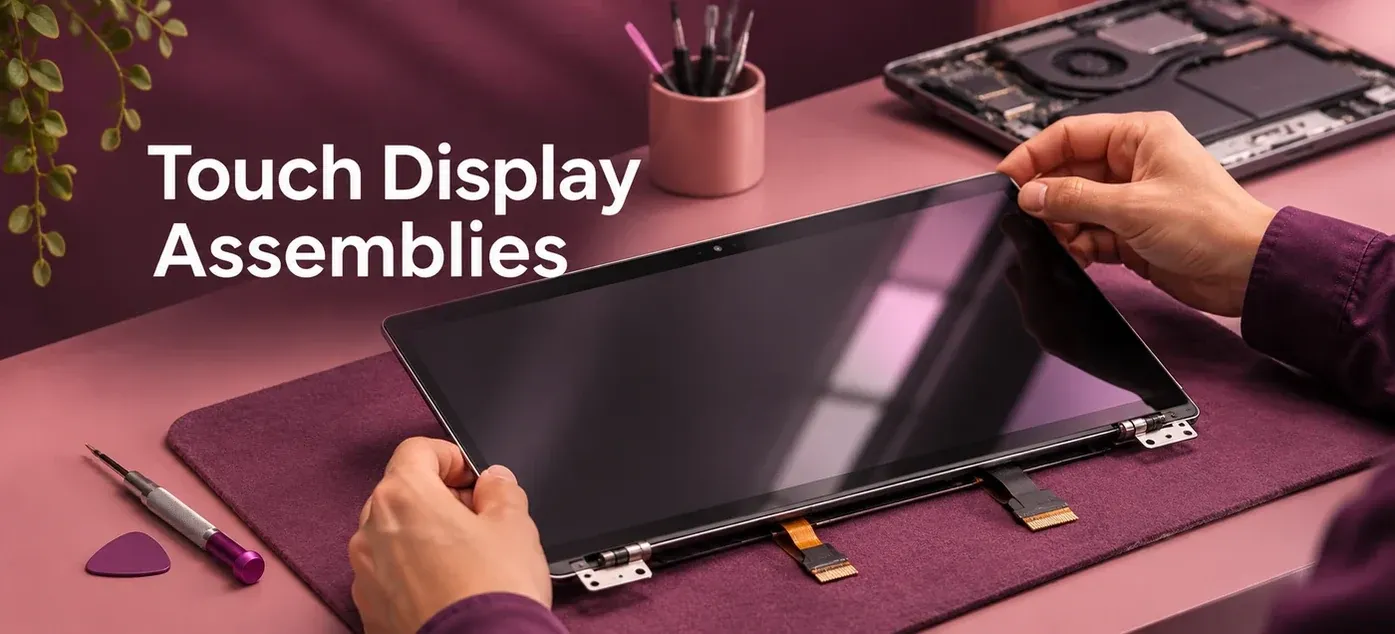
From the touch layer to a complete model-specific display unit.
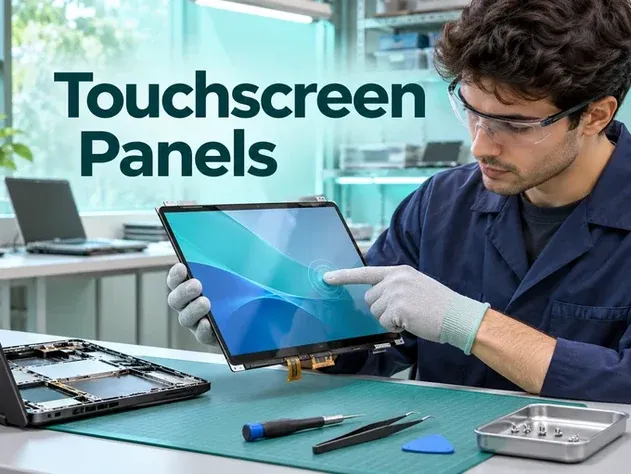
Check whether the listing includes the display and touch layers.
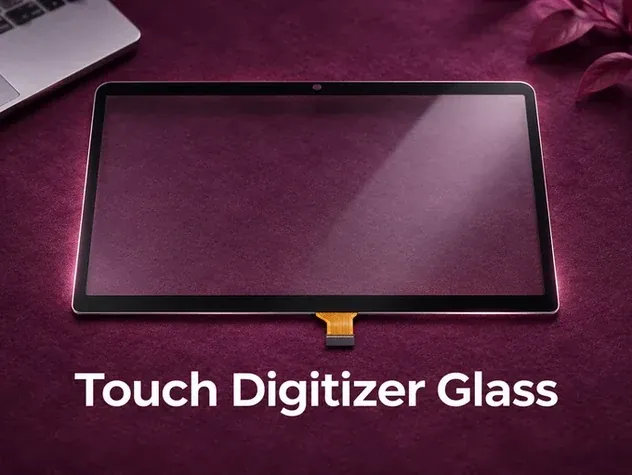
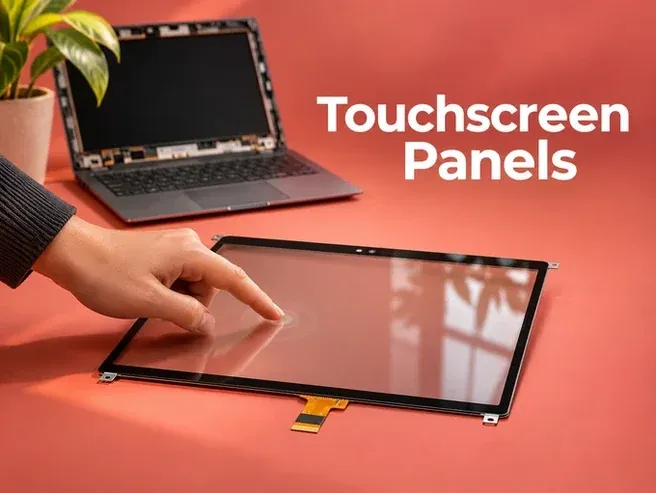
Touch-sensitive glass for supported repairable assemblies.
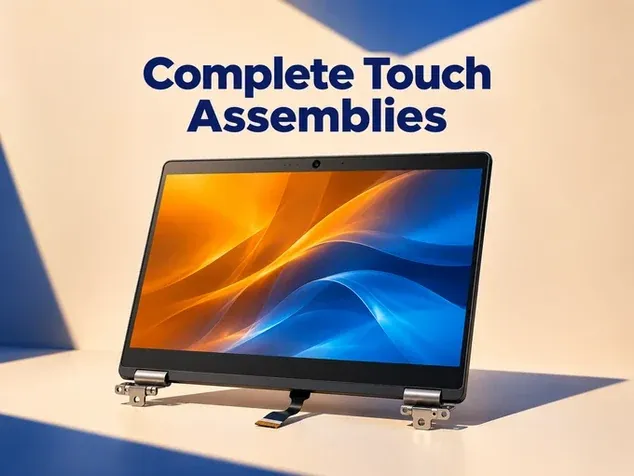
Confirm which components are included.
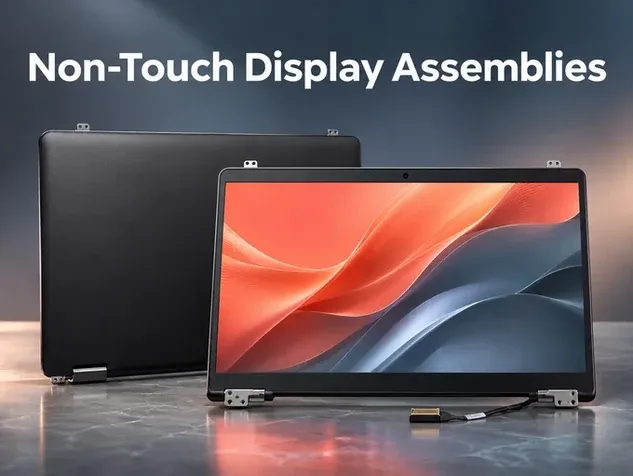
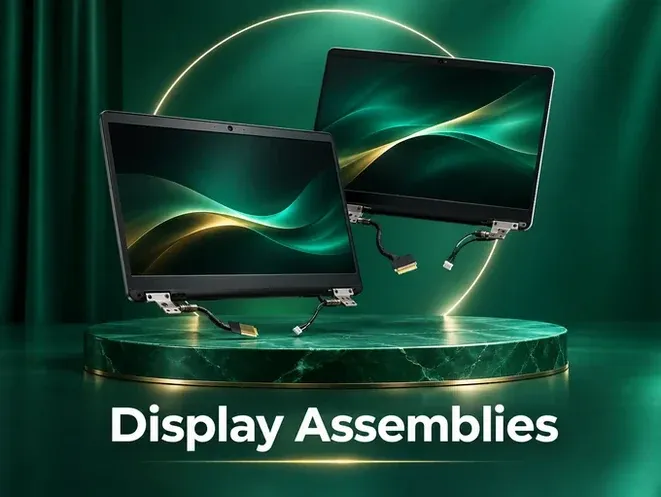
Match the lid, panel and connector configuration.
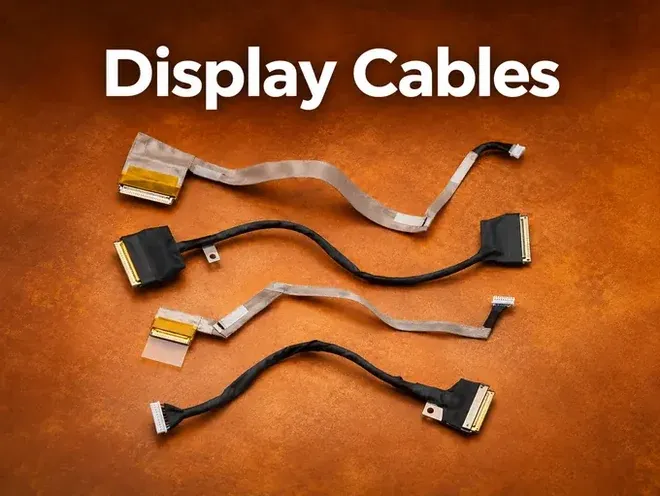
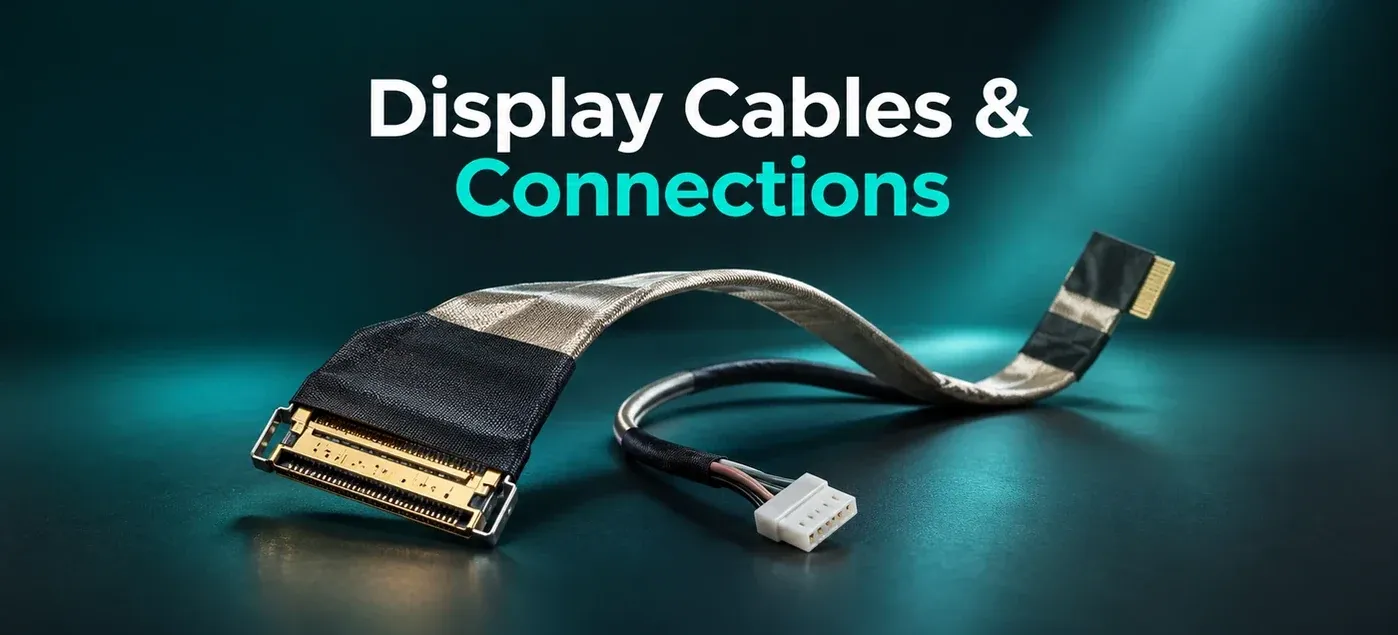
Choose the cable that matches your laptop model and connector layout.
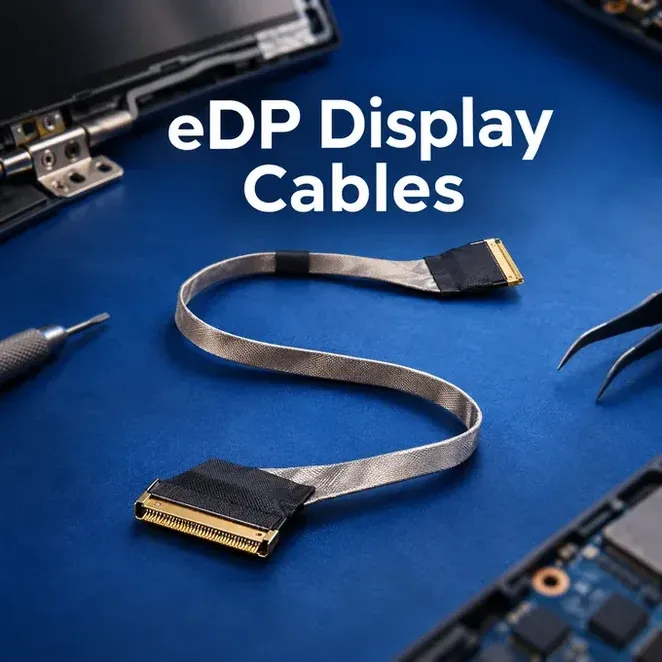
Model-specific display connections.
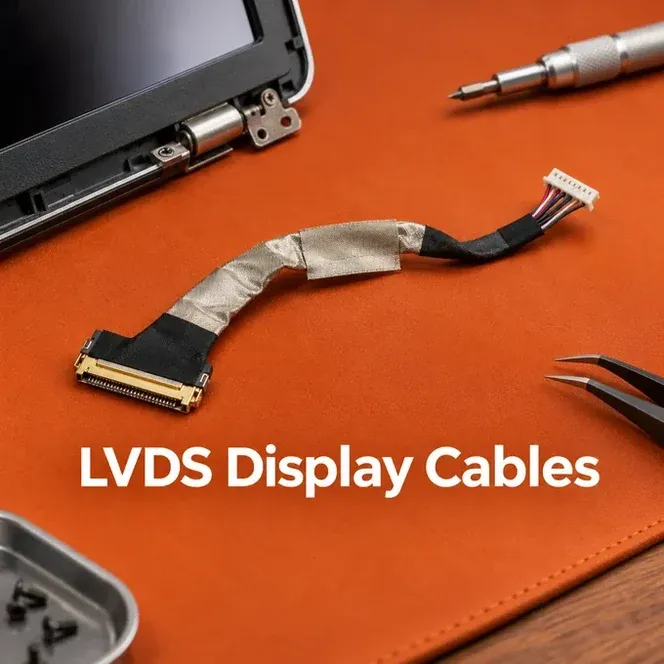
For compatible LVDS display systems.
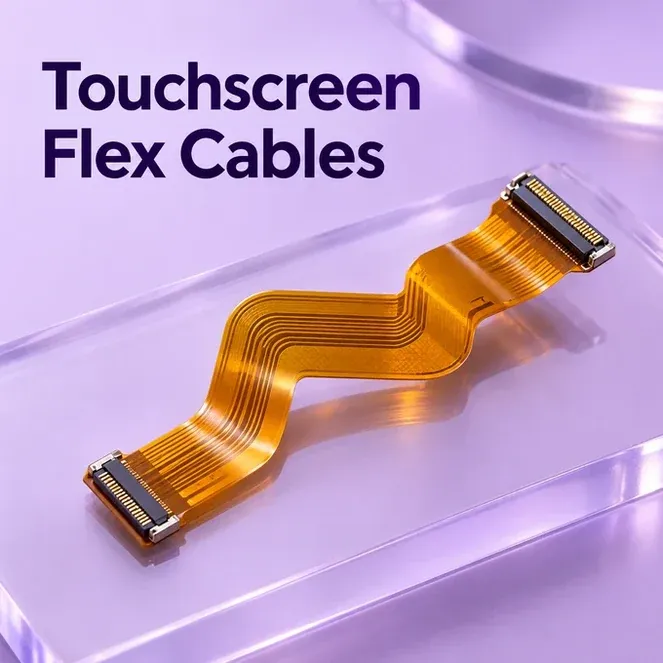
Touch-panel signal connections.
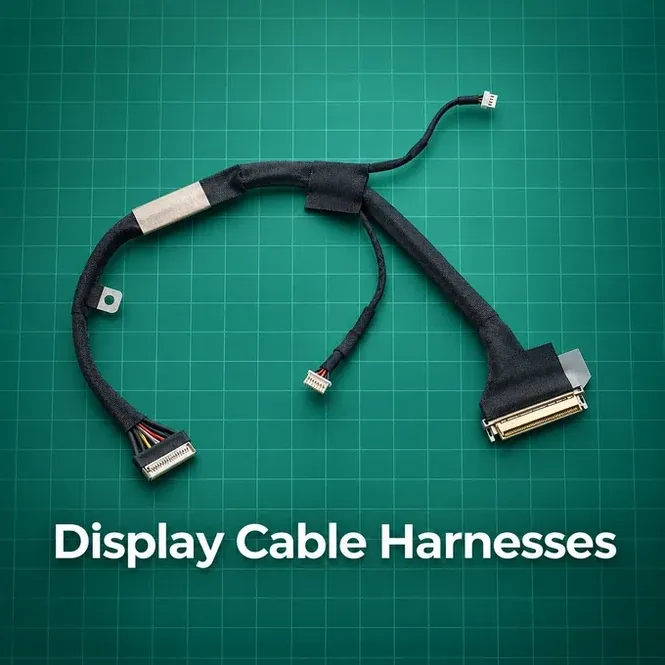
Check connector positions and routing.
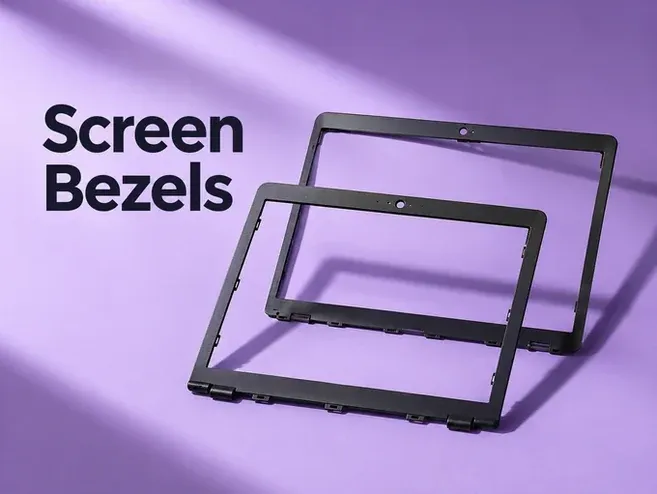
Explore the frame, cover and mechanical parts around the panel.
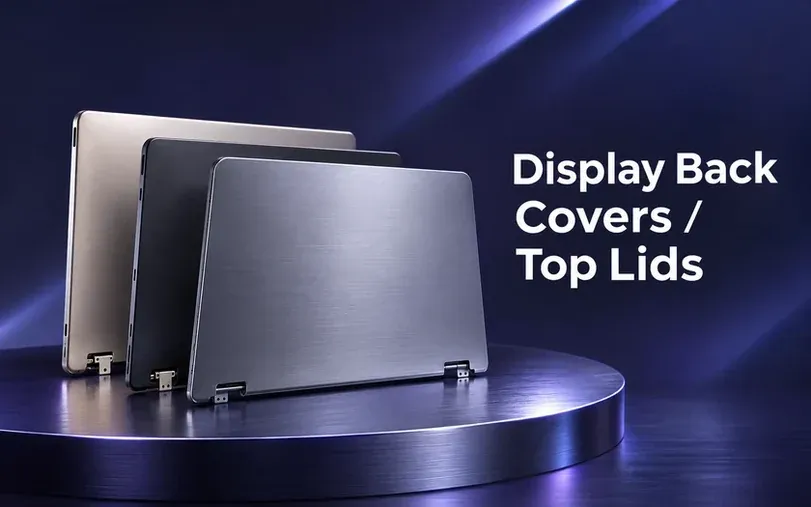
Match the exact model, finish and mounting points.
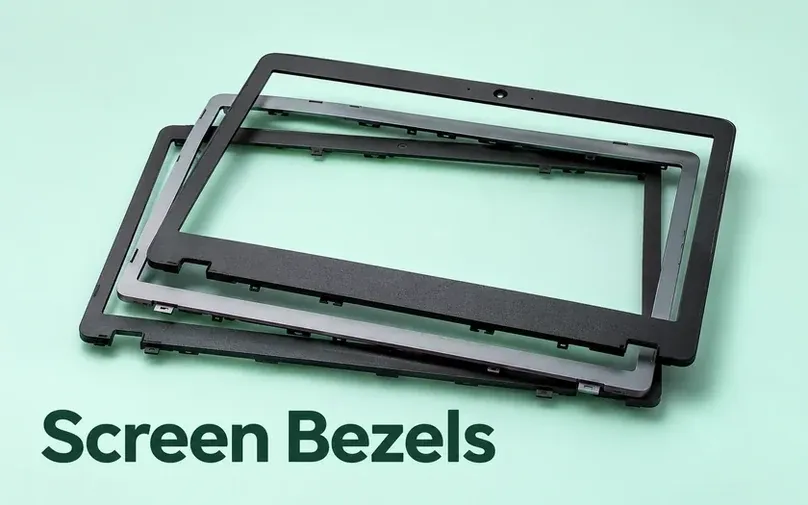
Frames around the display.
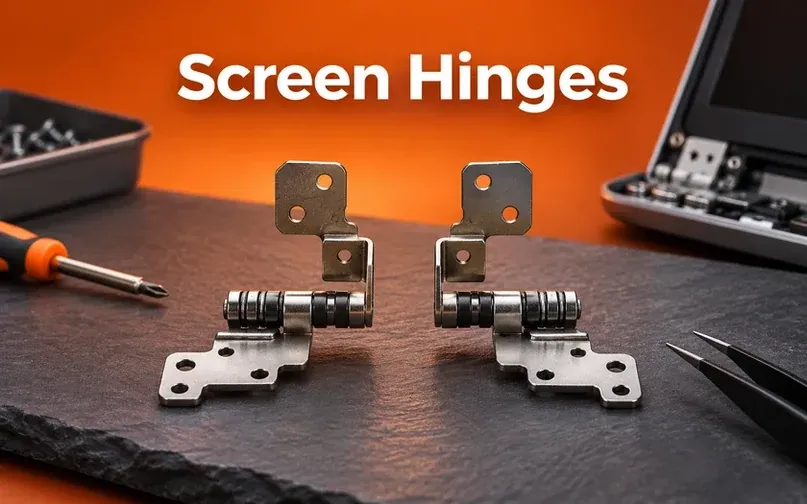
Confirm left, right or paired parts.
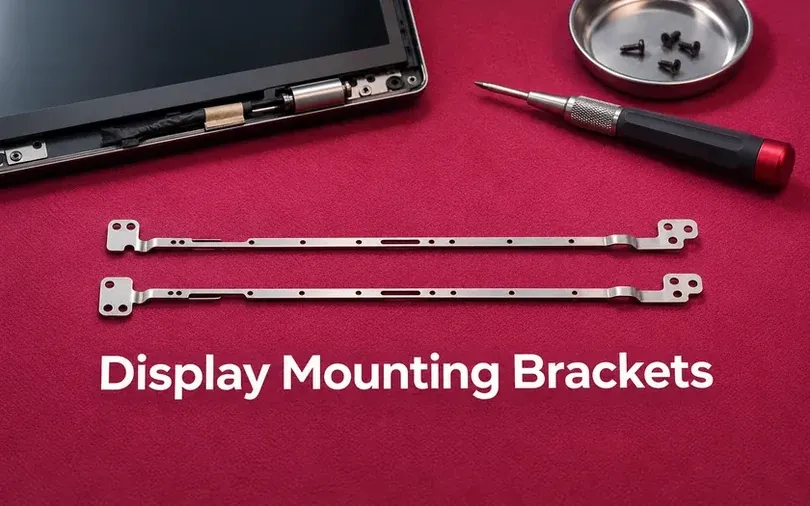
Panel supports and retainers.
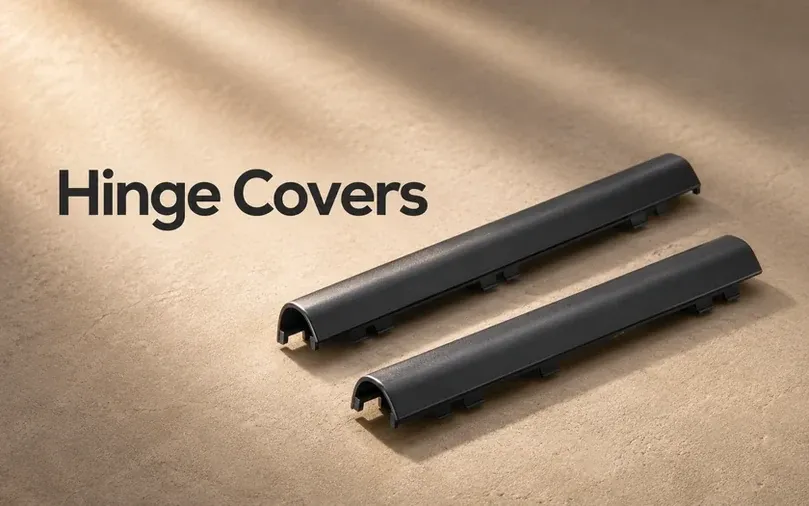
Model-specific hinge trim.
Use your laptop brand as a starting point.
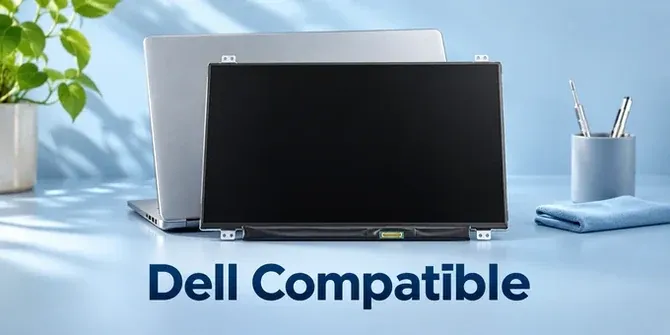
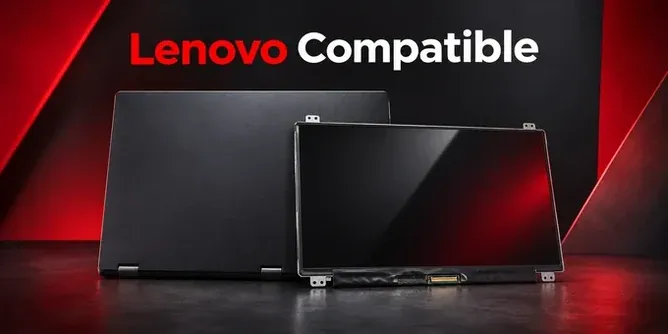
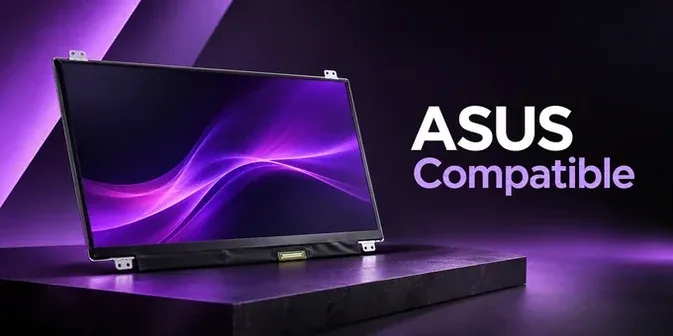
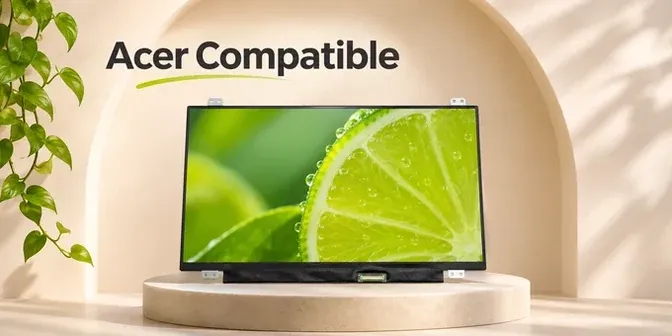
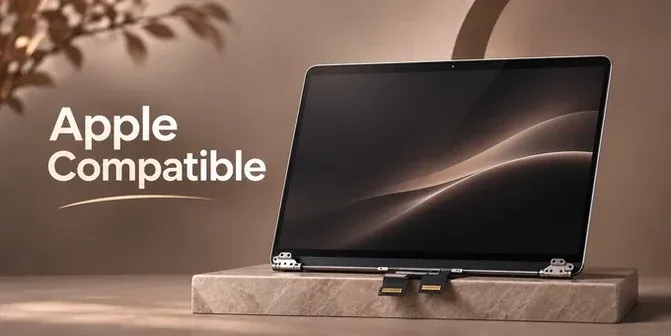
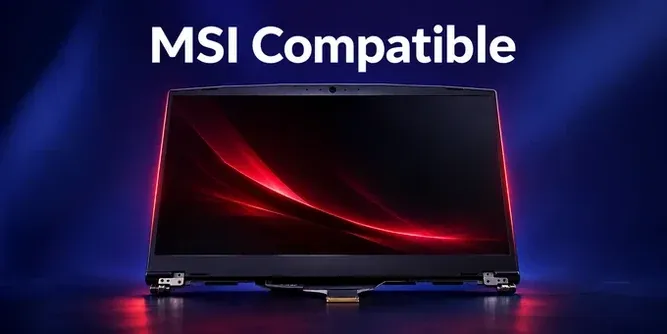
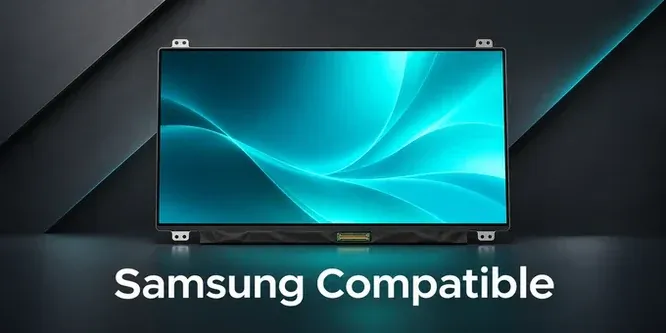
Compatibility depends on the exact laptop model and part specification. Brand names identify compatibility groups; they do not establish OEM origin or current availability.
Mounting and finishing essentials for screen replacement work.
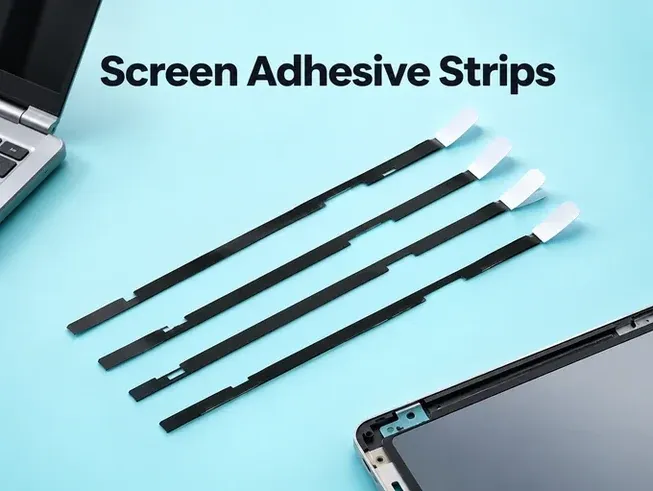
Model-appropriate panel adhesive.
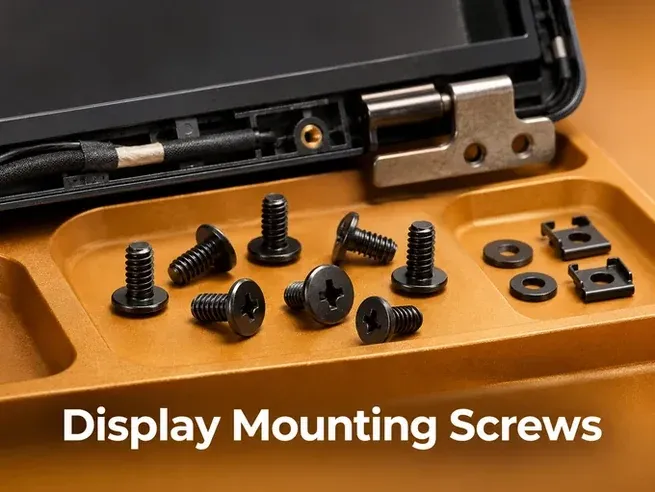
Match the original thread and length.
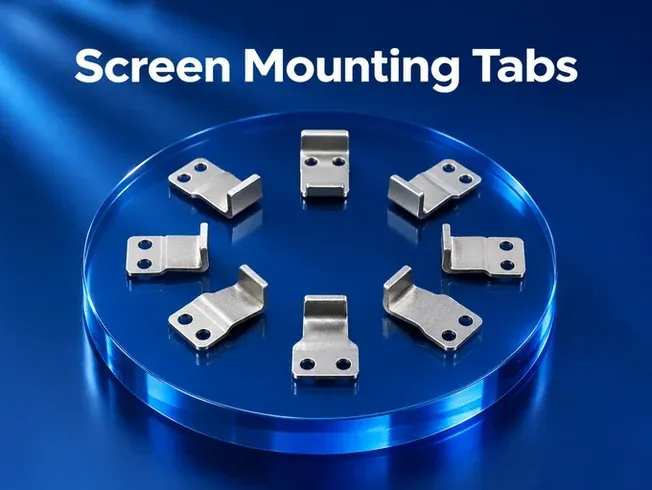
Compatible panel retention parts.
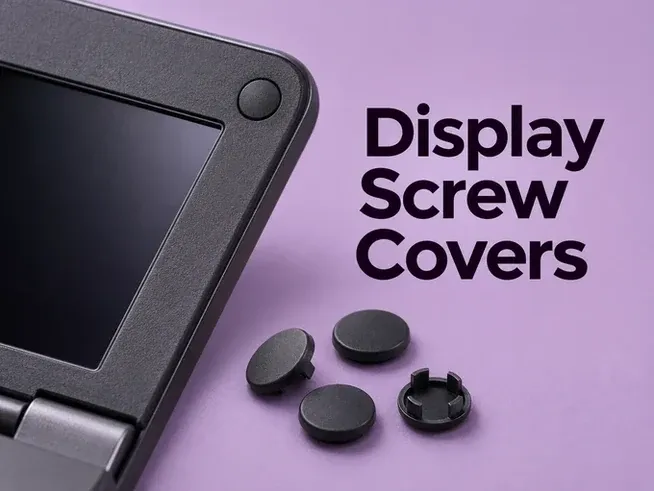
Finishing caps for the display frame.
Start with the exact laptop model and the original screen part number.
Check the full laptop model and original panel part number.
Verify size, resolution, refresh rate and touch support.
Match interface, pin configuration and connector position.
Compare brackets, mounting points, panel thickness and assembly contents.
Screen size or pin count alone does not establish compatibility. 30-pin and 40-pin panels are not universally interchangeable. Confirm all specifications before ordering.

We use cookies to improve user experience, and analyze website traffic. For these reasons, we may share your site usage data with our analytics partners. By continuing to the site, you consent to store on your device all the technologies described in our cookie policy. Here is the the cookie policy
