




-
Categories
- Wi-Fi Cameras
- Dome CCTV Cameras
- Bullet CCTV Cameras
- PTZ & Speed Dome Cameras
- 4G SIM Security Cameras
- Solar Security Cameras
- Battery-Powered Security Cameras
- Video Doorbells & Door Cameras
- CCTV Camera Kits
- DVR & NVR Recorders
- CCTV Storage
- CCTV Cables & Connectors
- CCTV Power Supplies & PoE Equipment
- CCTV Mounts & Installation Accessories
- Electrical Switch
- Bed Switches
- Bell Push Switches
- 6A Switches
- 16A Switches
- 20A Switches
- 6A Sockets
- 16A Sockets
- Electrical 5-Pin Sockets
- 2-Pin Sockets
- International Sockets
- Indicators
- Electrical Fan Regulator
- Dimmer Regulators
- Automatic Change Over Switch
- Modular Series
- Heater Elements
- Switch 15A
- 5-Pin Sockets 15a
- Mobile Combo & Folder
- Back Panel
- Camera Glass
- Touch Glass
- Back Camera
- Volume, Sensor, LCD, On-Off & CC Flex
- Sim Outer & Side Button
- Middle Haddi
- Mic Board
- Speaker & Speaker Jaali
- C/C Pin (Roll)
- Tempered Glass
- Ringer, Mic & Switch
- Back Camera
- Front Camera
- LCD Panel
- Ringer
- Sim Tray
- OCA Glass
- Mobile Charger/Adapter
- Mobile Spare Parts
- Mobile Battery
- Microscopes & Microscope Accessories
- SMD & SMD Accessories
- PCB Holder & Fixture
- Luowei Products
- CPU Drill Motor & Bit
- Other Mobile Parts
- Flex JCID
- UV Ink
- Glue
- Glass Injection, Needle & Flux Handle
- UV+ Lamp & Smoke Fan
- PPD, Roshin & Roshin Pen
- Solder Ball, Wire & Battery
- Process Wire
- Solder Lungs/Welding Dots
- USB Charger
- Plier
- Heating Tape & Pad
- Art Knife & Blades
- Opener Tool
- DC Power Supply
- Power Booster Cable
- JCID Tools & Strips
- Watch Repair Tools
- IC
- Battery Booster
- Screwdrivers
- Bubble Remover
- Tweezers
- Screen Separator
- Dust Room
- Cutting Wire
- Glue Motor & Bit
- Blaster Pan
- Multimeter & Multimeter Wire
- Soldering Iron Station
- Iron Bit
- Liquid & Spray
- IP Bottle
- Cleaning Cloth
- Brush
- Dock Test Flex
- Oscilloscope
- Ultrasonic Cleaner
- Storage Box
- Thermal Camera
- Welding Machine
- Socket Middle Tester
- Matt
- Middle Frame & Rebailling
- Mac
- Pre Heater
- Mix Tool
- Mijing Green Oil Network
- Amaoe All Stencil
- Mobile Tool Kits
- ACER Laptop Battery
- APPLE Laptop Battery
- ASUS Laptop Battery
- Avita Laptop Battery
- BenQ Laptop Battery
- Clevo Laptop Battery
- Dell Laptop Battery
- Fujitsu Laptop Battery
- Getac Laptop Battery
- HCL Laptop Battery
- HP Laptop Battery
- Huawei Laptop Battery
- IBM Laptop Battery
- Infinix Laptop Battery
- LENOVO Laptop Battery
- LG Laptop Battery
- Medion Laptop Battery
- MSI Laptop Battery
- SAMSUNG Laptop Battery
- SONY Laptop Battery
- TOSHIBA Laptop Battery
- Xiaomi Laptop Battery
- Microsoft Laptop Battery
- Panasonic Laptop Battery
- Car Shampoo
- Bike Shampoo
- Car Polish
- Bike Polish
- Dashboard Polish
- Tyre Polish
- Glass Cleaner
- Interior Cleaner
- Chain Cleaner
- Microfiber Cloths
- Cleaning Brushes
- Washing Sponges
- Car Wax
- Scratch Removers
- Brake Cleaners
- Carburetor Cleaners
- Throttle Body Cleaners
- Automotive Adhesive Removers
- Car AC Cleaners
- Detailing Clay
- Waterless Car Wash
- Sofa Sets
- 1-Seater Sofas
- 2-Seater Sofas
- 3-Seater Sofas
- L-Shaped Sofas
- U-Shaped Sofas
- Sectional Sofas
- Corner Sofas
- Sofa Cum Beds
- Recliner Sofas
- Manual Recliners
- Electric Recliners
- Loveseats
- Chaise Lounges
- Futons
- Diwan Sofas
- Wooden Sofas
- Fabric Sofas
- Leather Sofas
- Modular Sofas
- Lounge Chairs
- Accent Chairs
- Bean Bags
- Executive Desks
- Office Workstations
- Computer Desks
- Office Tables
- Height Adjustable Desks
- Standing Desks
- Executive Chairs
- Ergonomic Office Chairs
- Mesh Office Chairs
- Task Chairs
- Conference Chairs
- Visitor Chairs
- Meeting Tables
- Conference Tables
- Reception Desks
- Office Sofas
- Filing Cabinets
- Pedestals
- Office Storage Cabinets
- Office Partitions
- Cubicles
- Modular Office Furniture
- Single Beds
- Double Beds
- Queen Size Beds
- King Size Beds
- Super King Beds
- Hydraulic Storage Beds
- Box Storage Beds
- Platform Beds
- Upholstered Beds
- Wooden Beds
- Metal Beds
- Bunk Beds
- Trundle Beds
- Folding Beds
- Sofa Beds
- Divan Beds
- Poster Beds
- Adjustable Beds
- Bedside Tables
- Dressing Tables
- Bedroom Furniture Sets
- 2-Seater Dining Sets
- 4-Seater Dining Sets
- 6-Seater Dining Sets
- 8-Seater Dining Sets
- 10-Seater Dining Sets
- Wooden Dining Tables
- Glass Dining Tables
- Marble Dining Tables
- Metal Dining Tables
- Round Dining Tables
- Rectangular Dining Tables
- Extendable Dining Tables
- Foldable Dining Tables
- Dining Chairs
- Dining Benches
- Bar Cabinets
- Crockery Cabinets
- Sideboards
- Buffet Cabinets
- Storage Cabinets
- Multipurpose Cabinets
- Chest of Drawers
- Drawer Units
- Sideboards
- Cupboards
- Bookshelves
- Bookcases
- Display Cabinets
- Glass Door Cabinets
- Shoe Cabinets
- Shoe Racks
- Storage Benches
- Storage Ottomans
- Trunks & Storage Chests
- Modular Storage Units
- Plastic Storage Cabinets
- Metal Storage Cabinets
- Garden Benches
- Outdoor Swings
- Hammock Stands
- Sun Loungers
- Poolside Loungers
- Folding Outdoor Chairs
- Rattan Furniture
- Wicker Furniture
- Metal Garden Furniture
- Wooden Garden Furniture
- Outdoor Storage Benches
- Outdoor Sofa Sets
- Patio Furniture Sets
- Garden Chairs
- Garden Tables
- Outdoor Dining Sets
- Balcony Furniture
- Outdoor Benches
- Wholesale Sofa Sets
- Wholesale Beds
- Wholesale Mattresses
- Wholesale Dining Sets
- Wholesale Chairs
- Wholesale Tables
- Wholesale Wardrobes
- Wholesale Storage Cabinets
- Bulk Office Furniture
- Bulk School Furniture
- Bulk Hotel Furniture
- Bulk Restaurant Furniture
- Bulk Outdoor Furniture
- Furniture for Dealers & Distributors
- Furniture for Builders & Projects
- Custom Bulk Furniture Orders
CCTV & Security Cameras
Switches & Sockets
Screen & Camera Protection
Mobile Repair Hand Tools
Laptop Battery
Vehicle Cleaning & Care
Sofas & Seating
Office Furniture
Beds & Bedroom
Dining Furniture
Storage Furniture & Cabinets
Outdoor & Garden
Wholesale & Bulk
One B2B Network.
Every Business Connected.







Importer






Brand






Manufacturer & Farmer
Retailer






Wholesaler






Dropshippers






THE CONNECTION COLLECTION
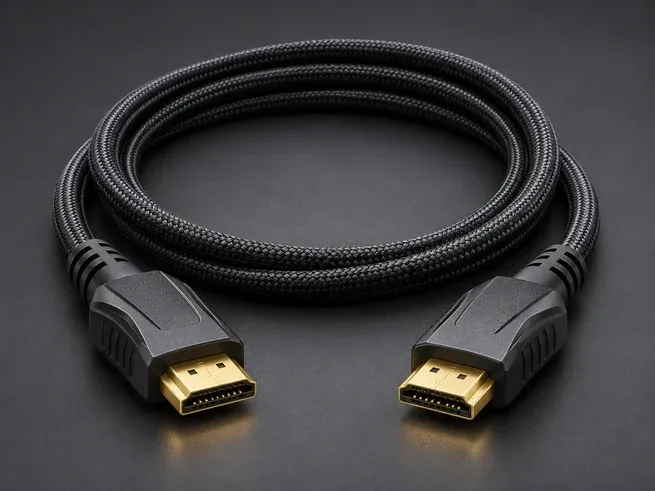
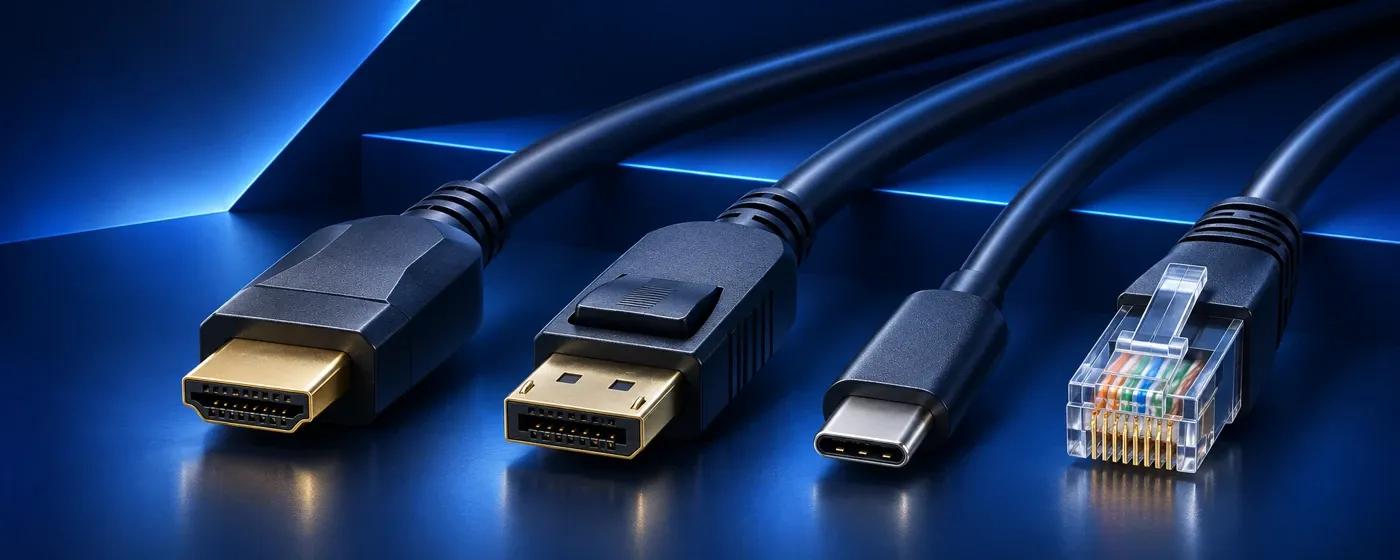
Computer Cables & Connectors
Find the right connection for your screen, desk and computer.
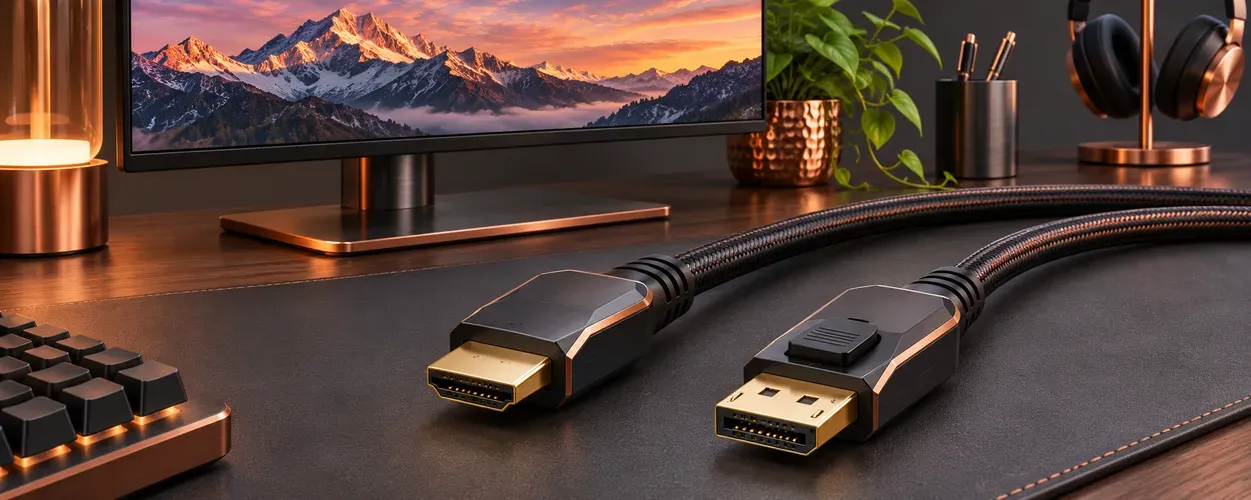
01 / SCREEN CONNECTIONS
A clearer connection starts here
Explore the cable types for monitors, projectors and desktop displays.
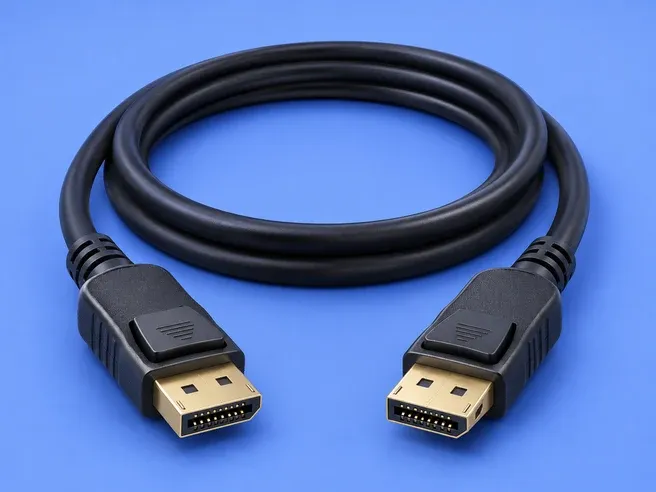
DisplayPort Cables
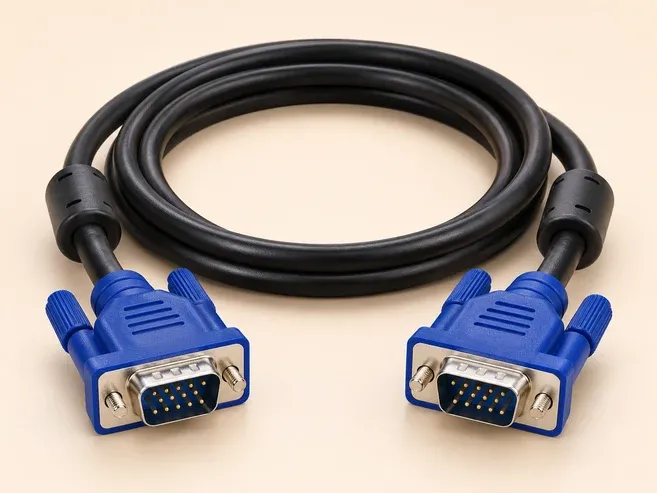
VGA Cables
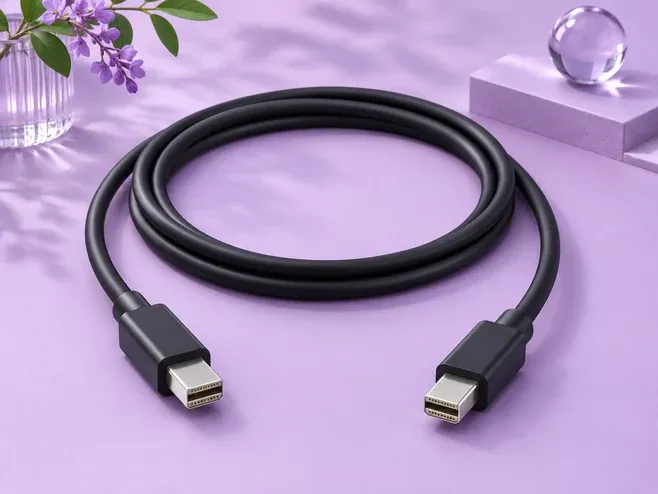
Mini DisplayPort Cables
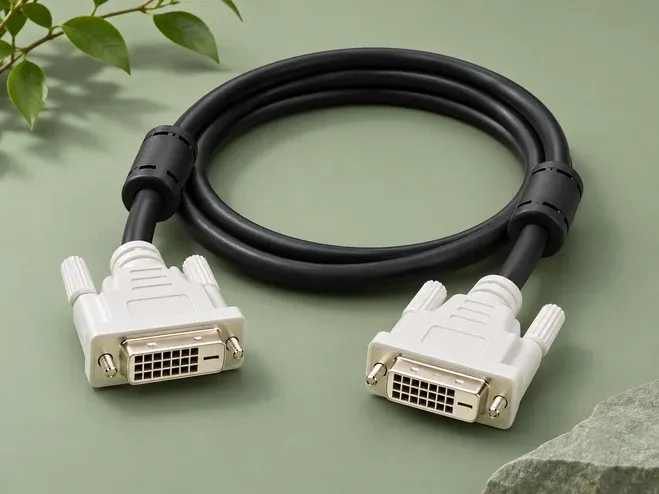
DVI Cables
02 / EVERYDAY CONNECTIVITY
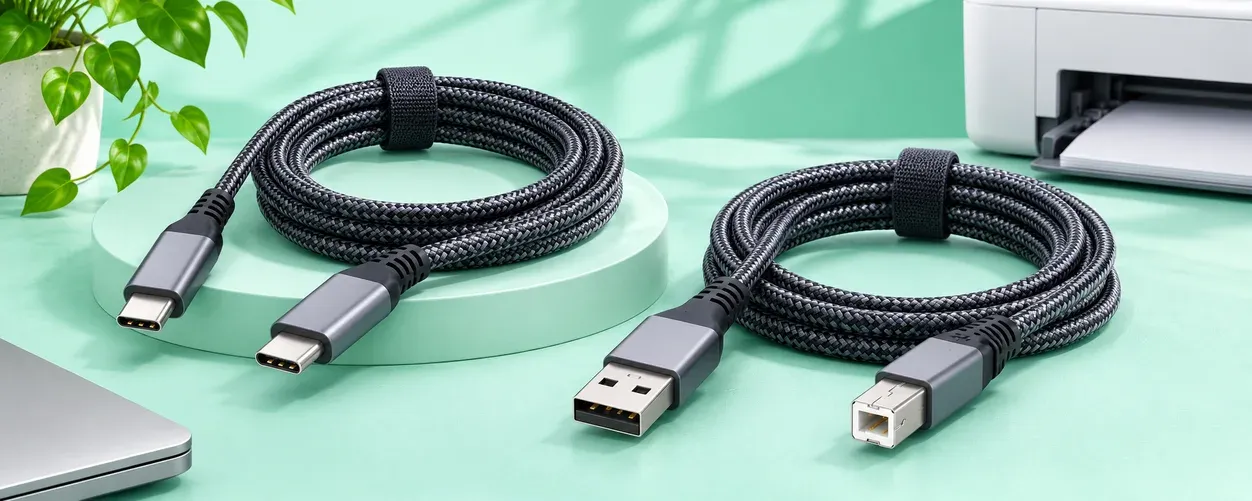
USB cables for your daily setup
Choose both ends of the connection to suit your devices.
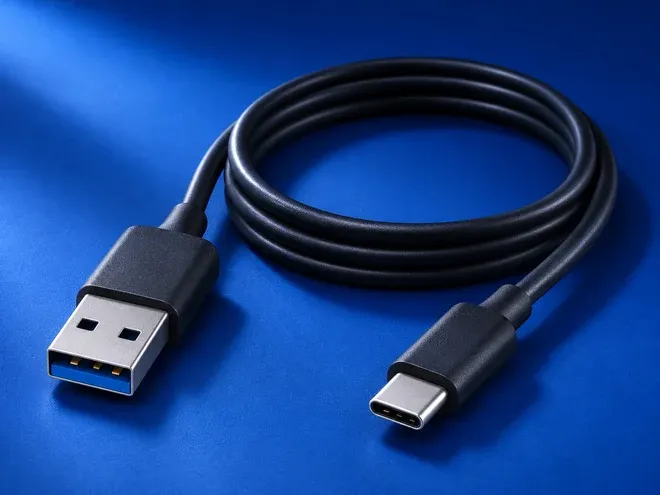
USB-A to USB-C Cables
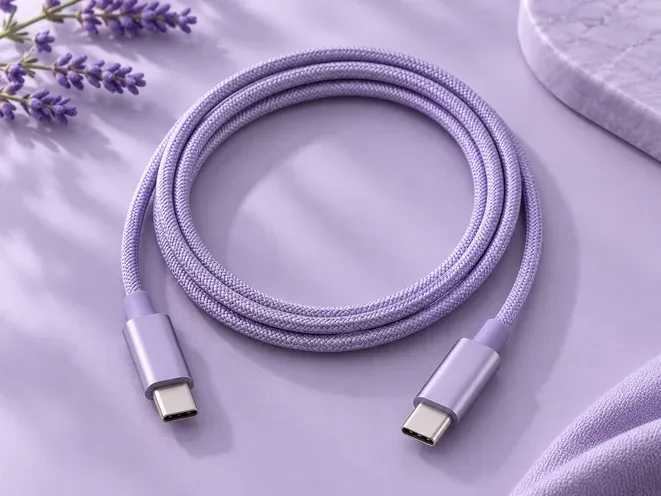
USB-C to USB-C Cables
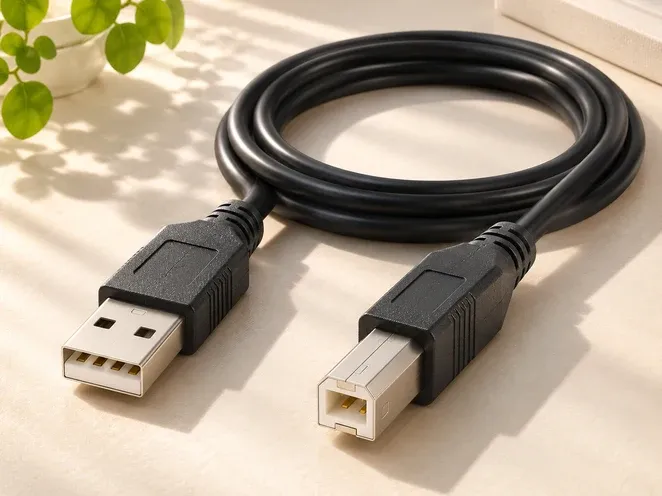
USB-A to USB-B Printer Cables
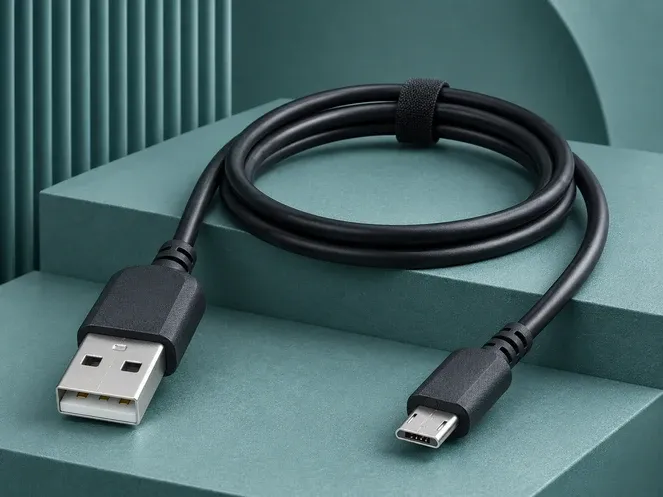
Micro-USB Data Cables
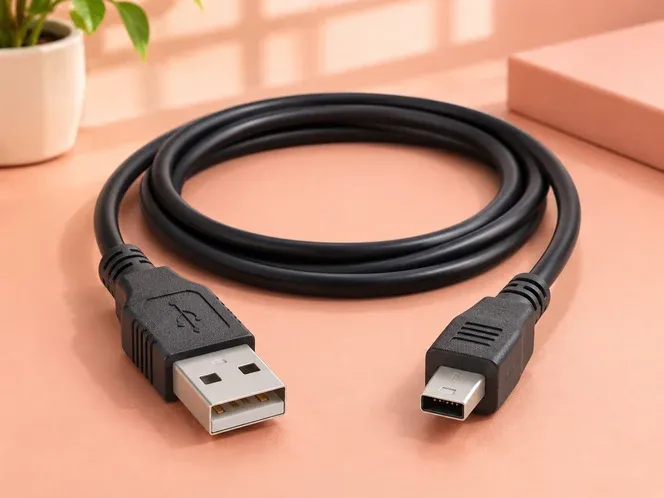
Mini-USB Data Cables
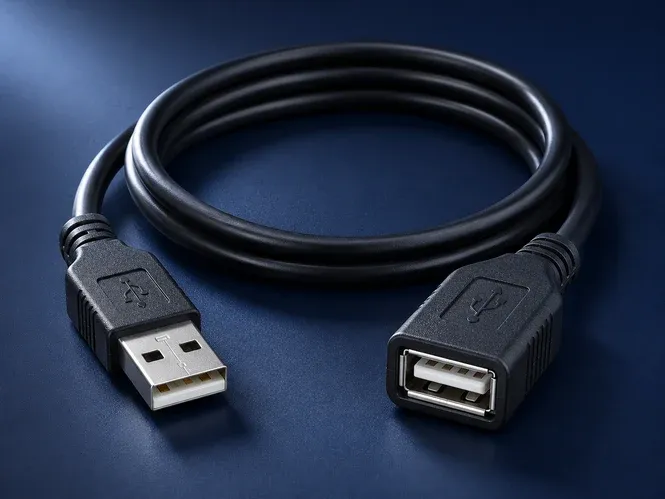
USB Extension Cables
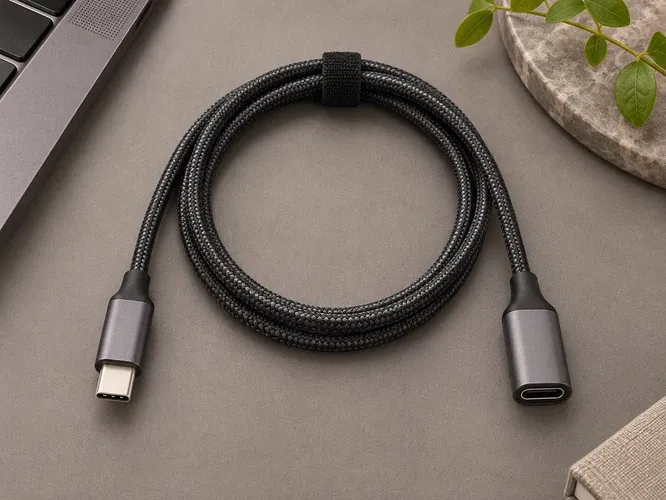
USB-C Extension Cables
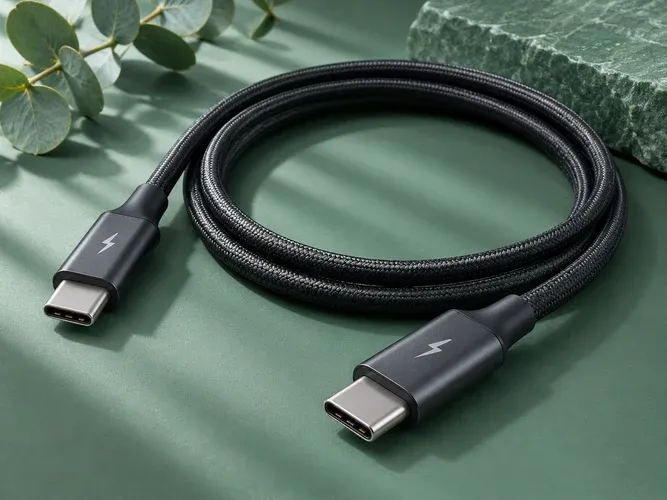
Thunderbolt Cables
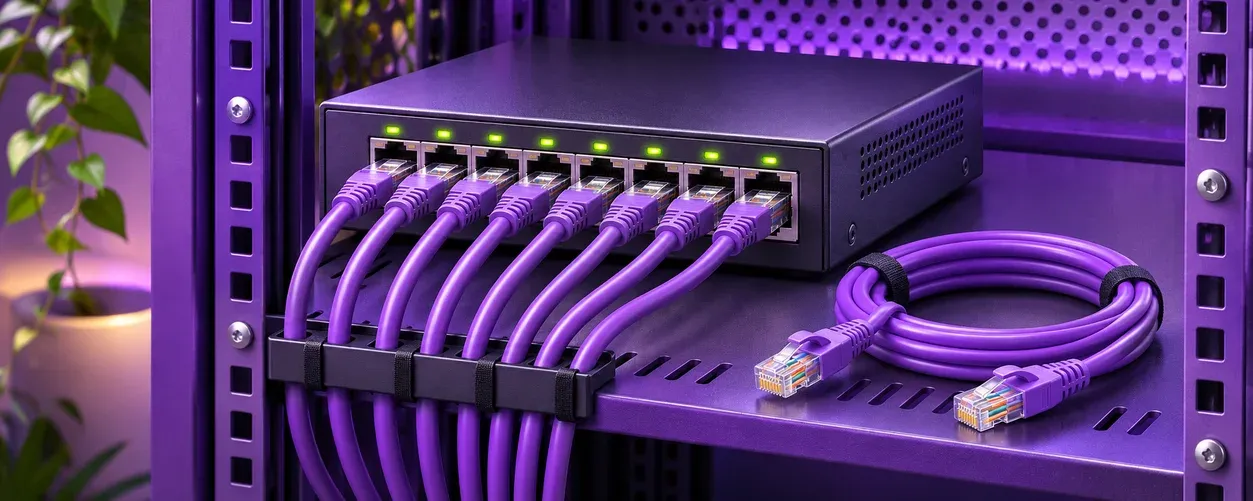
03 / WIRED NETWORKS
Build your wired connection
Ethernet cables and termination accessories, in one place.
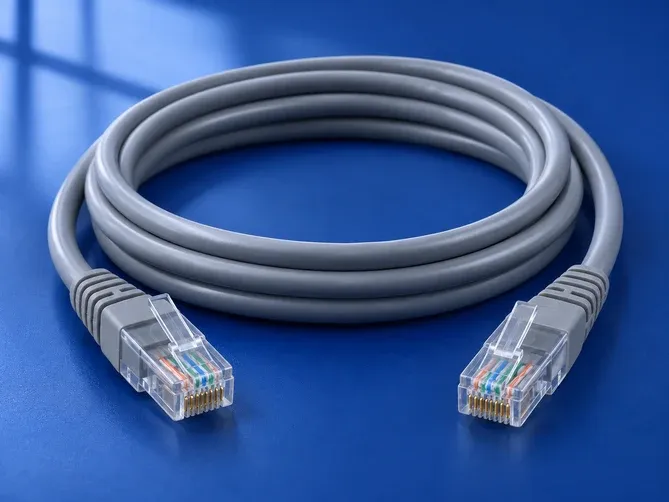
Cat5e Ethernet Cables
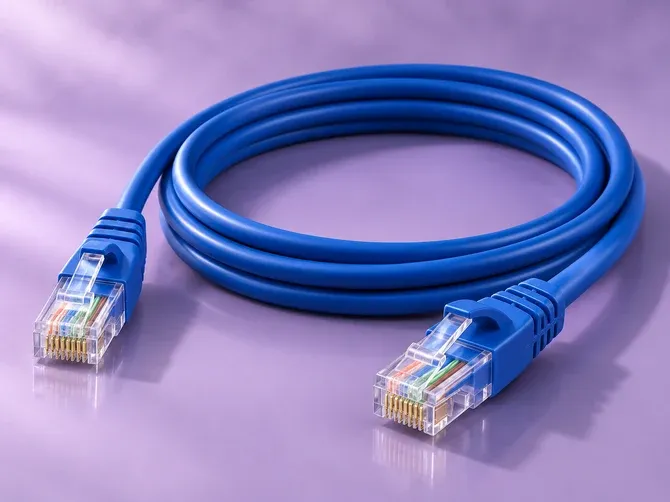
Cat6 Ethernet Cables
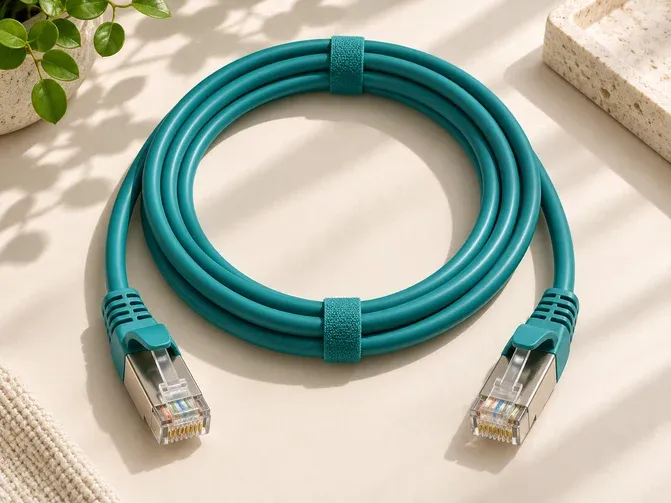
Cat6a Ethernet Cables
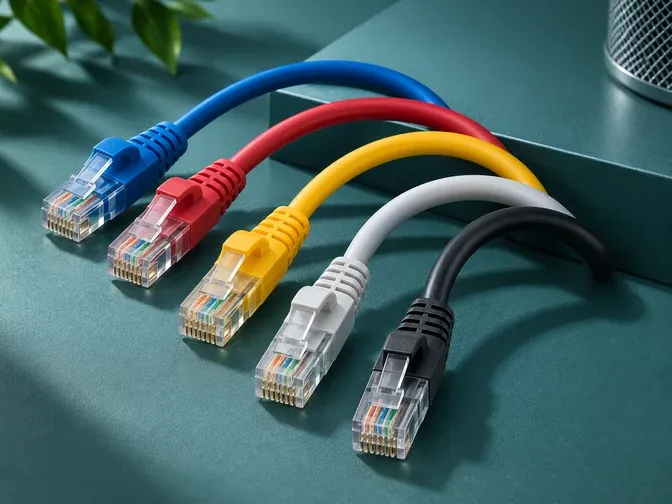
Ethernet Patch Cables
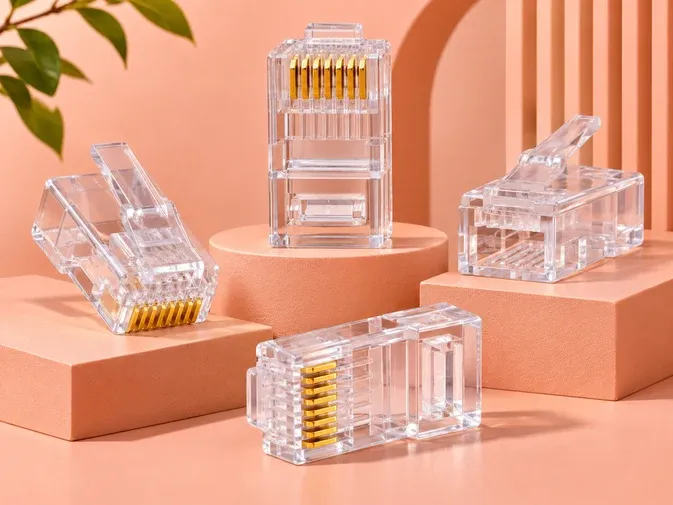
RJ45 Connectors
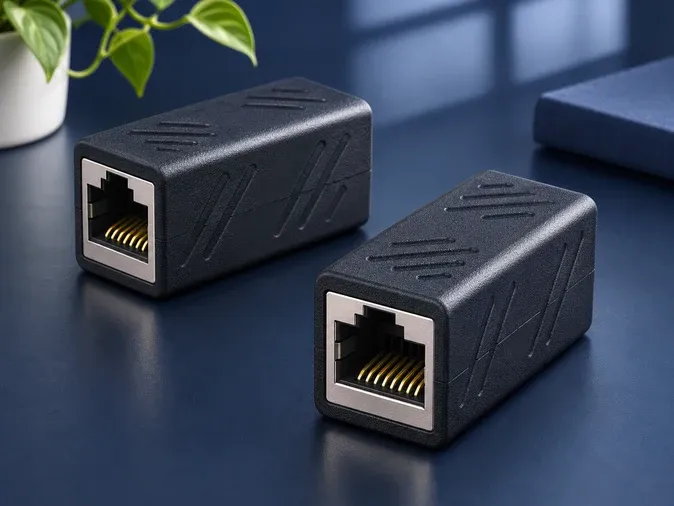
RJ45 Couplers
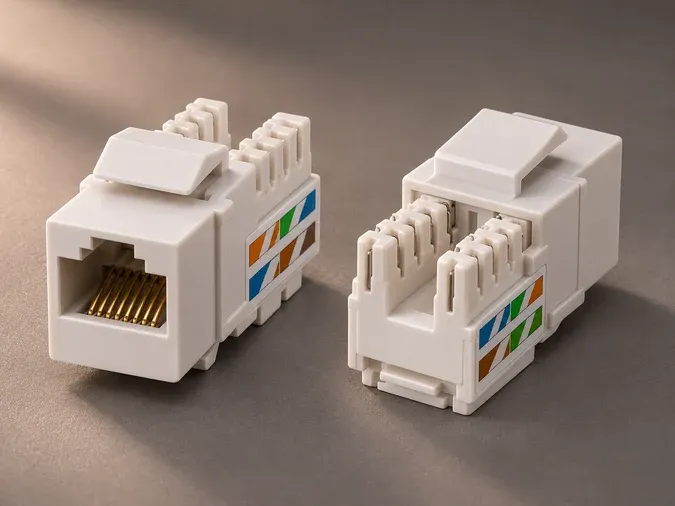
Ethernet Keystone Jacks
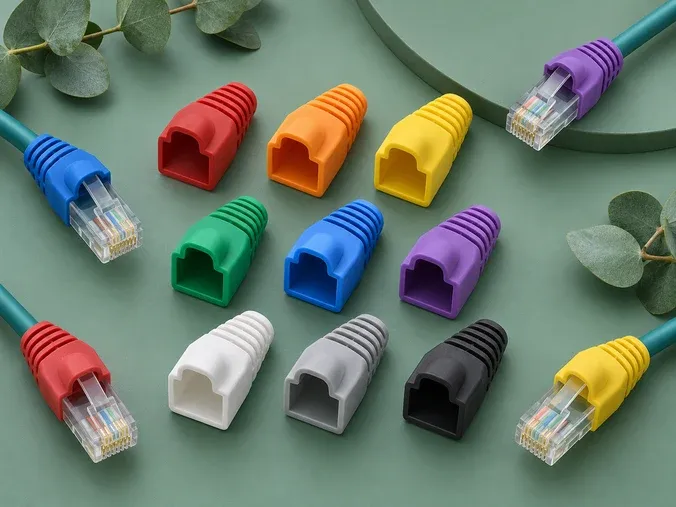
RJ45 Connector Boots
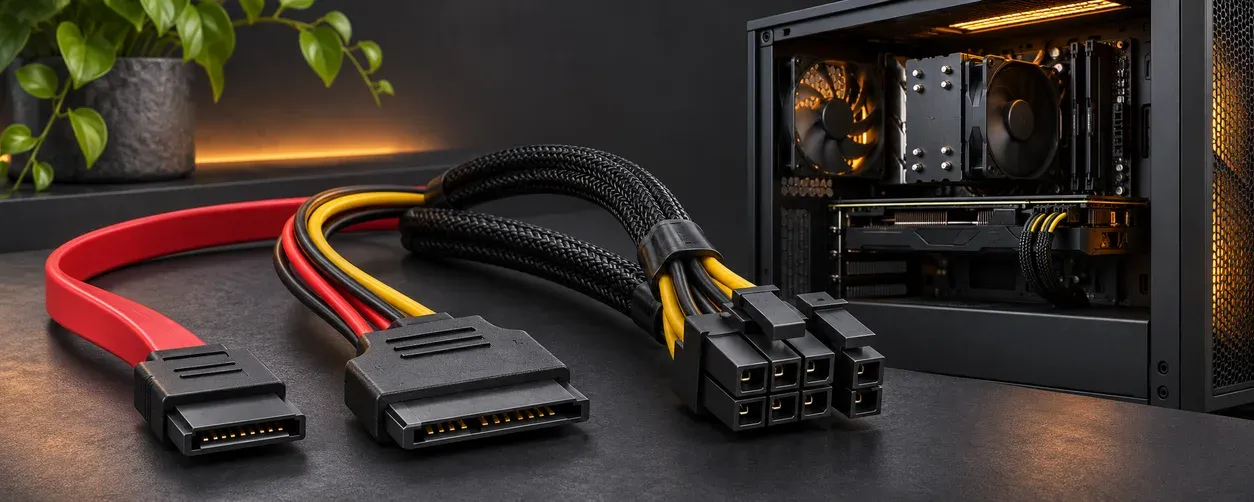
04 / INSIDE THE COMPUTER
Small connections. Essential parts.
Data, power and extension cables for compatible PC components.
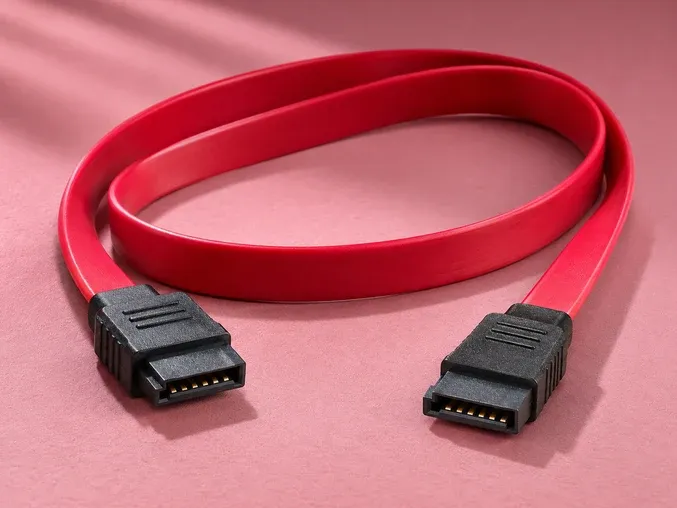
SATA Data Cables
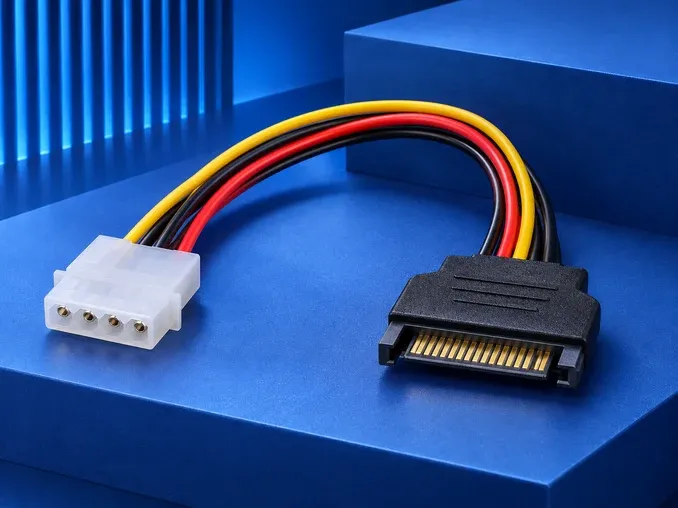
SATA Power Cables
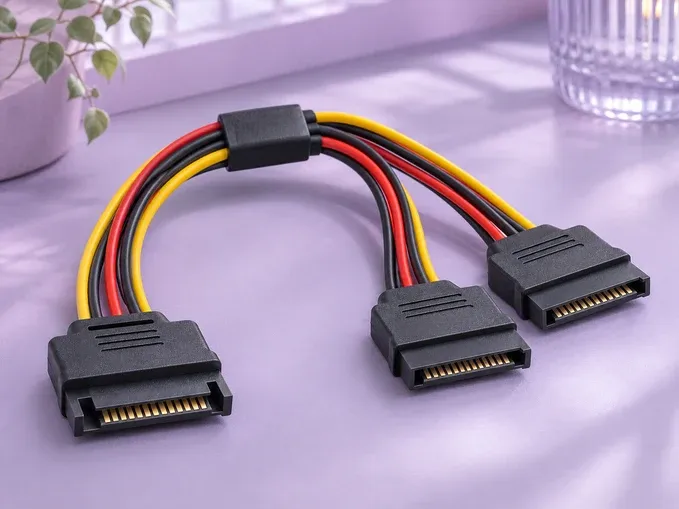
SATA Power Splitters
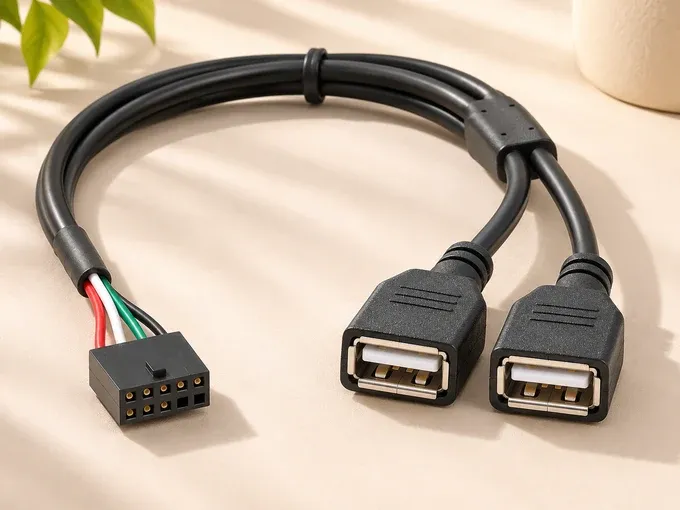
Internal USB Header Cables
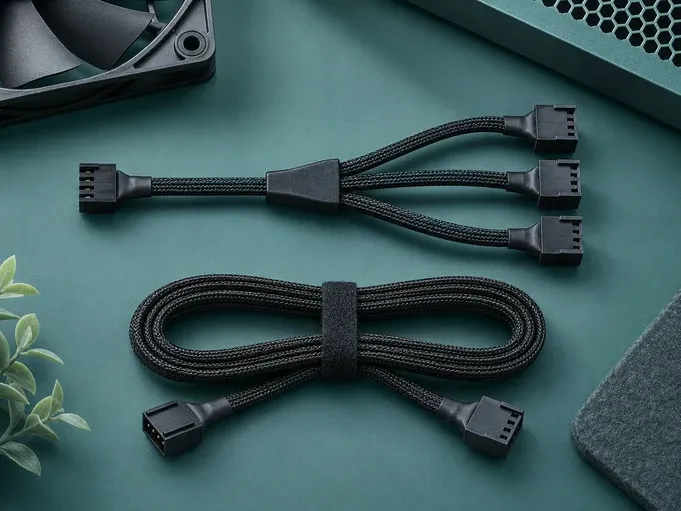
Fan Extension & Splitter Cables
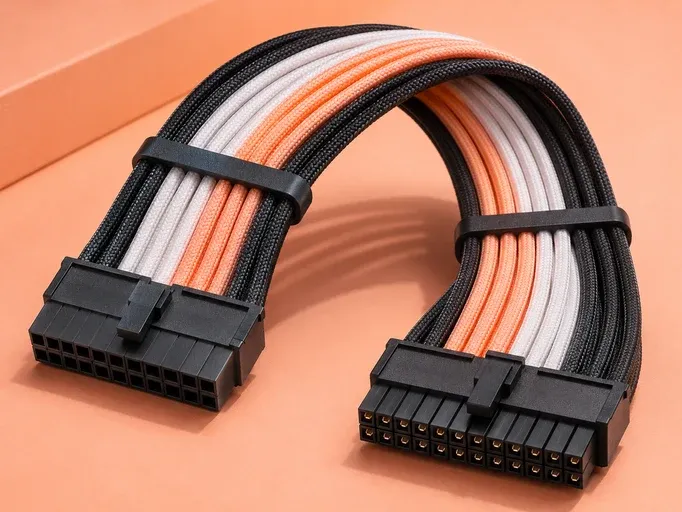
Desktop Power Extension Cables
05 / BRIDGE YOUR PORTS
Different ports? Find the right adapter.
Check conversion direction and source-device support before choosing.
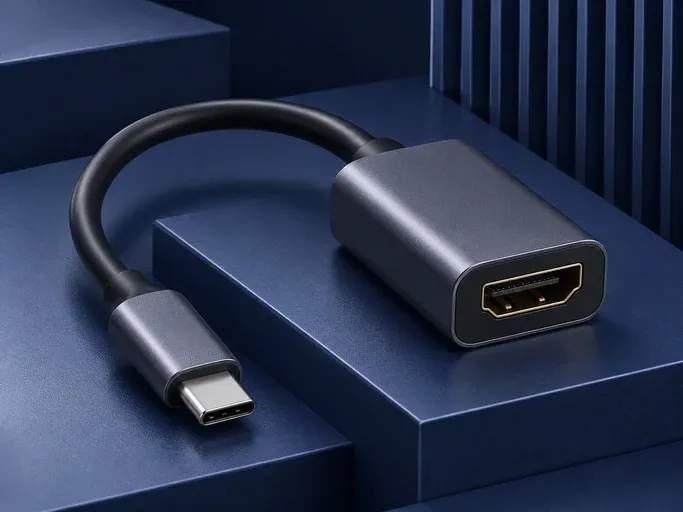
USB-C → HDMI Adapters
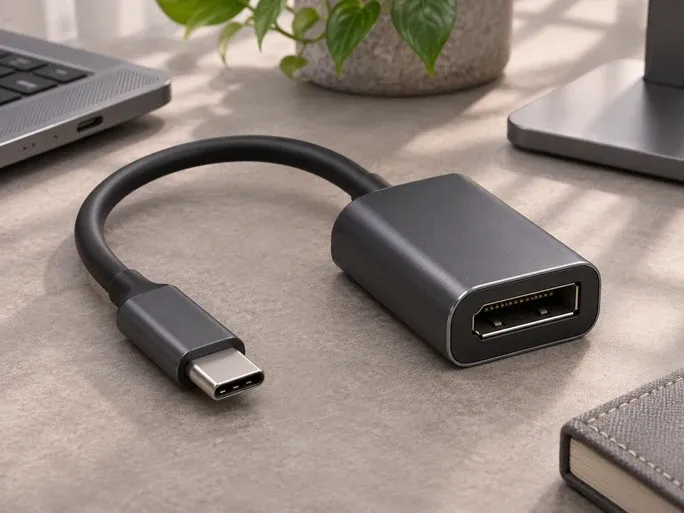
USB-C → DisplayPort Adapters
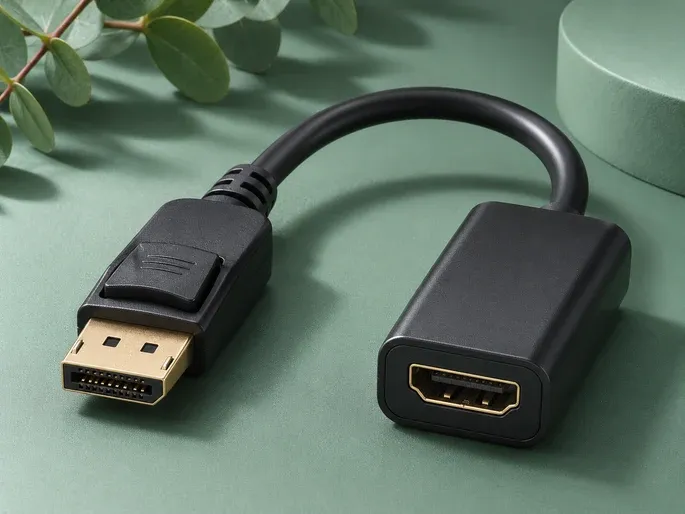
DisplayPort → HDMI Adapters
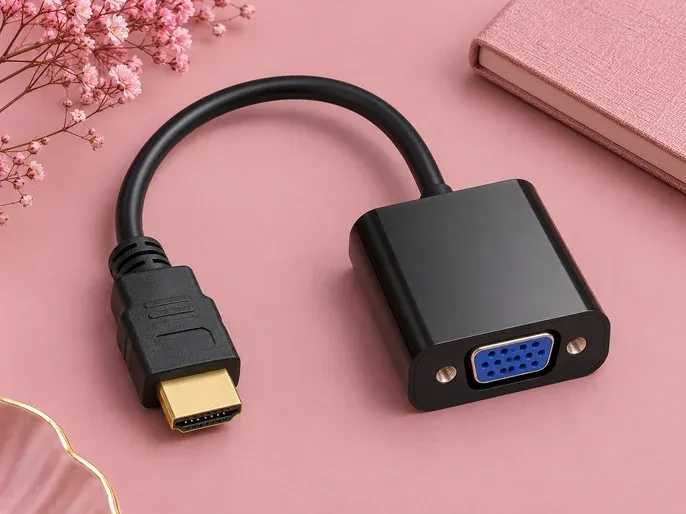
HDMI Source → VGA Display
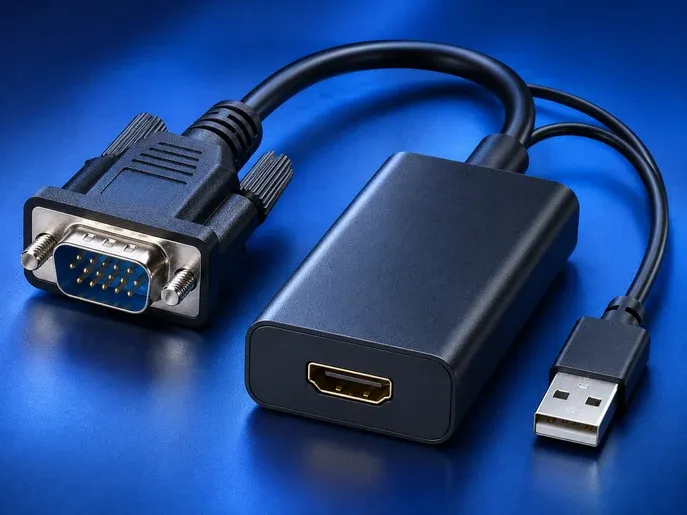
VGA Source → HDMI Display
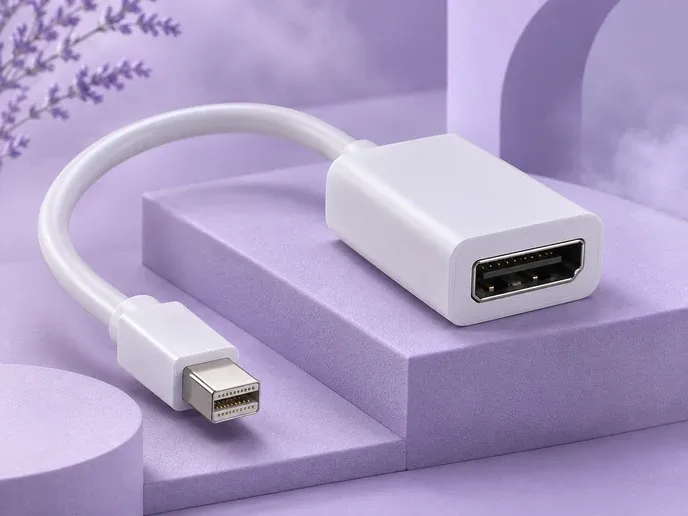
Mini DisplayPort Adapters
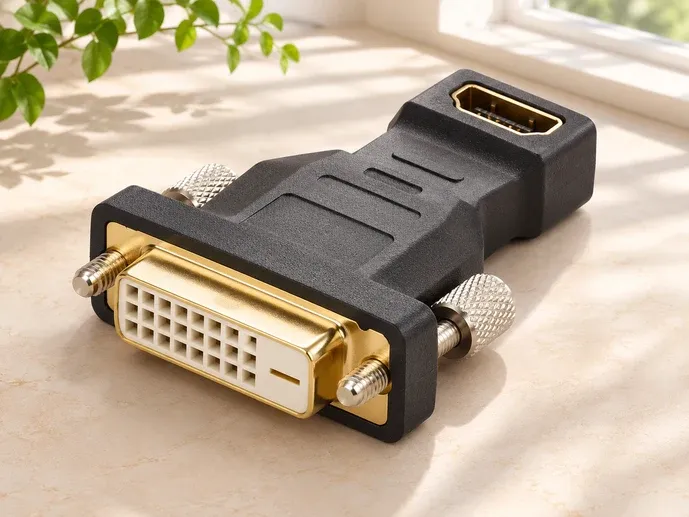
DVI Display Adapters
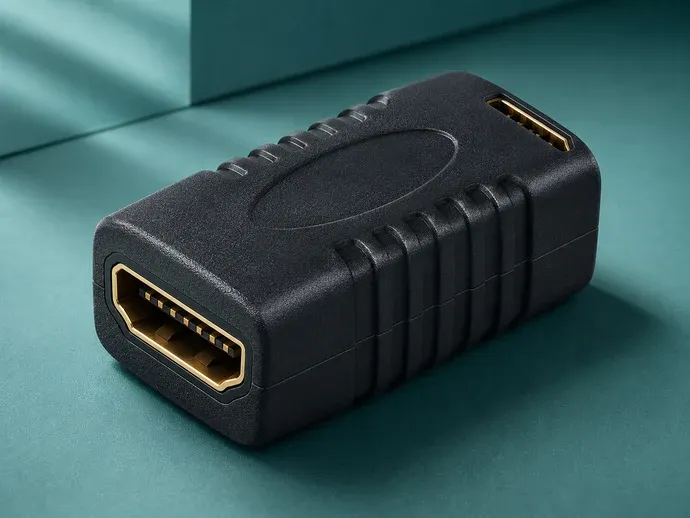
HDMI Couplers
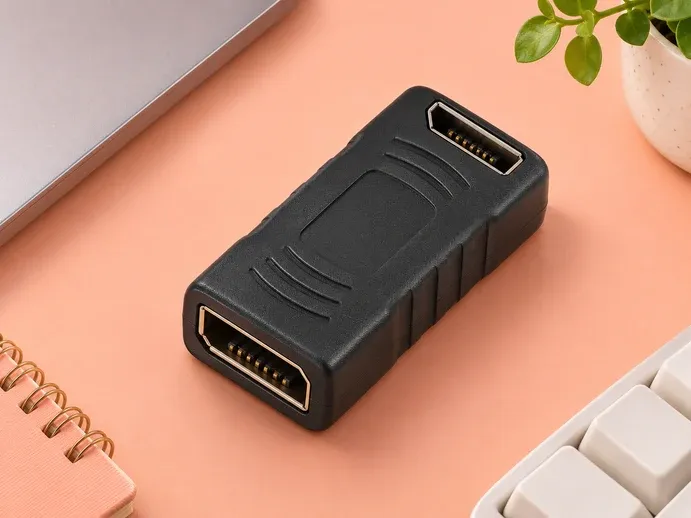
DisplayPort Couplers
06 / DESKTOP ESSENTIALS
Power up. Plug into your audio.
Match connector type and device requirements.
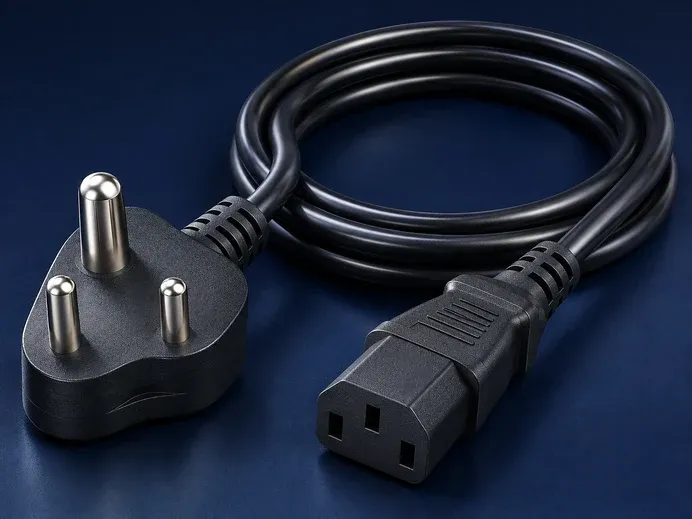
Desktop & Monitor Power Cords
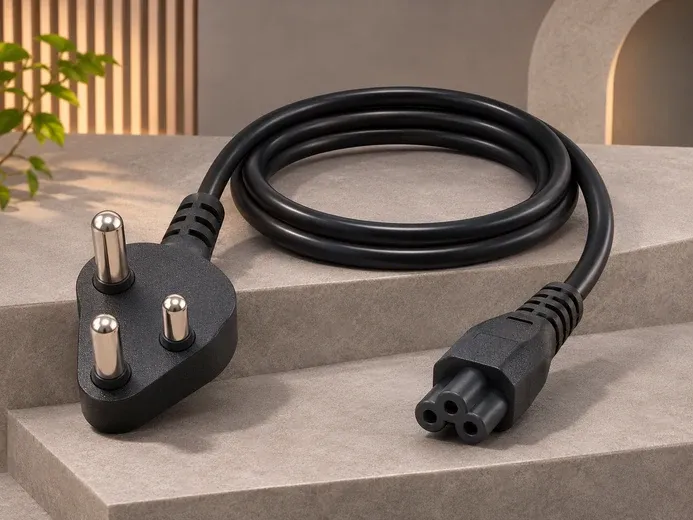
Laptop Adapter AC Power Cords
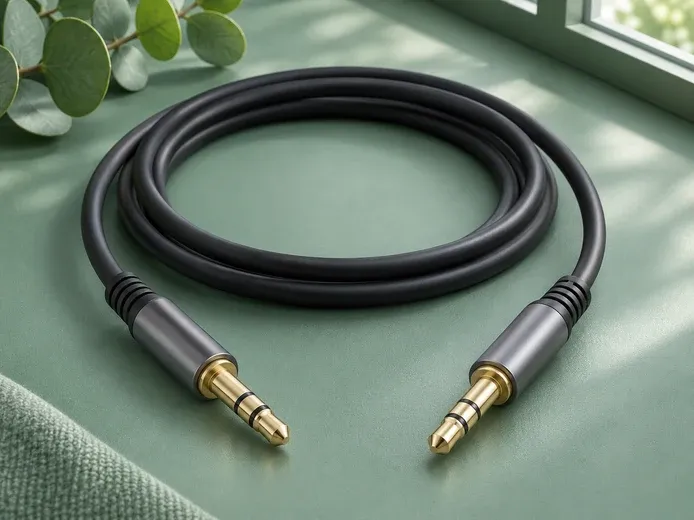
3.5 mm AUX Cables
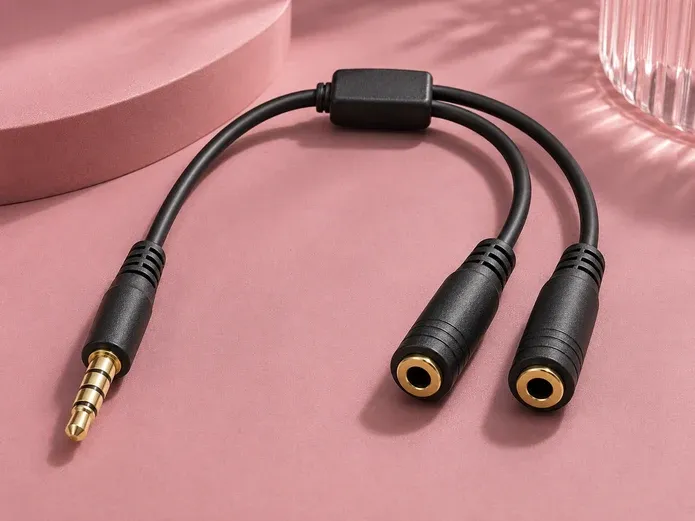
Headset Audio Splitters
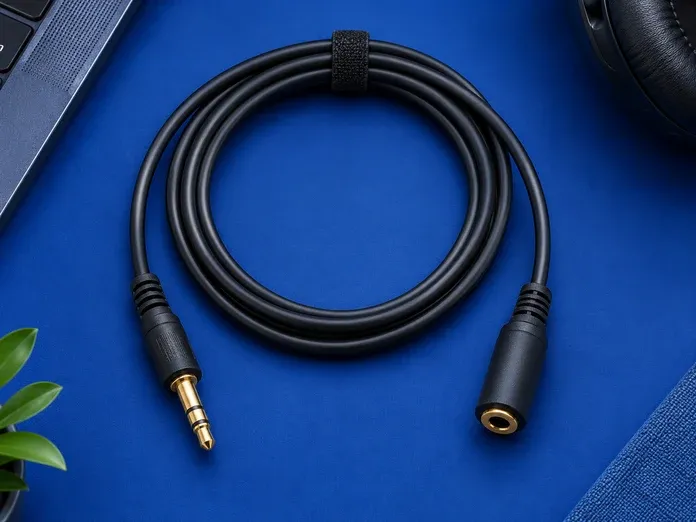
Audio Extension Cables
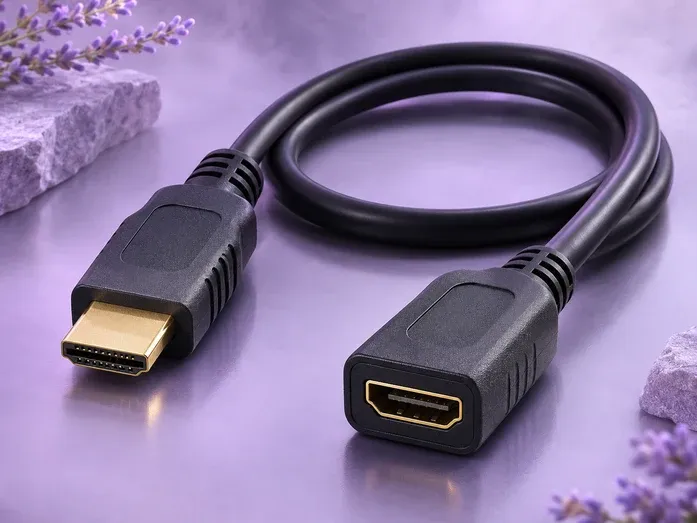
Display Extension Cables
07 / A MORE ORDERED DESK
Finish with a tidy setup
Keep everyday connections organized and easy to identify.
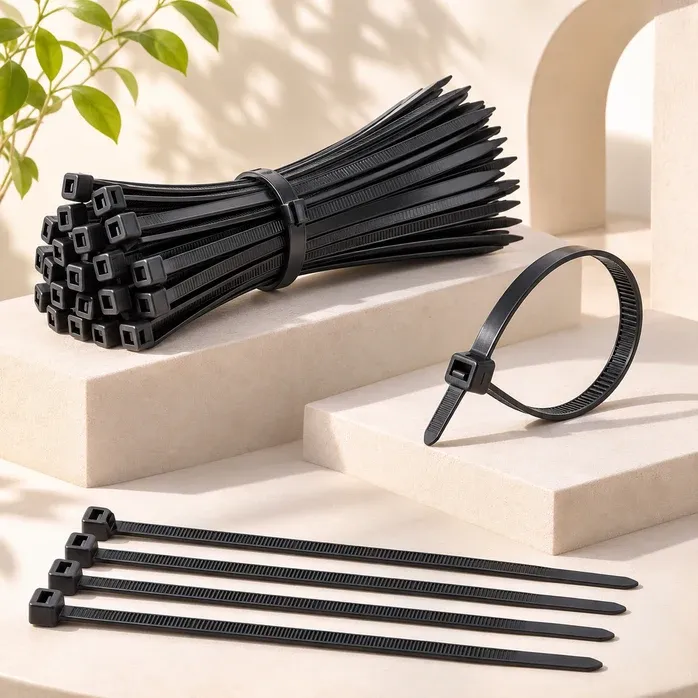
Cable Ties
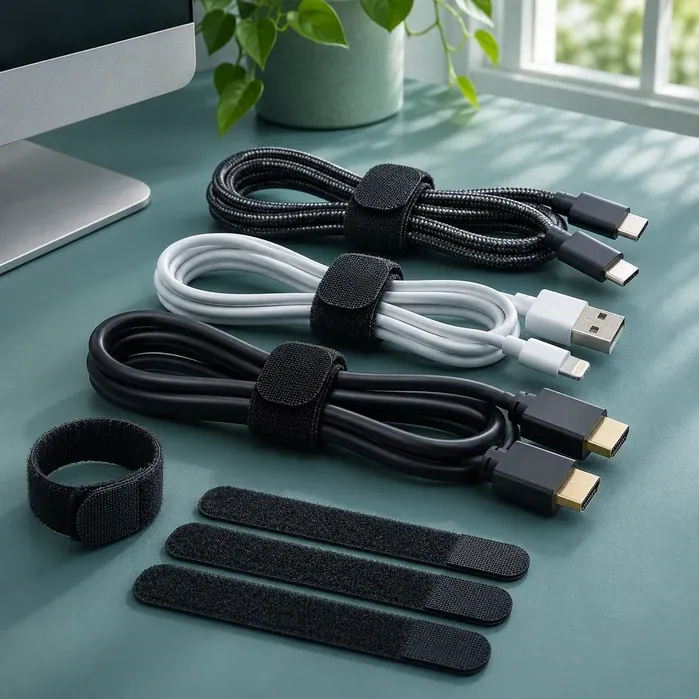
Reusable Cable Straps
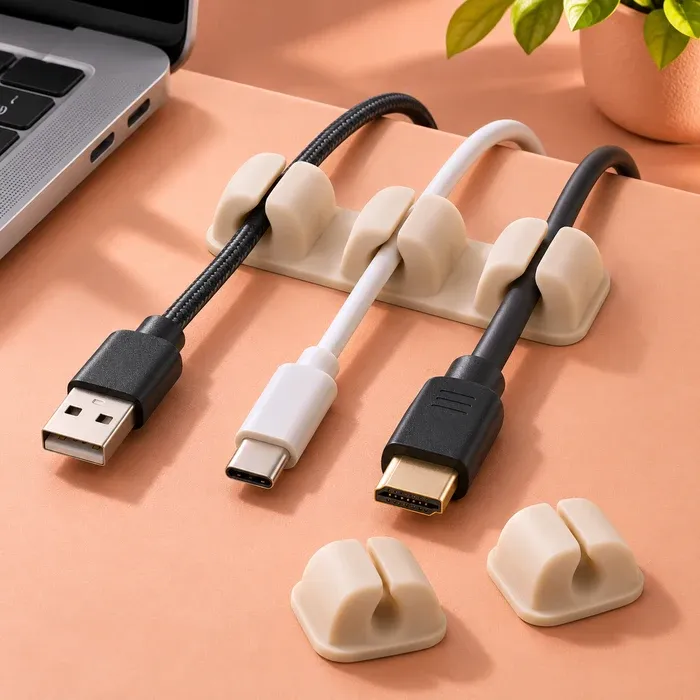
Cable Clips
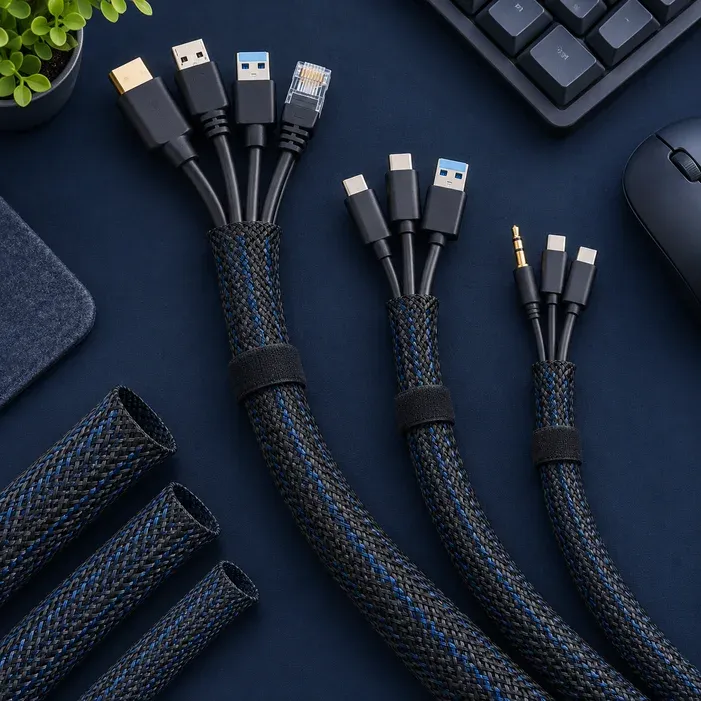
Cable Sleeves
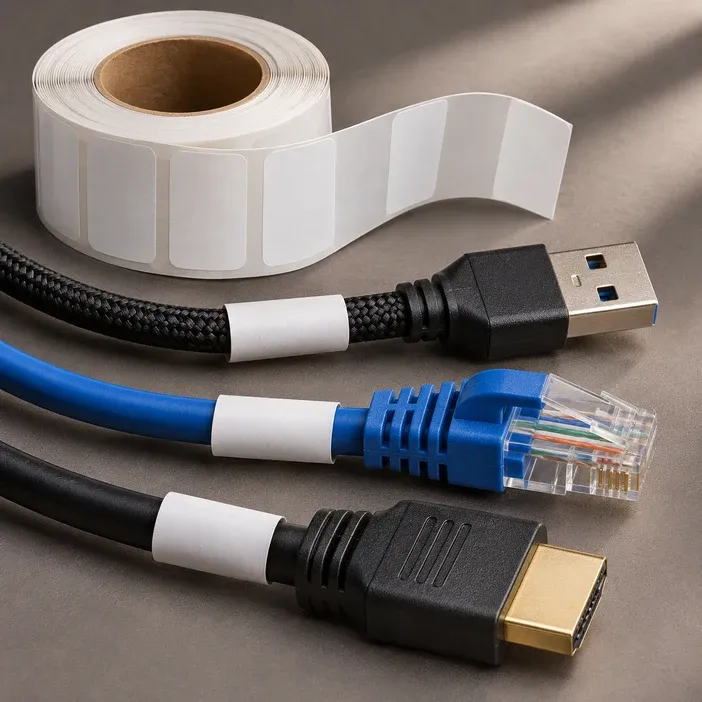
Cable Labels
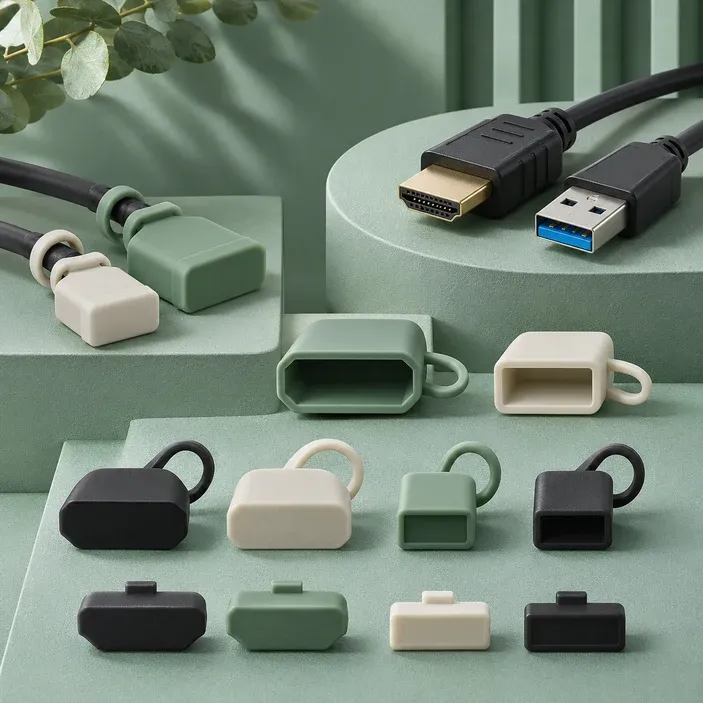
Connector Dust Caps
What are you connecting?
Match the port. Then the capability.
USB-C is a connector shape. Check the cable and device specifications for data speed, charging and video support.
Direction matters. Match the source and display. HDMI → VGA and VGA → HDMI converters serve different directions.
Check power and fit. Confirm connector type, device compatibility and cable rating before choosing power cables.

Select delivery address
Request For Quote
1
Product Details
2
Contact Details
3
Business Details
