


COMPACT SYSTEMS
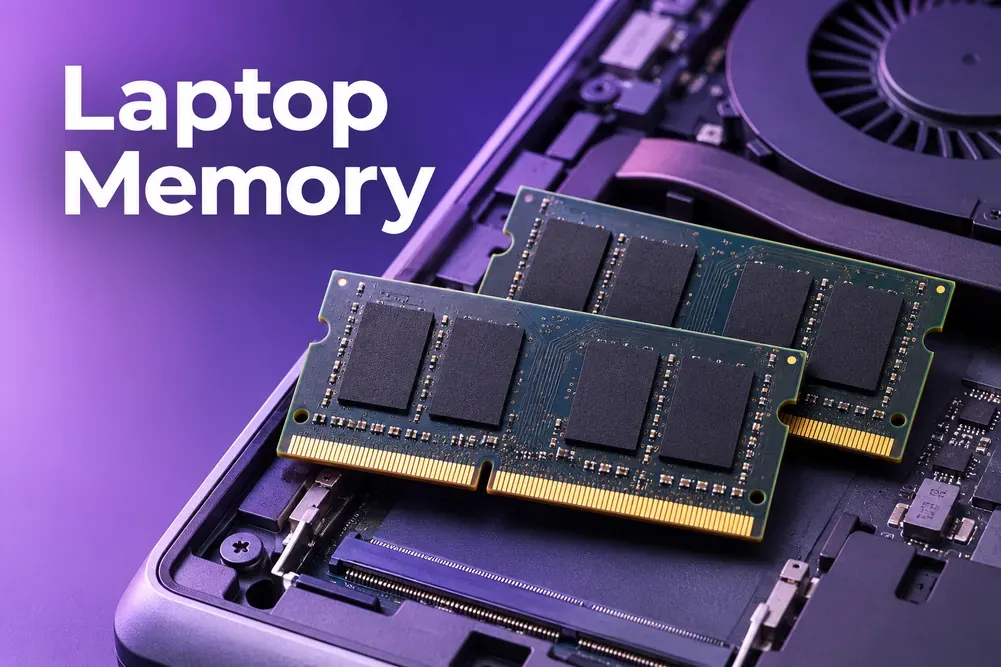
Laptop RAM
SO-DIMM format
DDR3 / DDR3LDDR4DDR5
RAM_Storage_Laptop_RAM_01_image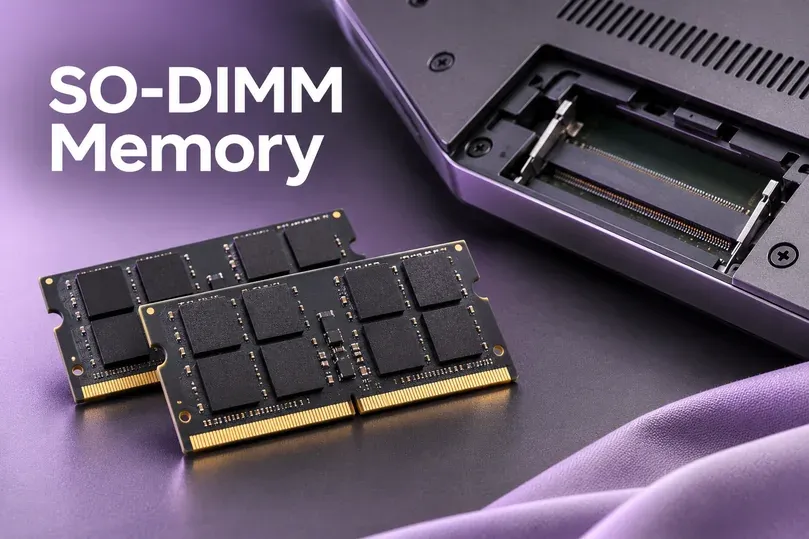


Type at least 3 characters.
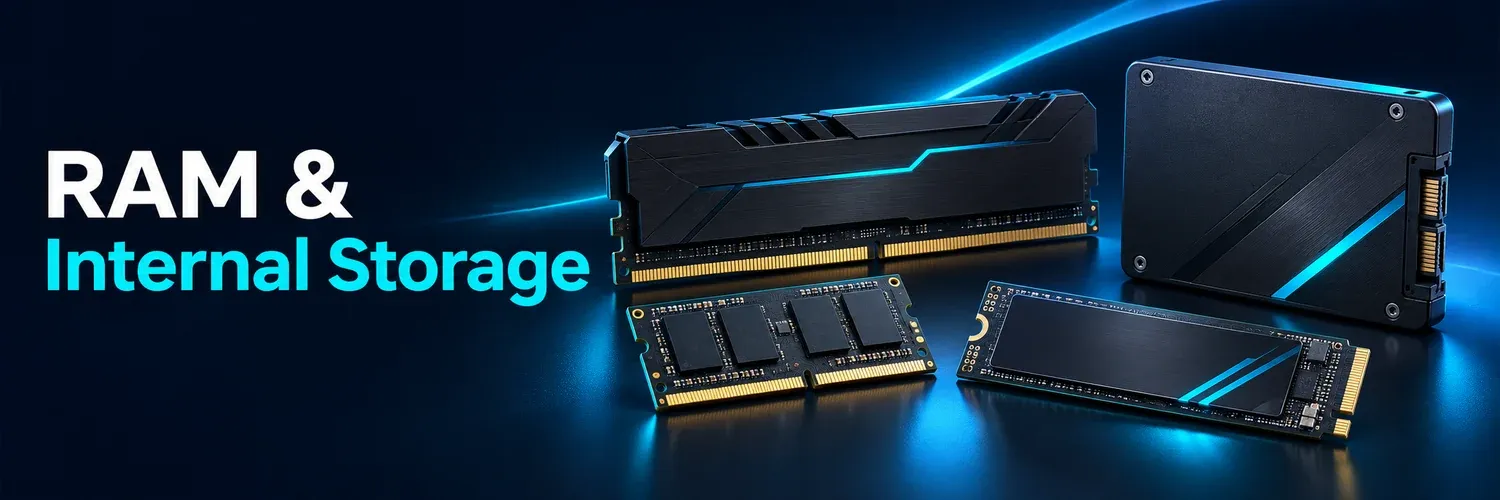





































Find the right format. Make room for more.
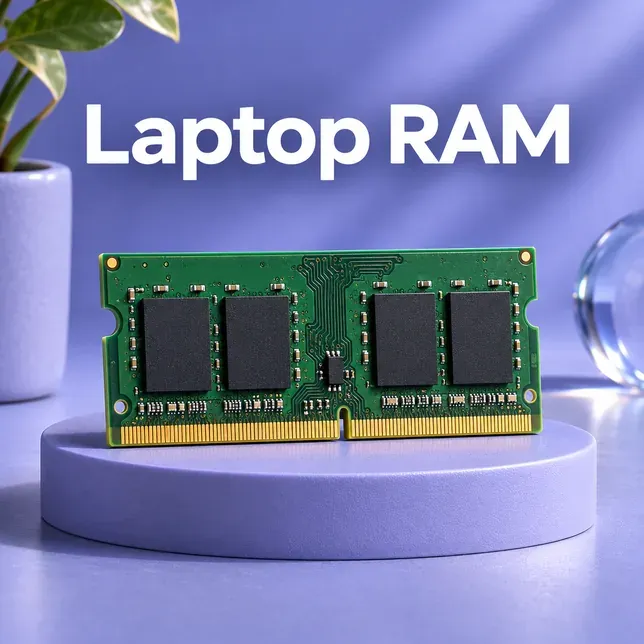
SO-DIMM memory
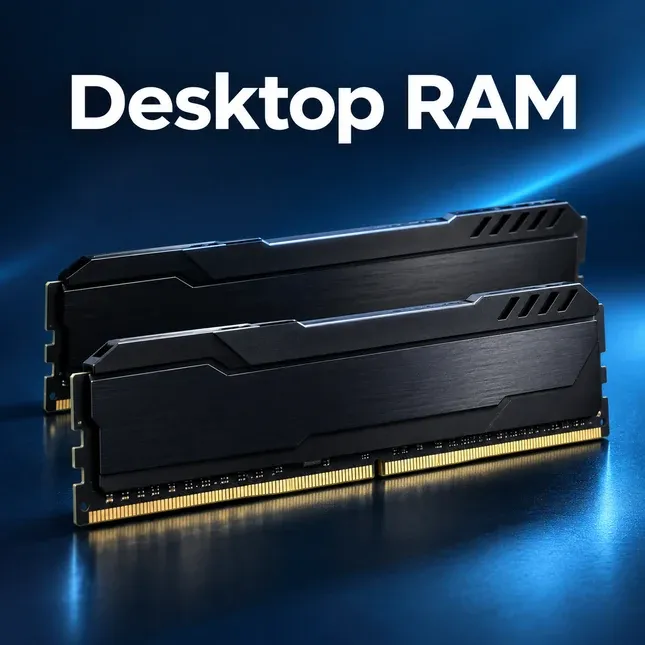
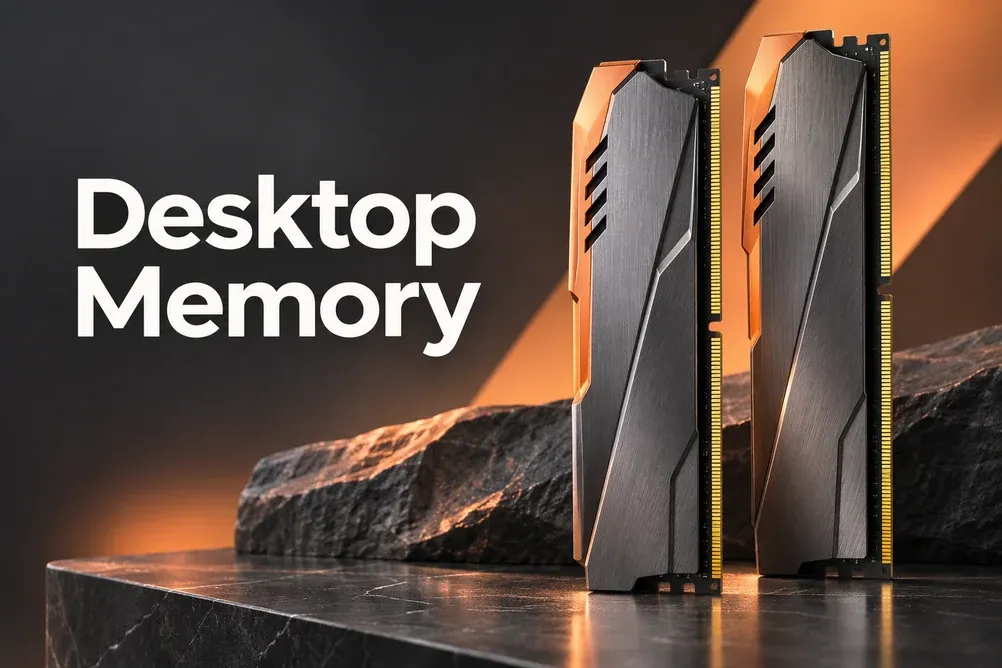
DIMM memory
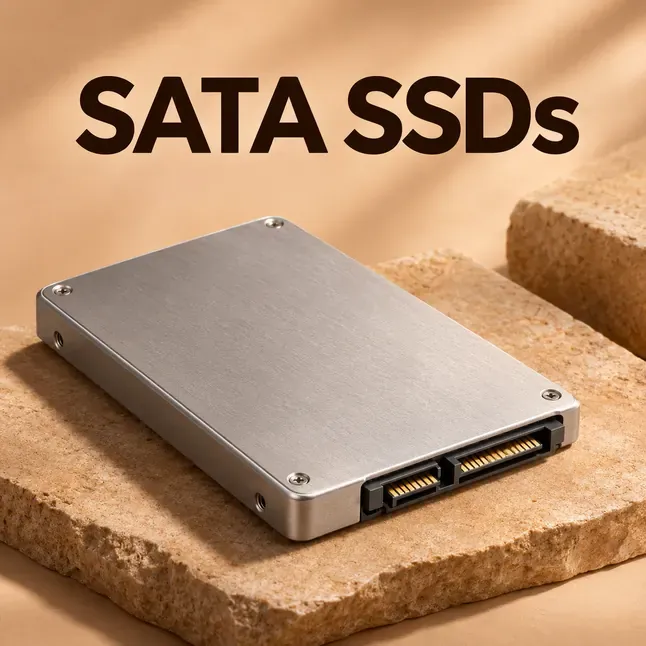
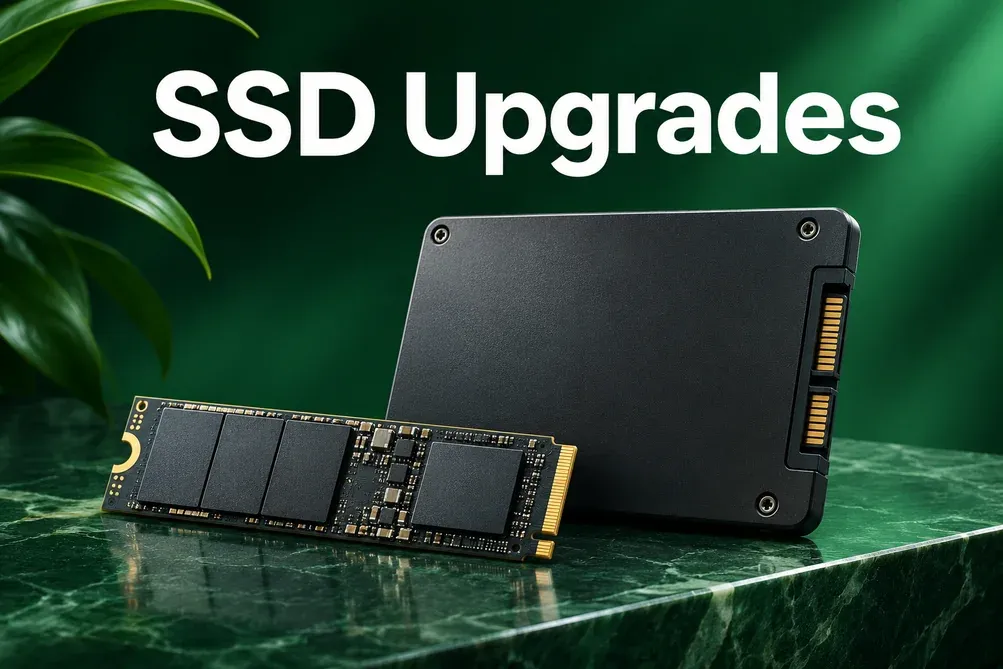
2.5-inch & M.2
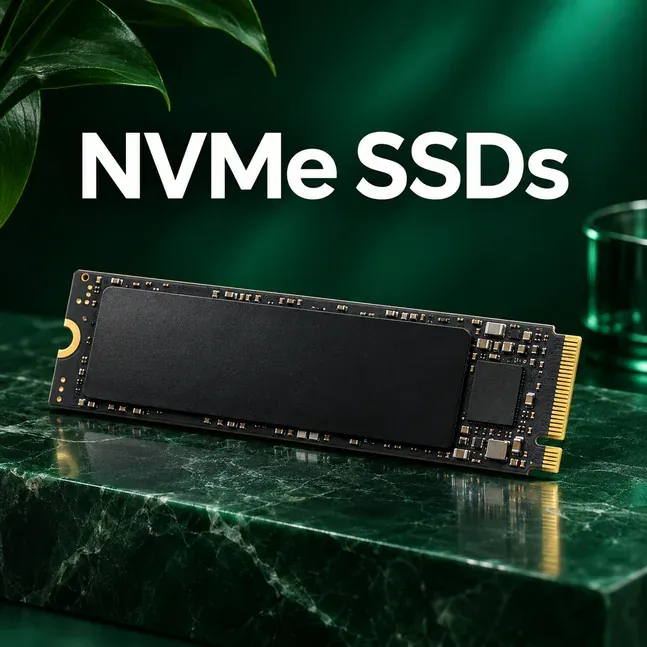
PCIe storage
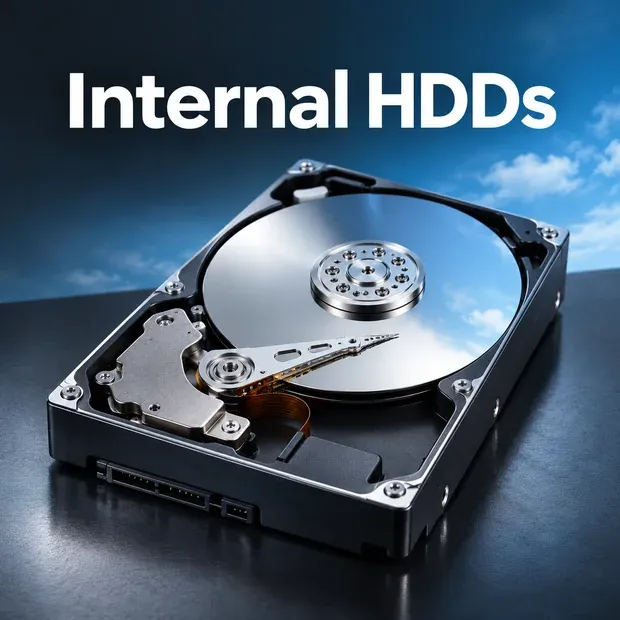
Laptop, desktop & more

Installation essentials
Start with the correct form factor.
SO-DIMM format
DIMM format
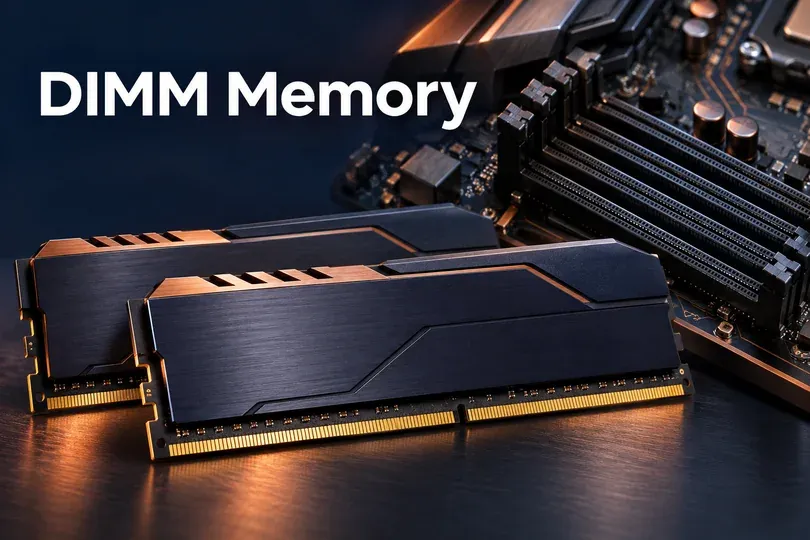
Check supported speeds and memory profiles.
Confirm ECC type, CPU and motherboard support.
Memory generations and form factors are not interchangeable. Confirm the exact module type supported by your system.
Choose the interface your system supports.
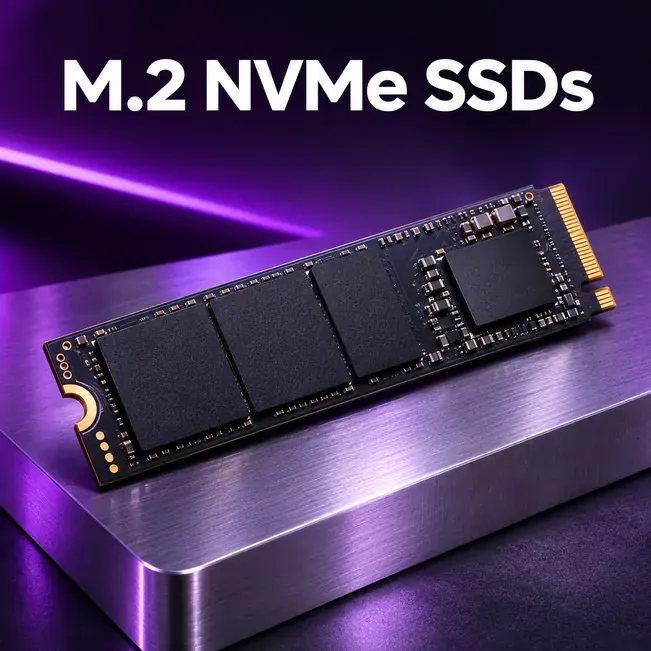
PCIe storage for compatible M.2 slots.
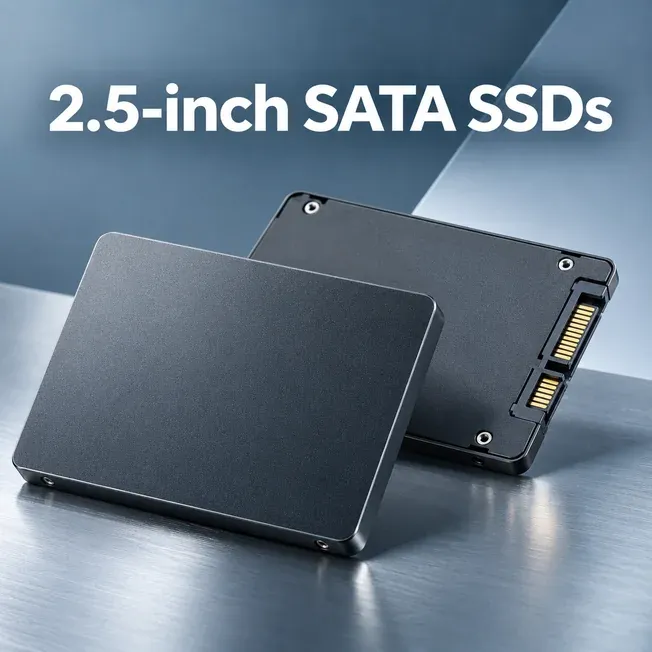
Check SATA support and drive-bay dimensions.
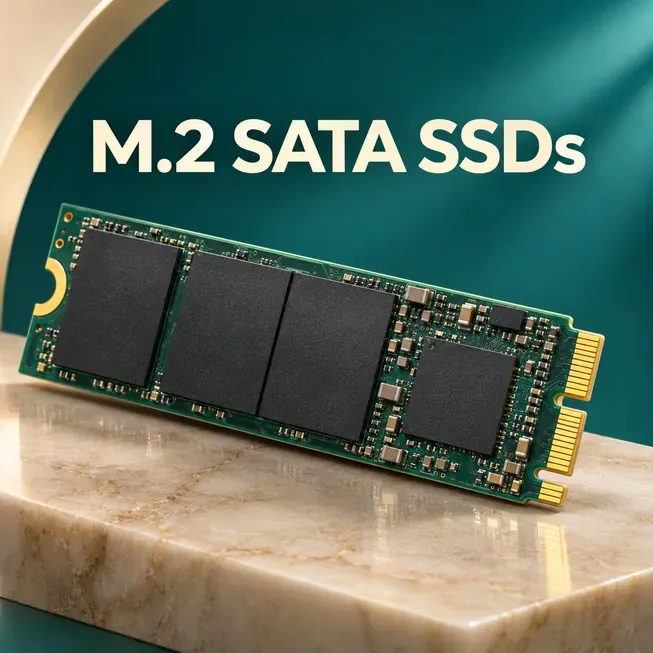
An M.2 shape with a SATA interface.
M.2 describes a form factor. SATA and NVMe use different interfaces; check slot protocol, keying and supported drive length.
Storage for different systems and workloads.
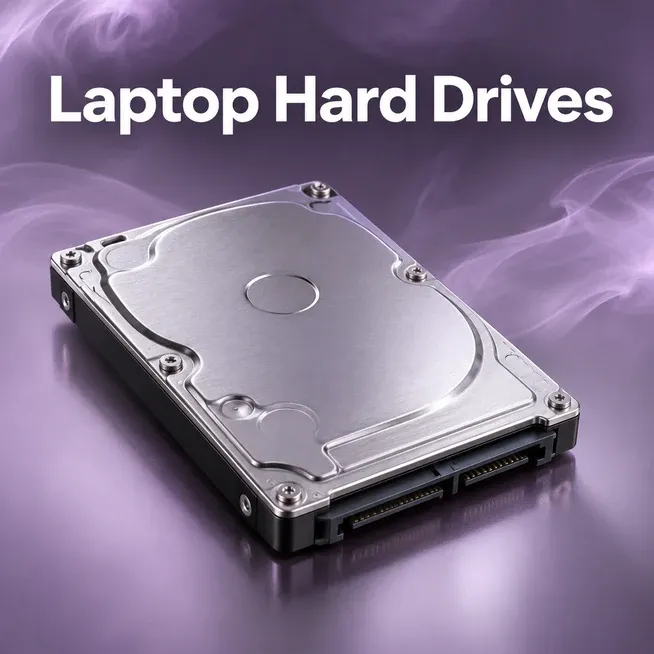
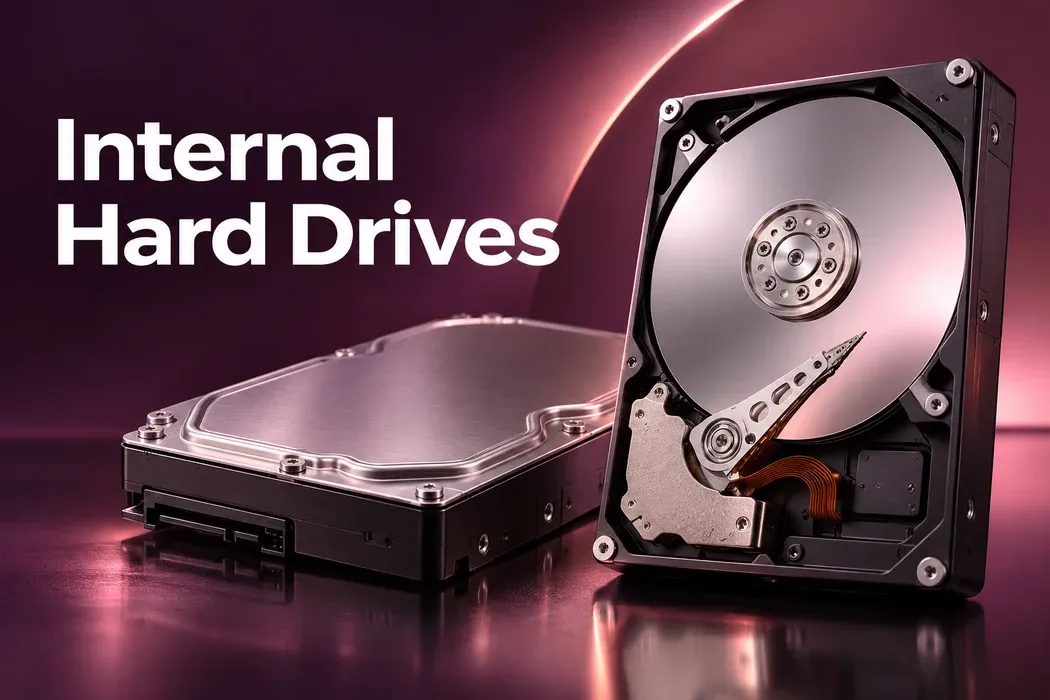
2.5-inch • check drive thickness
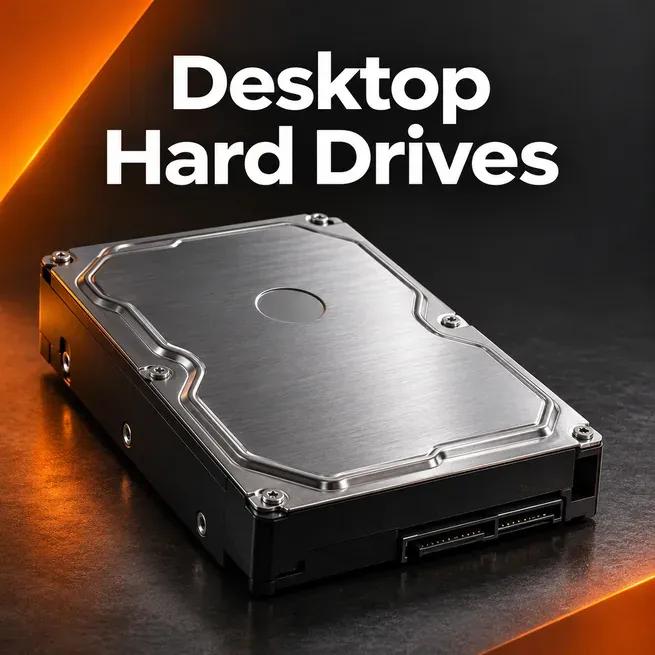
3.5-inch • check bay and interface

Check your NAS compatibility list

Check recorder support
Check per-slot and total system limits, and whether capacity refers to one module or a kit.
Choose a supported drive capacity for your system. These are browsing ranges, not stock listings.
Build around what you do.

Explore memory and storage upgrades.
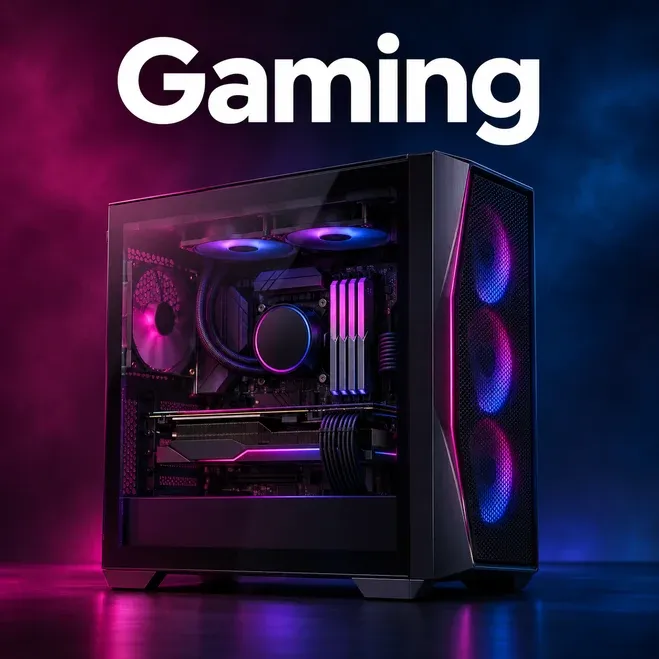
Compare performance RAM and NVMe options.

Plan memory and project storage together.

Check ECC support and platform limits.
The small parts that complete your upgrade.
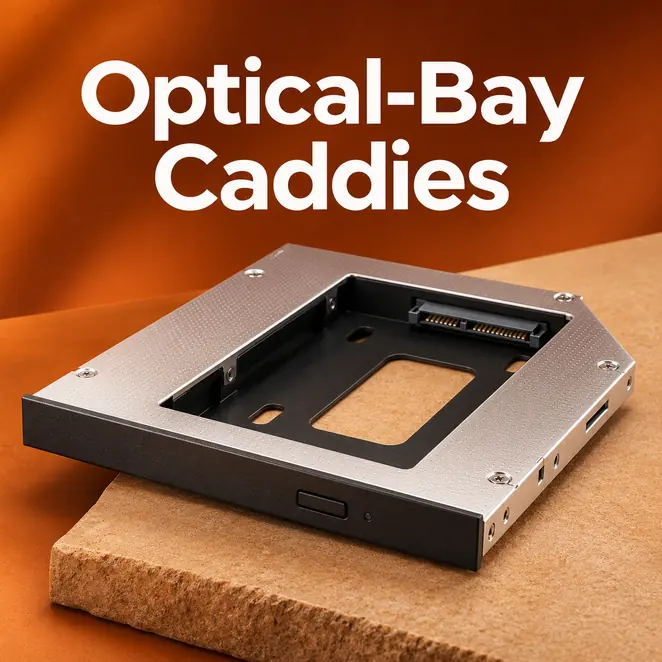
Match bay thickness and connector.
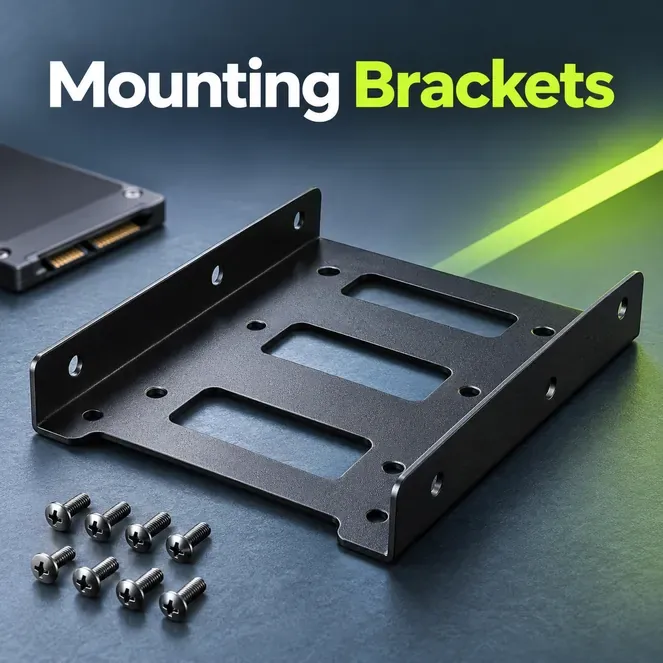
2.5-inch to 3.5-inch adapters.

Match thread and mounting position.
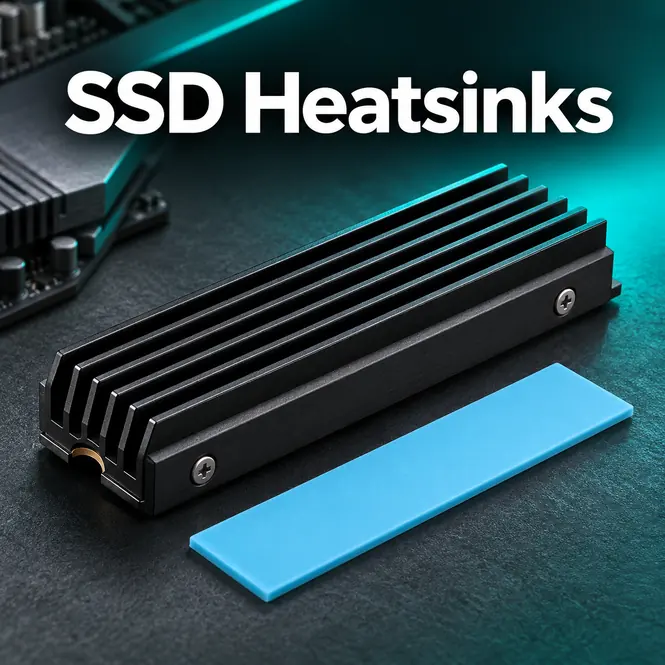
Check drive and enclosure clearance.

For compatible SATA connections.

Check pinout and power requirements.

Match slot, protocol and boot support.
Memory & SSDs
Memory & SSDs
Memory & SSDs
Memory
Memory & SSDs
SSDs
SSDs & hard drives
SSDs & hard drives
Memory & SSDs
Explore by brand and product type. Confirm the exact model, compatibility and availability before ordering.
A quick fit check helps you choose correctly.
Check your device manual for SO-DIMM or DIMM support, DDR generation, voltage, maximum capacity per slot and total memory limit. ECC, registered and unbuffered modules require specific platform support.
Confirm SATA or PCIe/NVMe support. For M.2 drives, verify keying, supported length and heatsink clearance. A matching connector alone does not guarantee compatibility.
Match the 2.5-inch or 3.5-inch bay, drive thickness, interface and power connections. For NAS systems and recorders, consult the device compatibility list.
Match optical-bay caddy thickness, connector and drive dimensions. Check mounting holes, screws and bracket clearance before installation.

We use cookies to improve user experience, and analyze website traffic. For these reasons, we may share your site usage data with our analytics partners. By continuing to the site, you consent to store on your device all the technologies described in our cookie policy. Here is the the cookie policy
