
Replacement Laptop Batteries
Browse by your exact laptop model.


Type at least 3 characters.





































Laptop Batteries
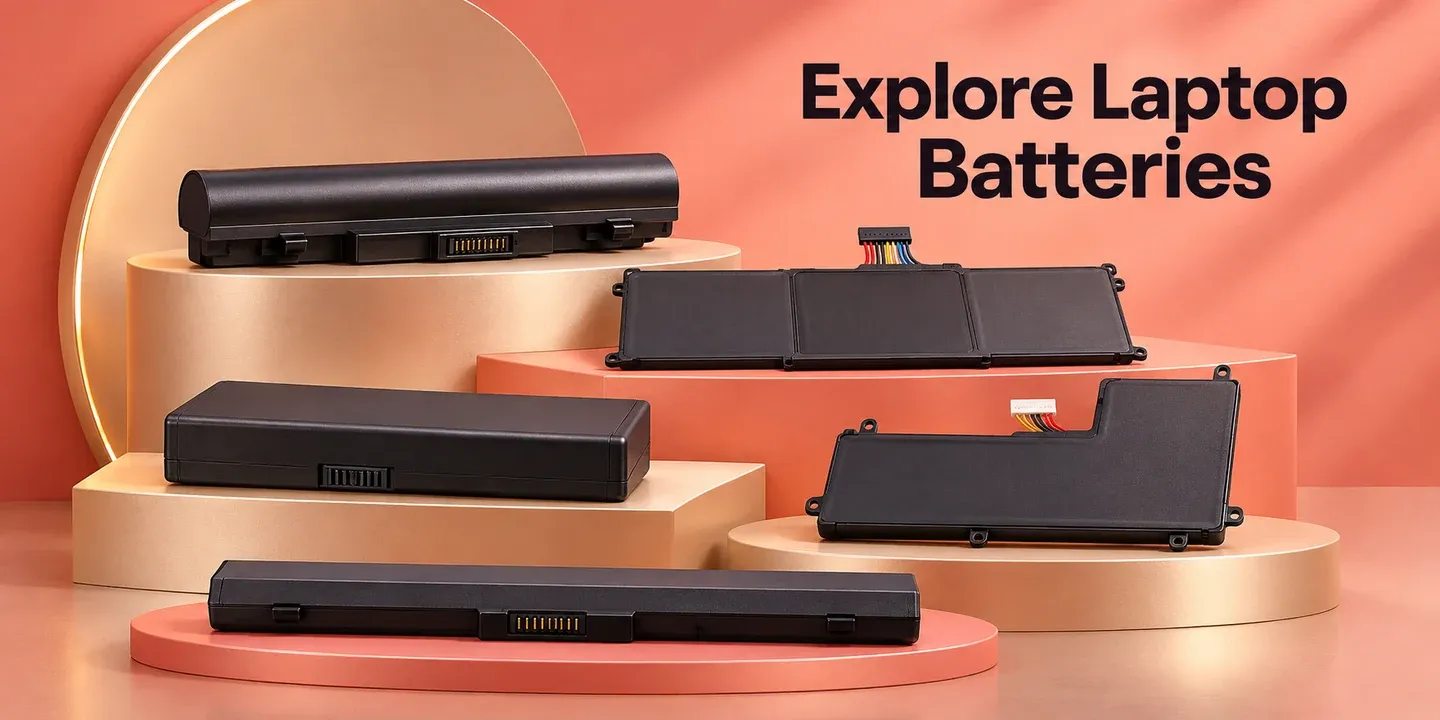
Find a replacement that fits your laptop.
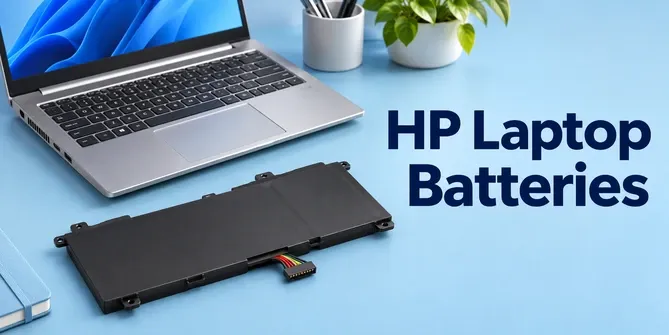
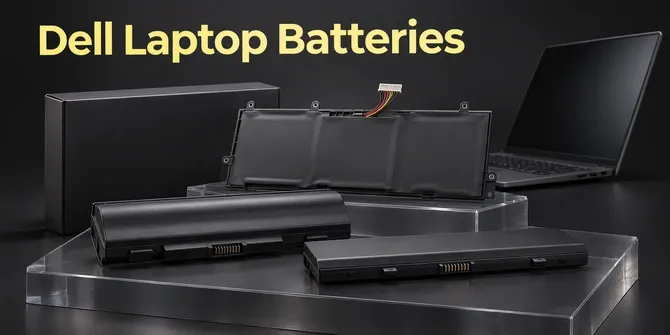
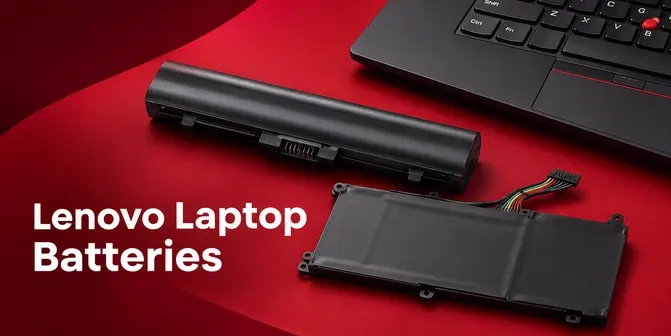
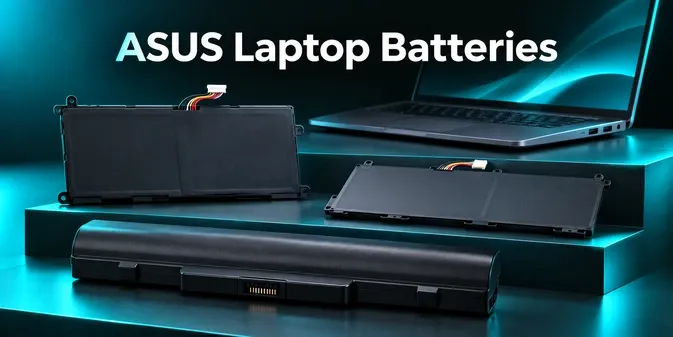
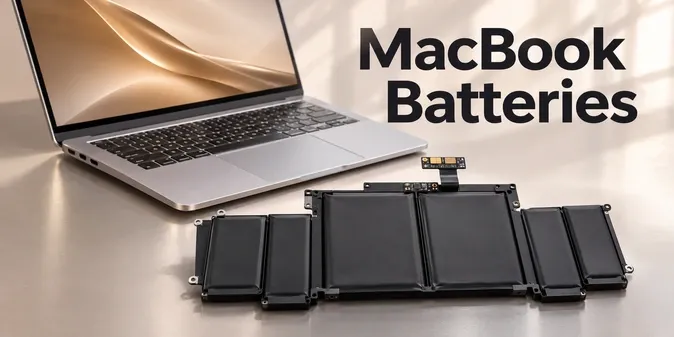
Choose a brand, then check the exact model and battery part number.
Brand names identify laptop compatibility groups; they do not imply that replacement batteries are made or endorsed by these brands.
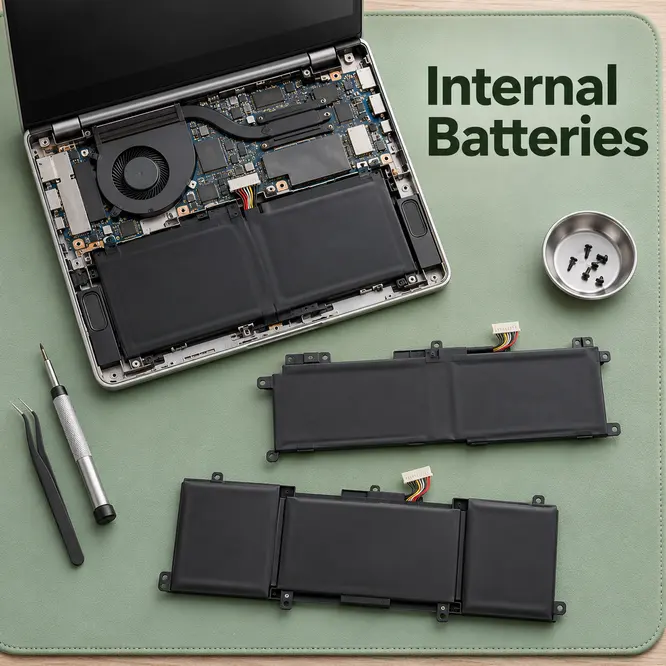
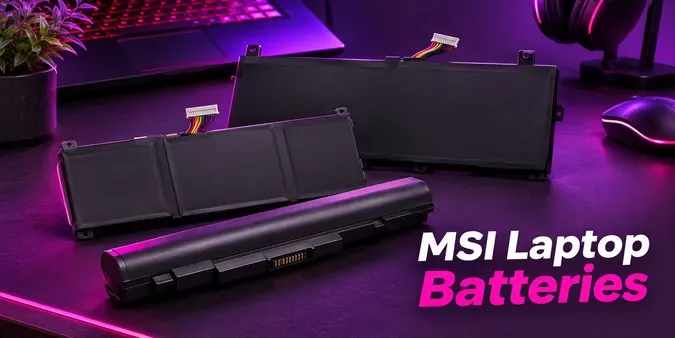
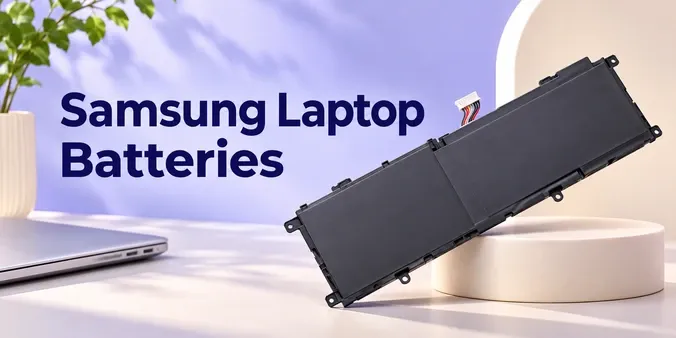
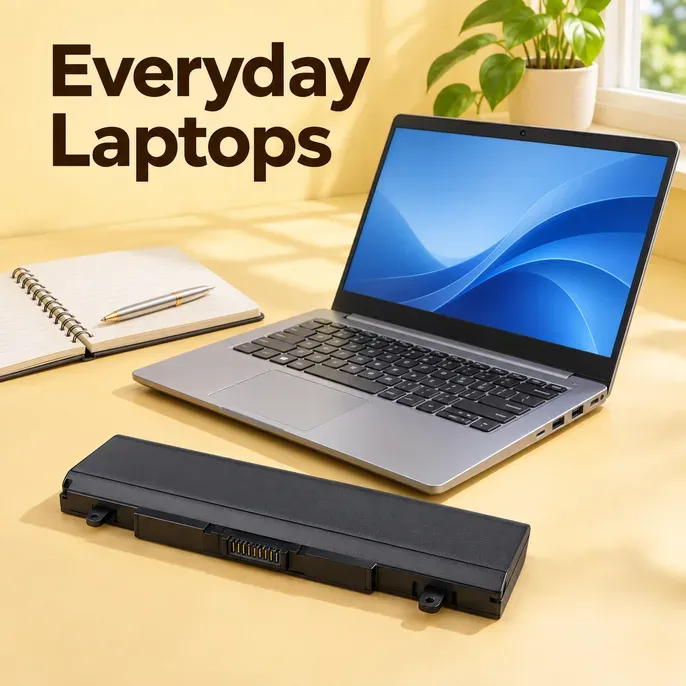
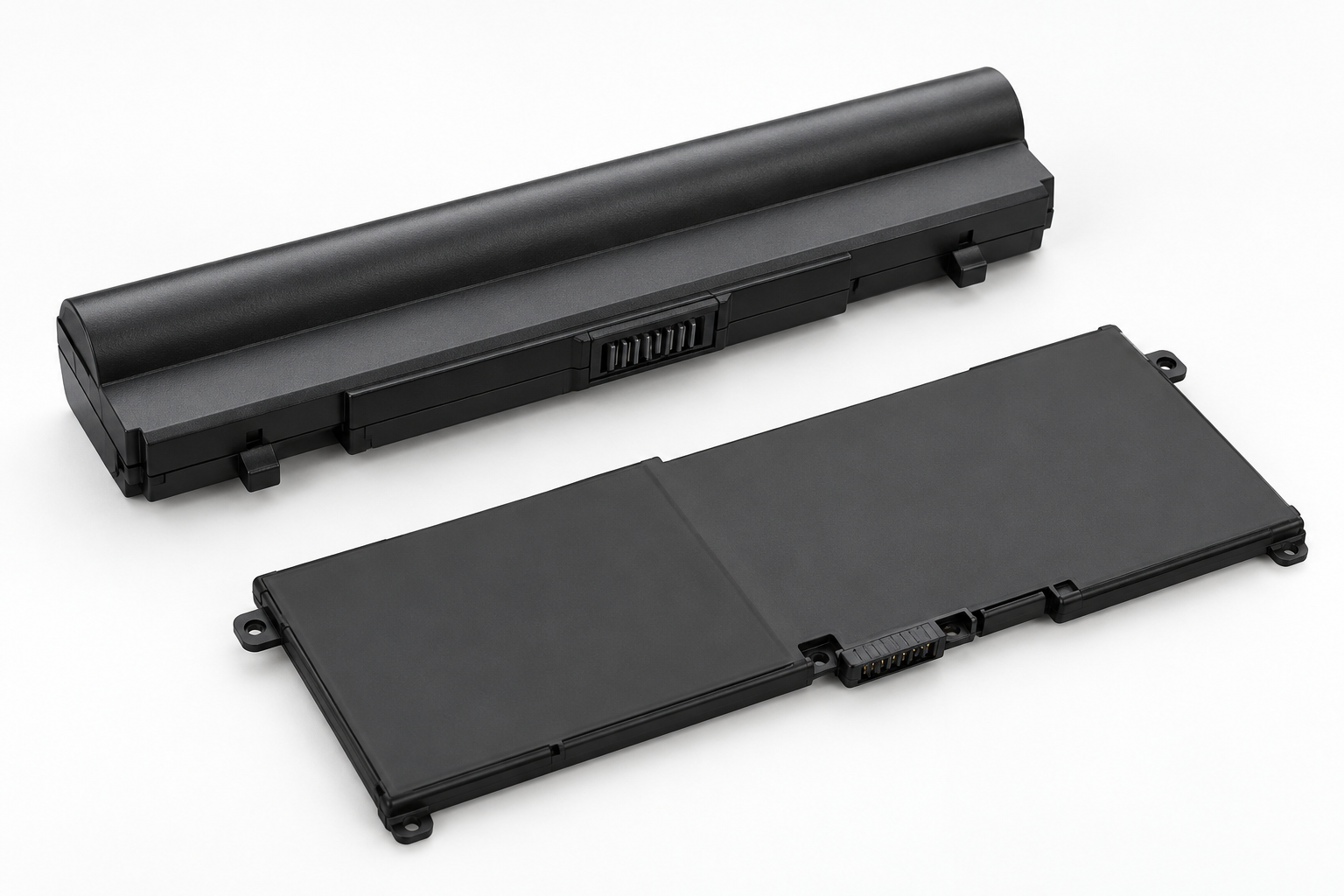
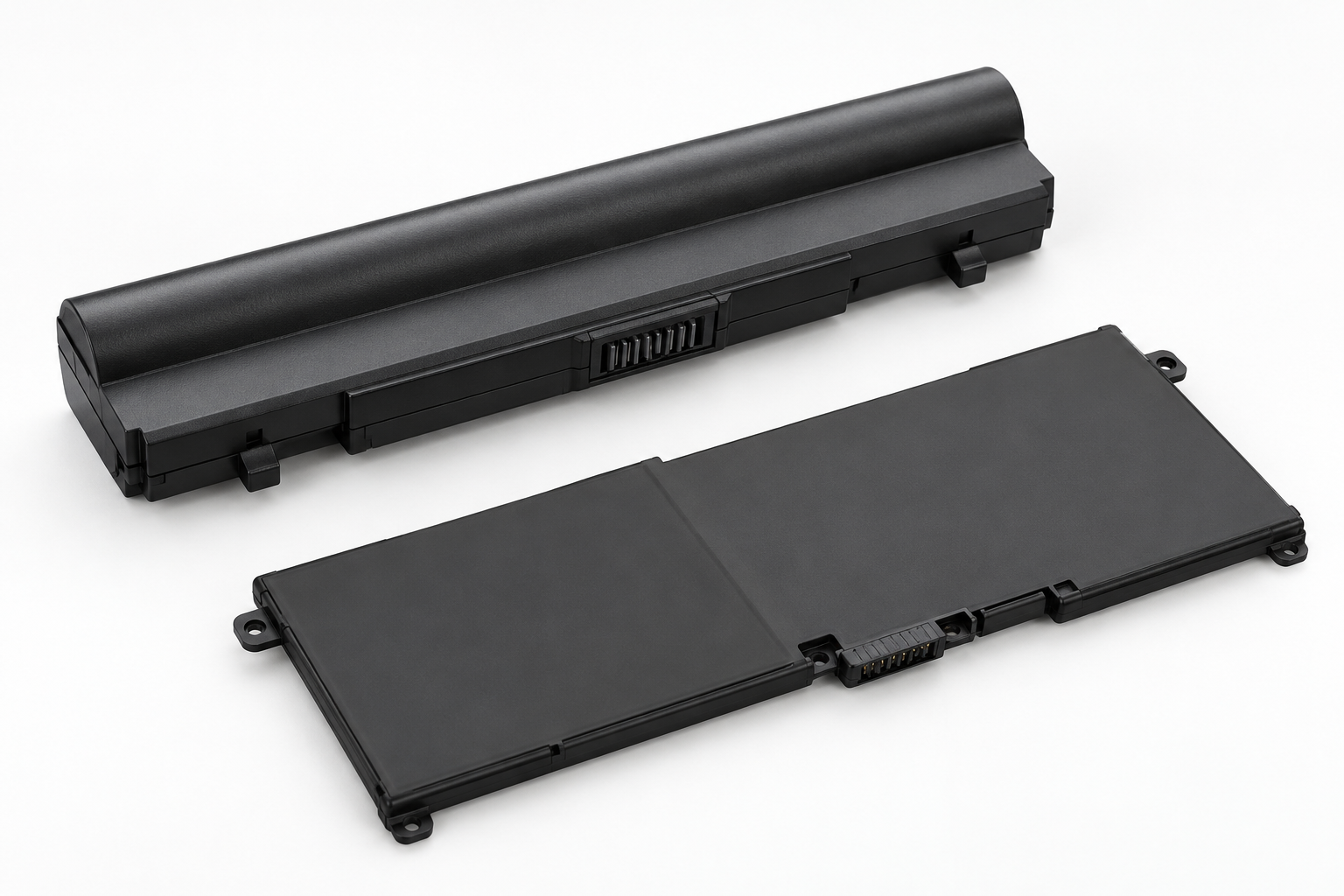
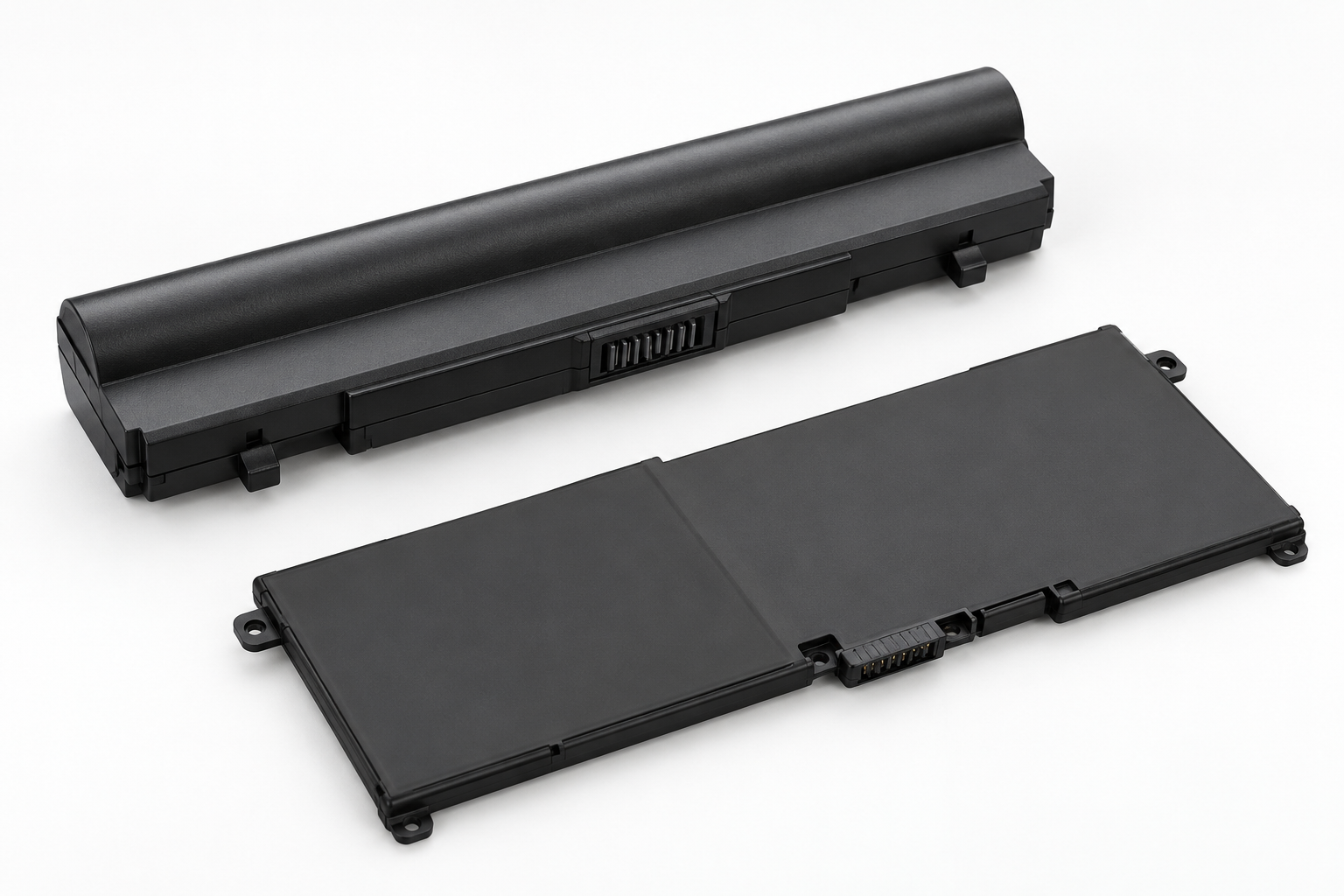
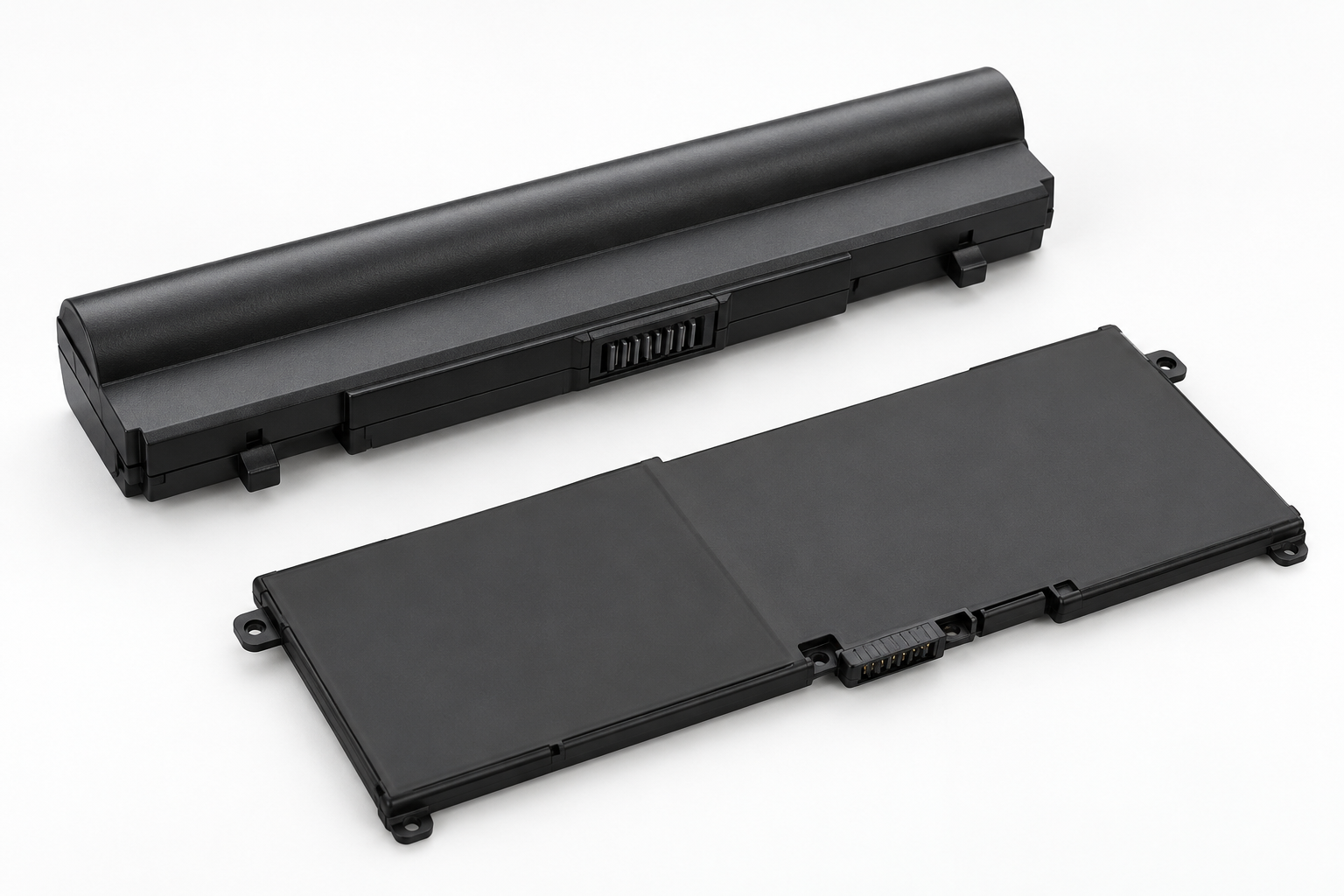
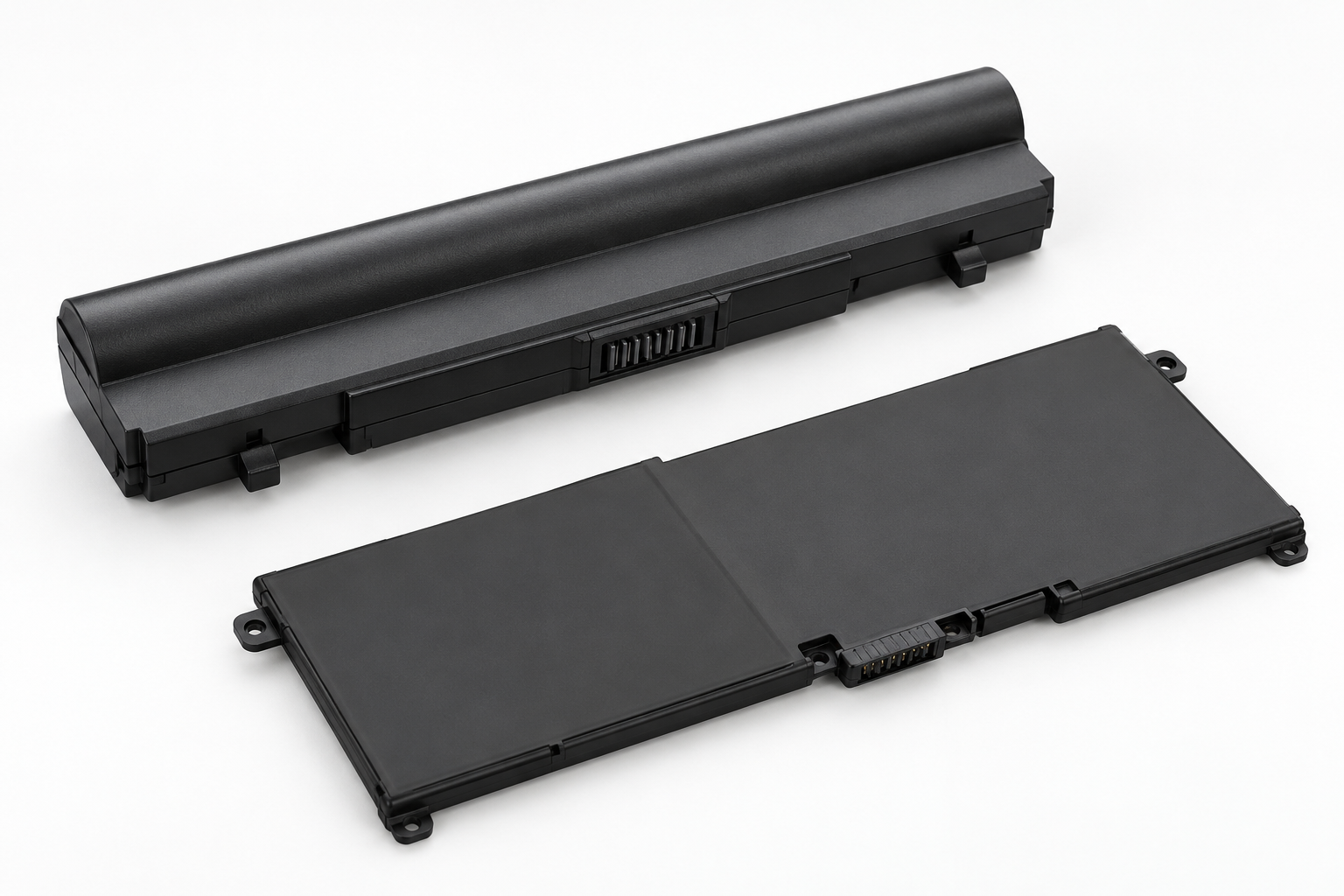
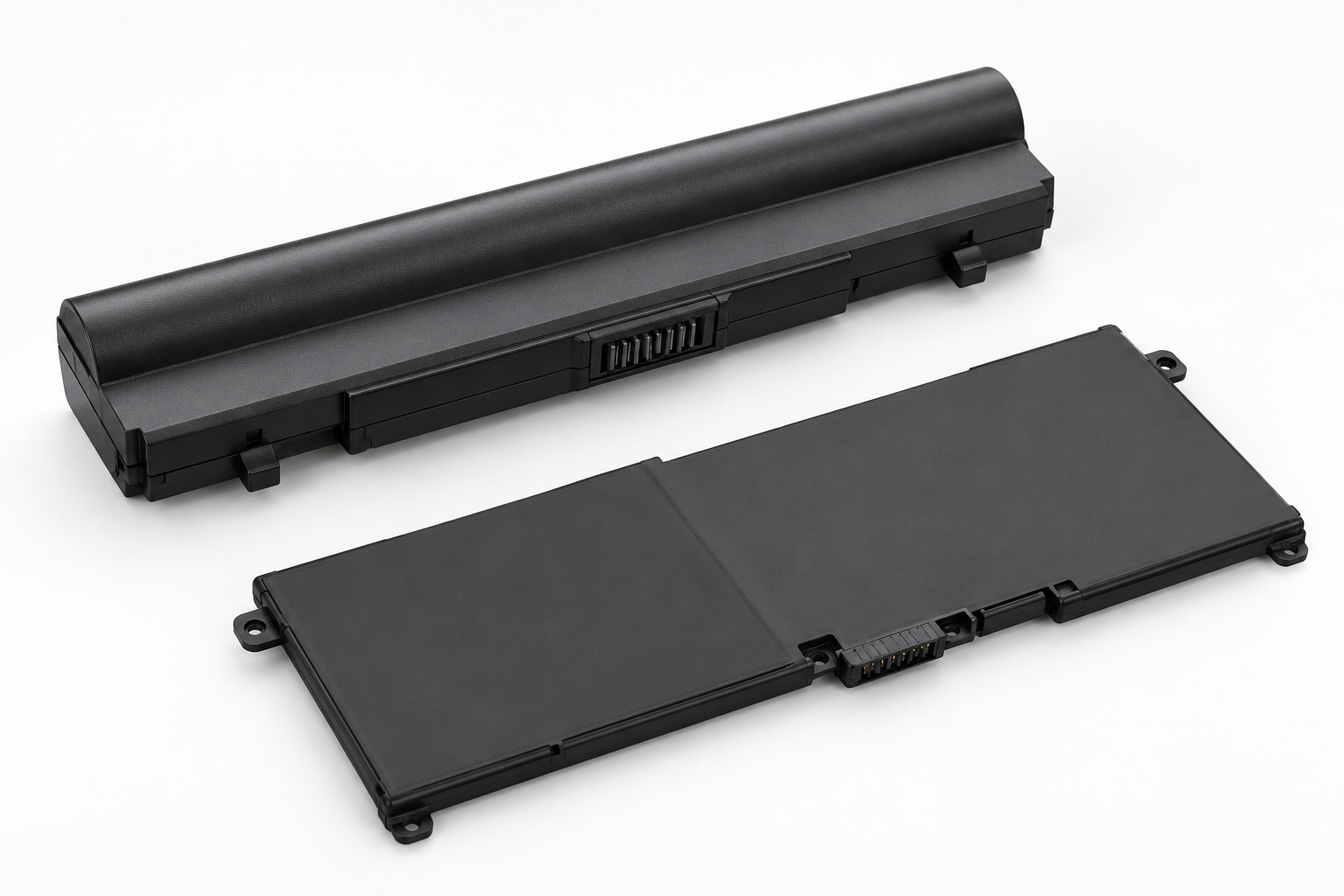
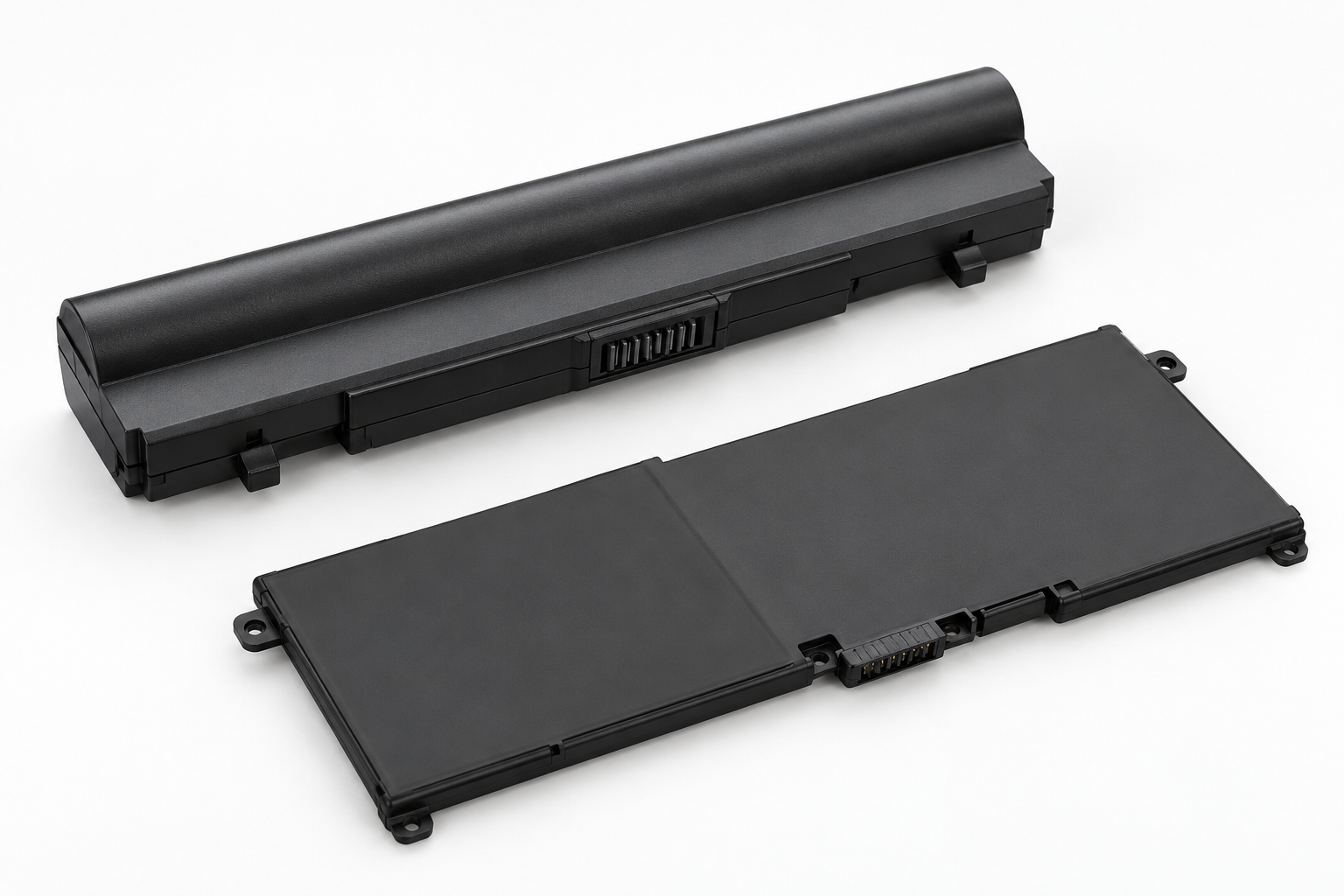
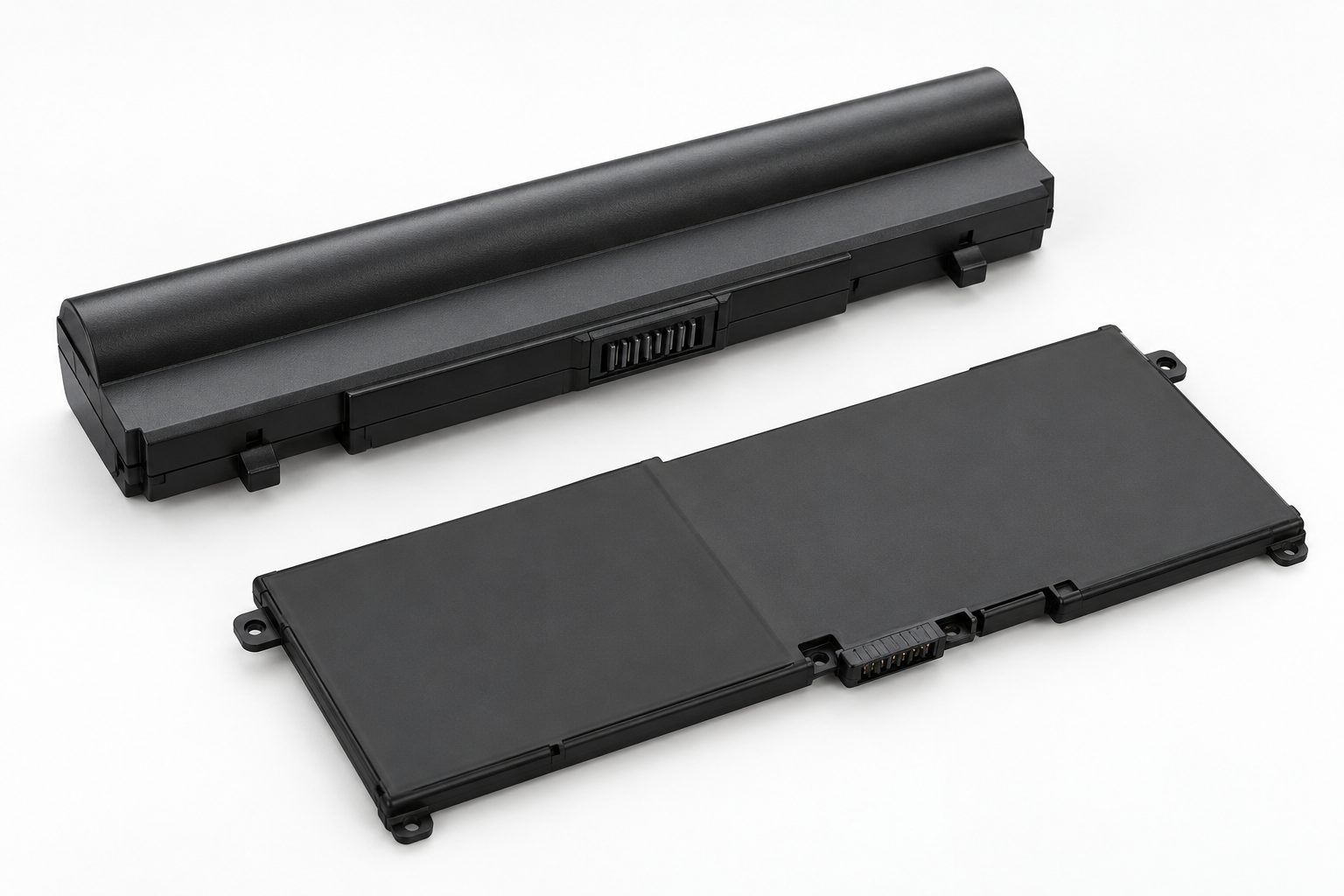
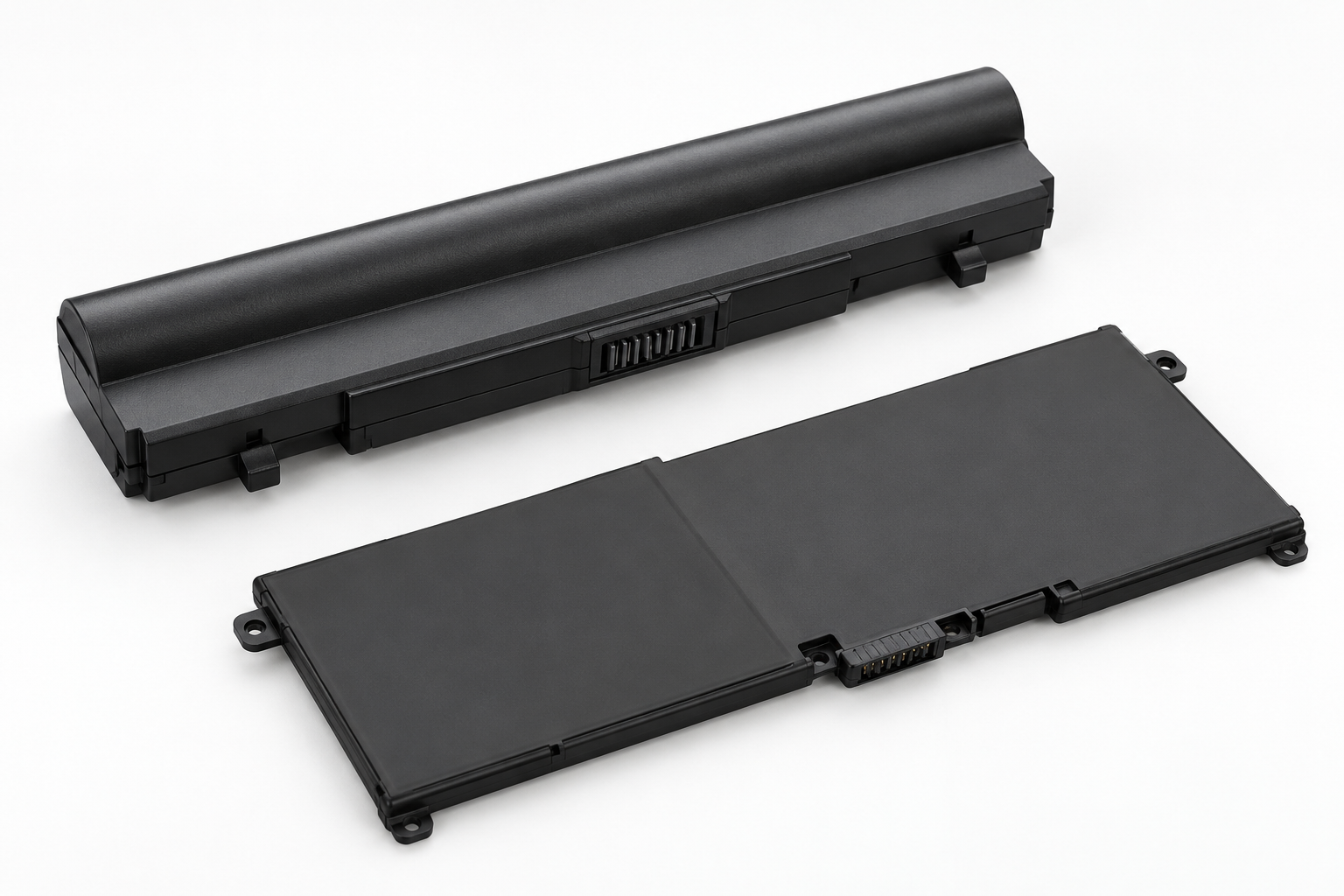
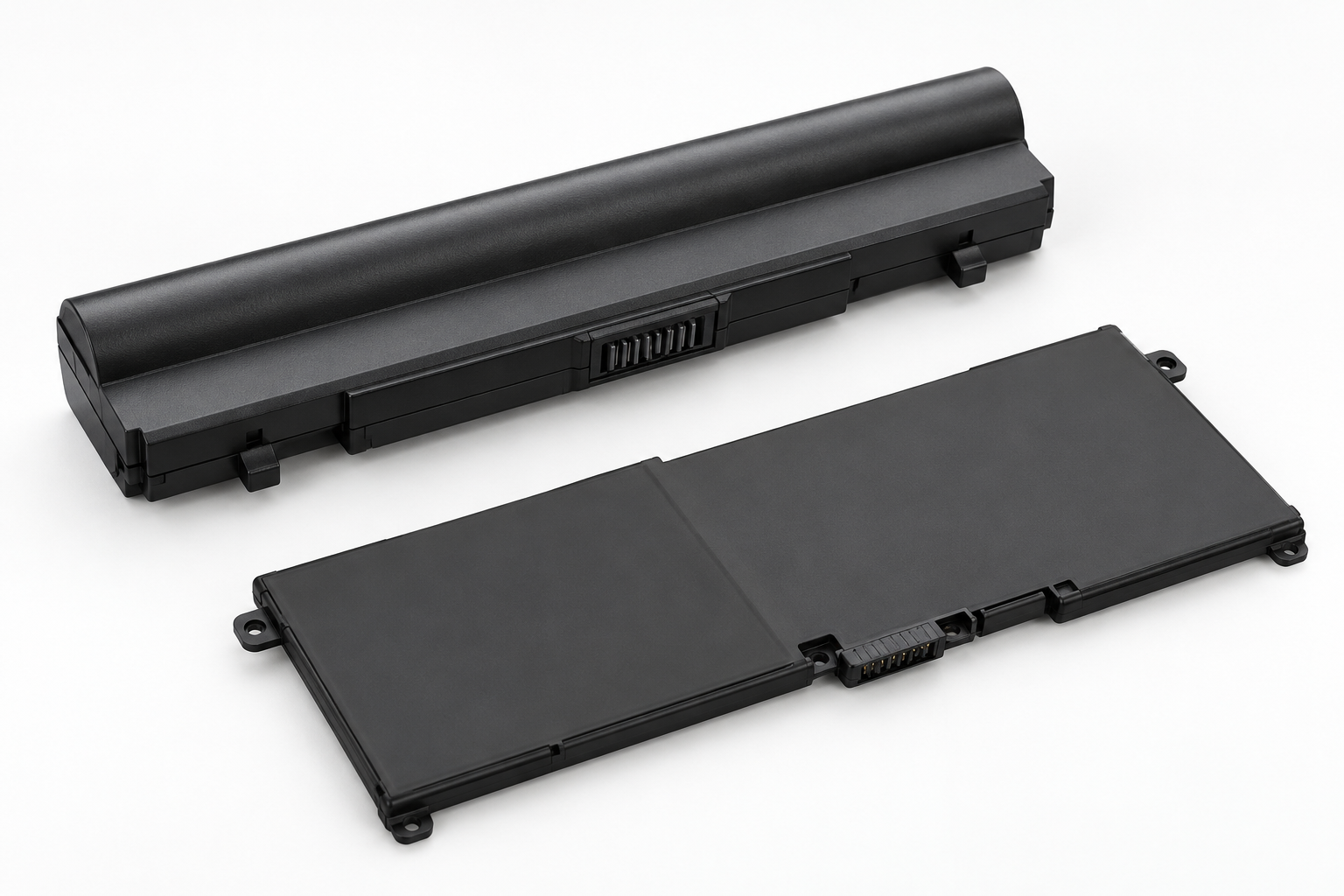
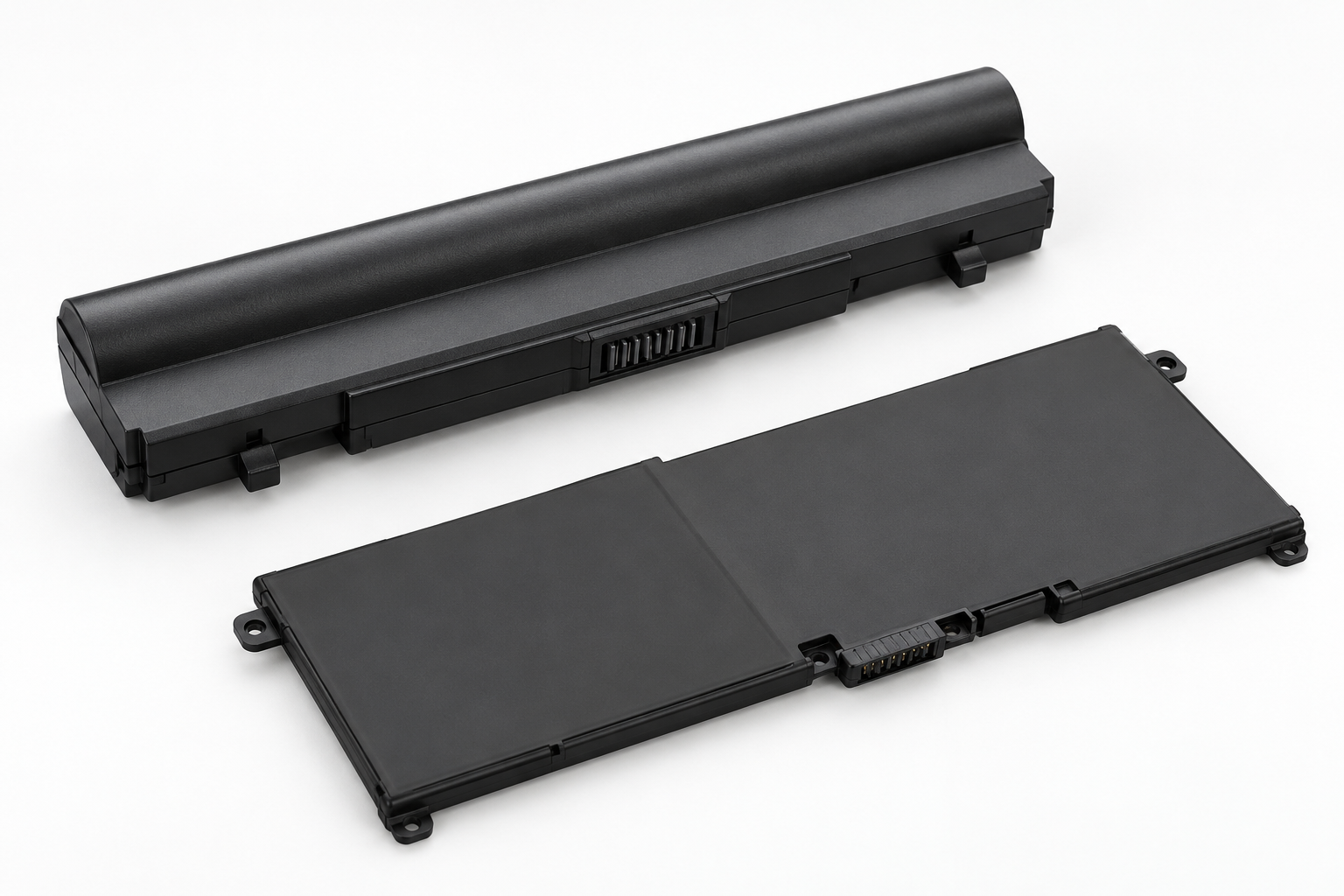
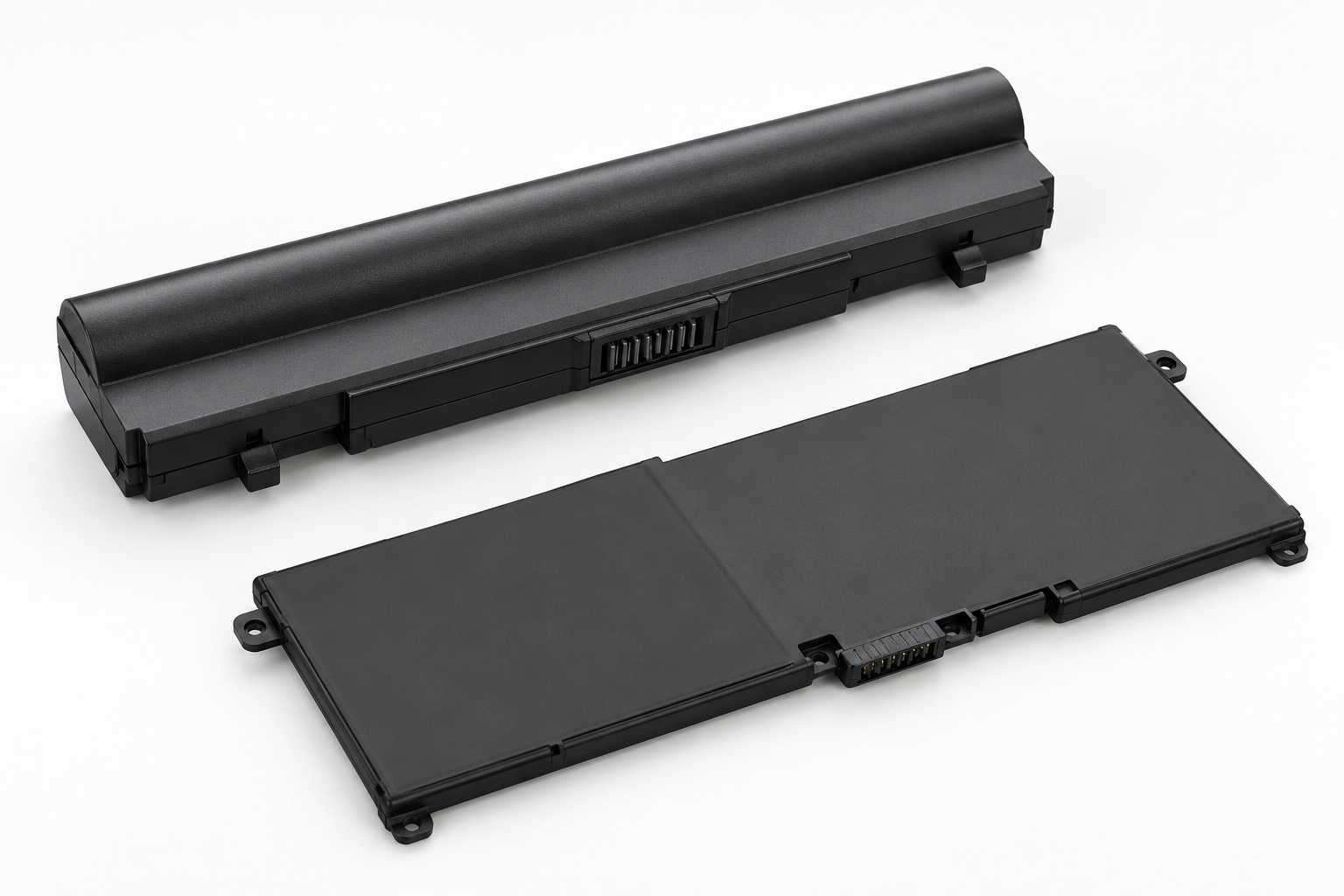
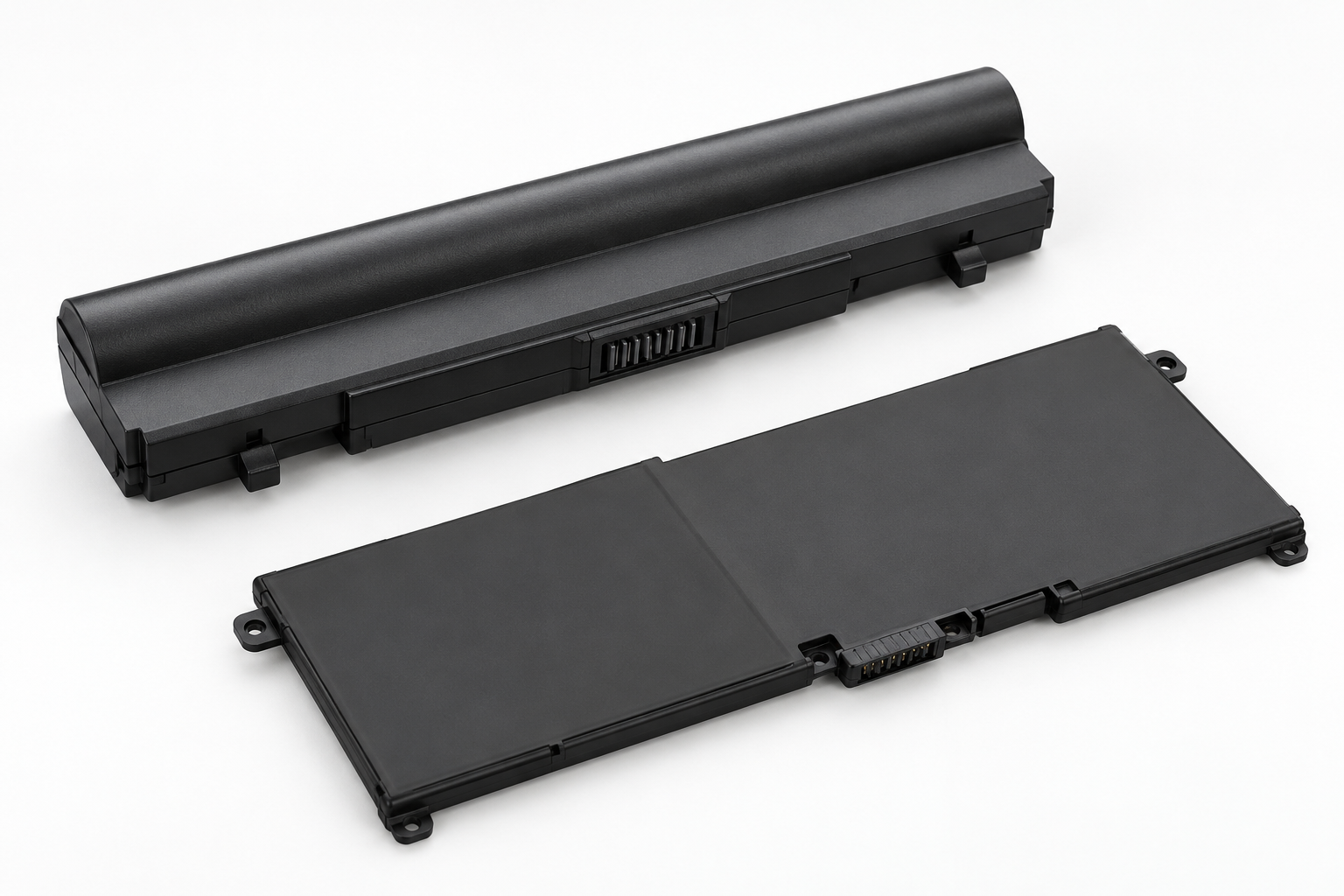
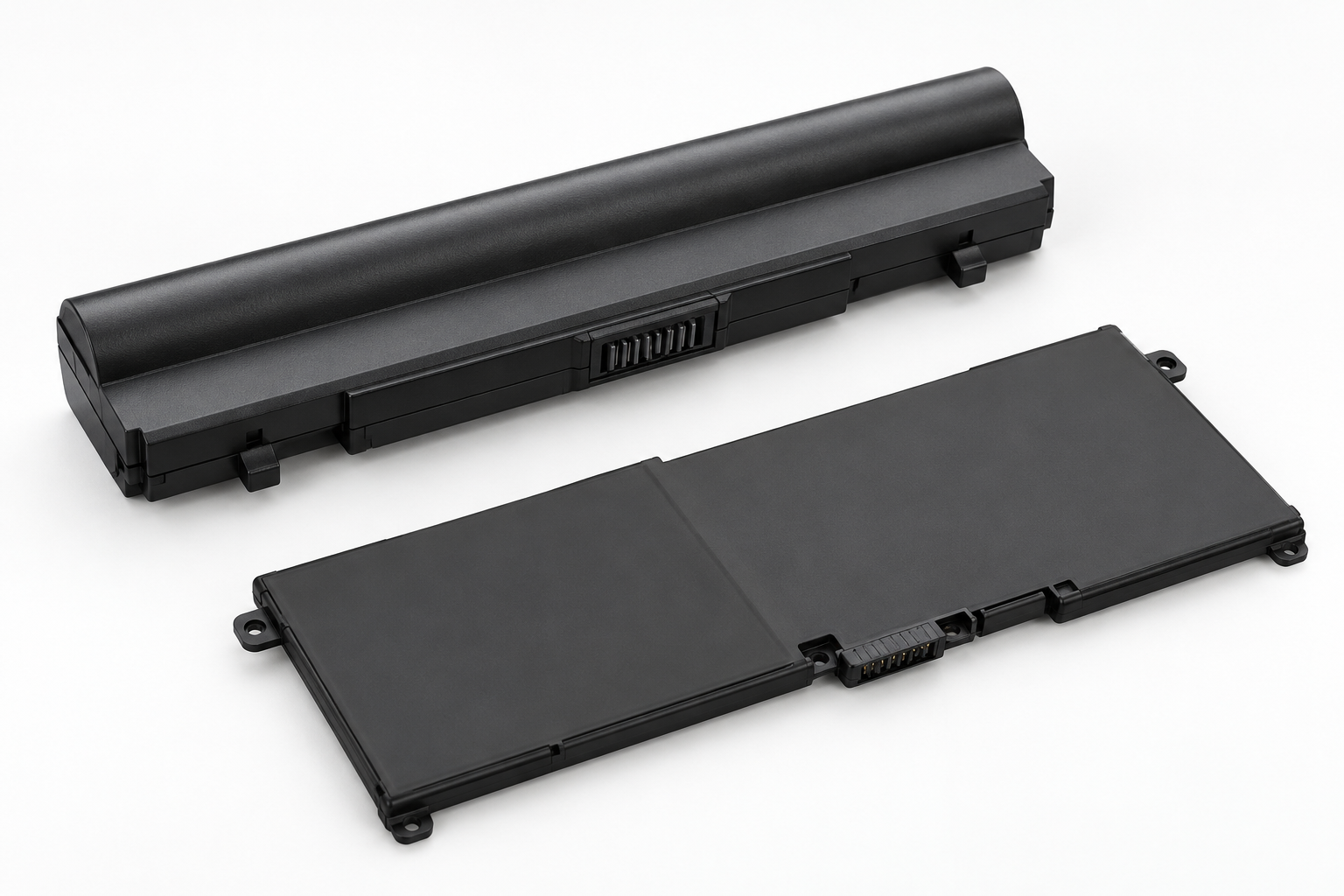
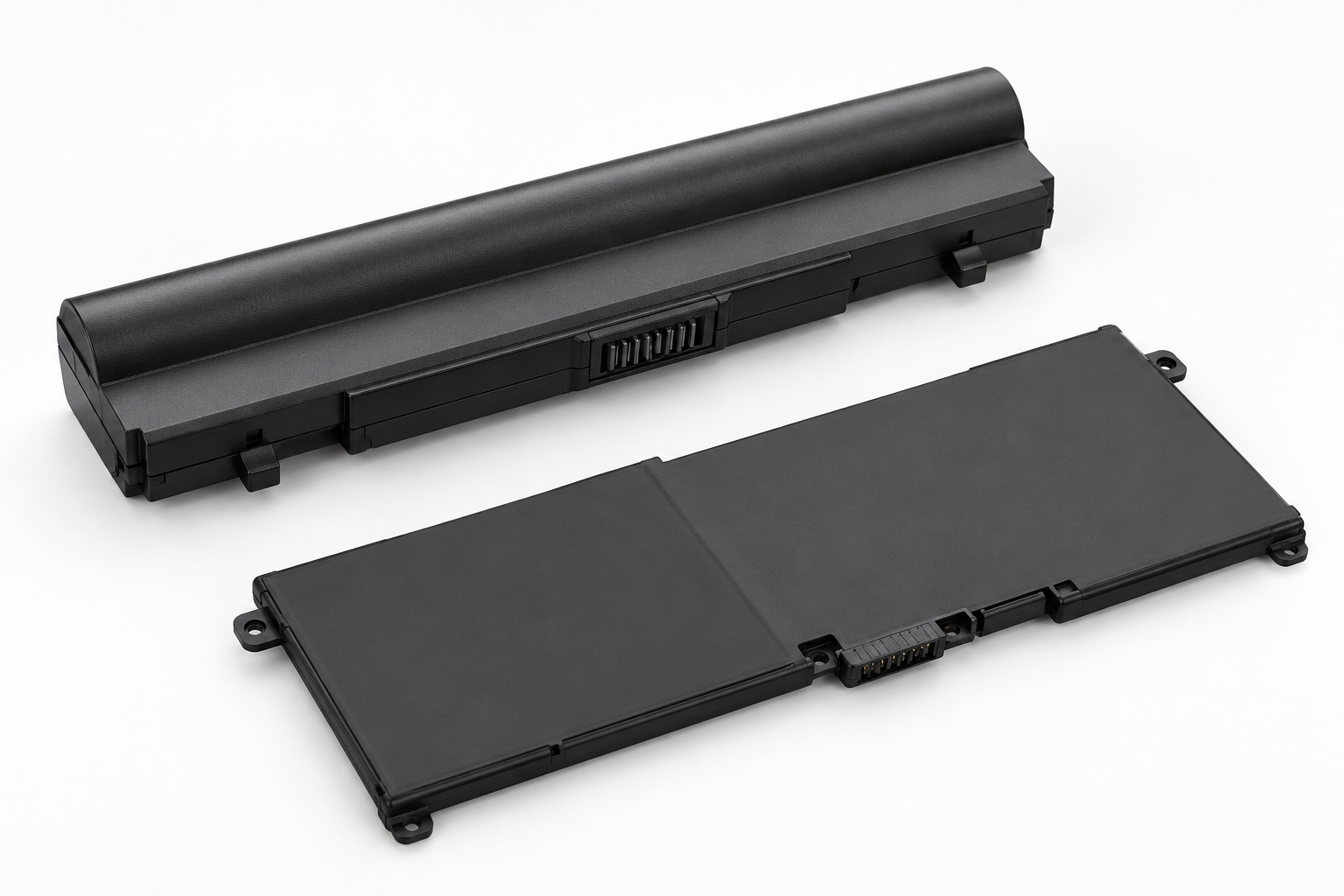
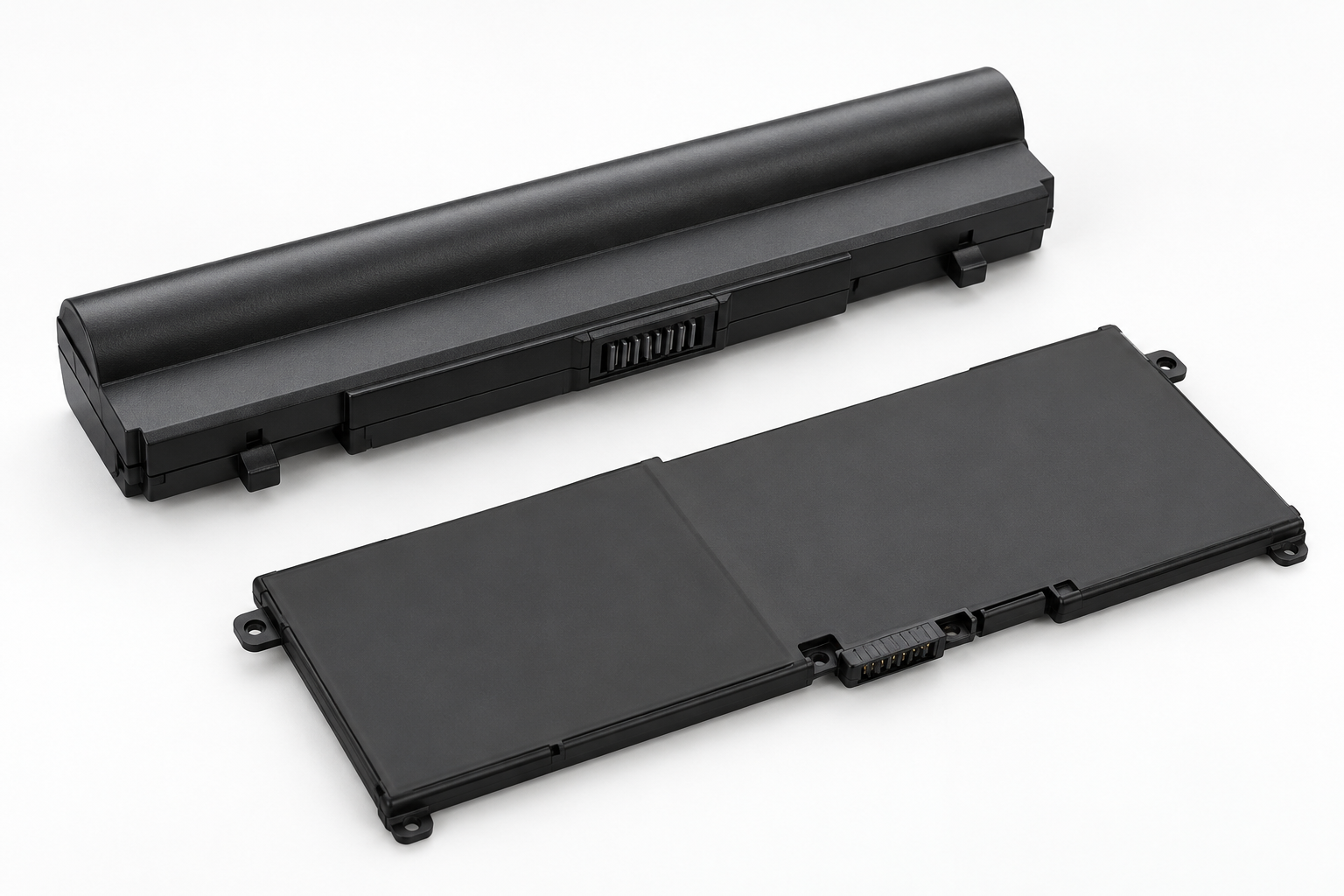
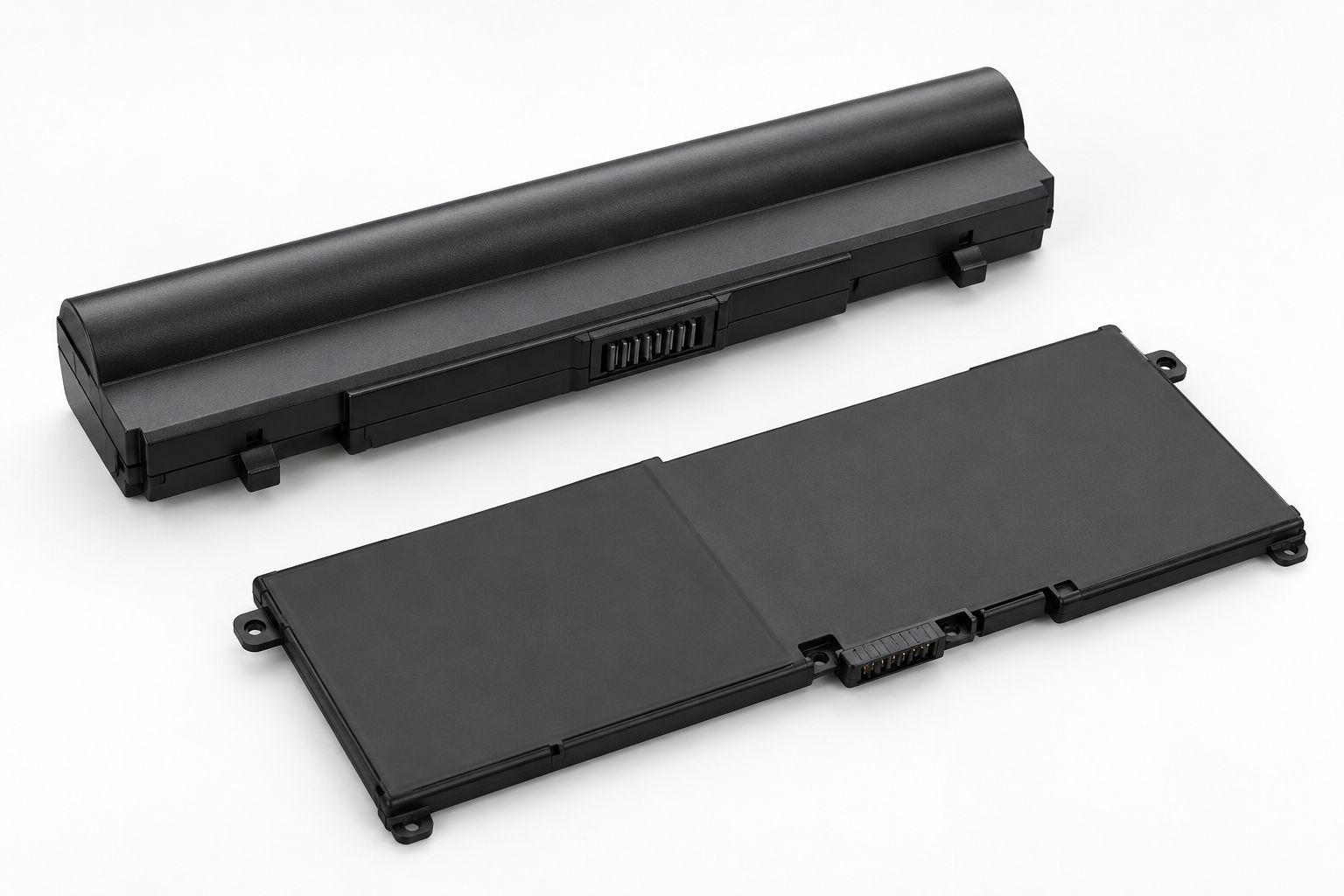
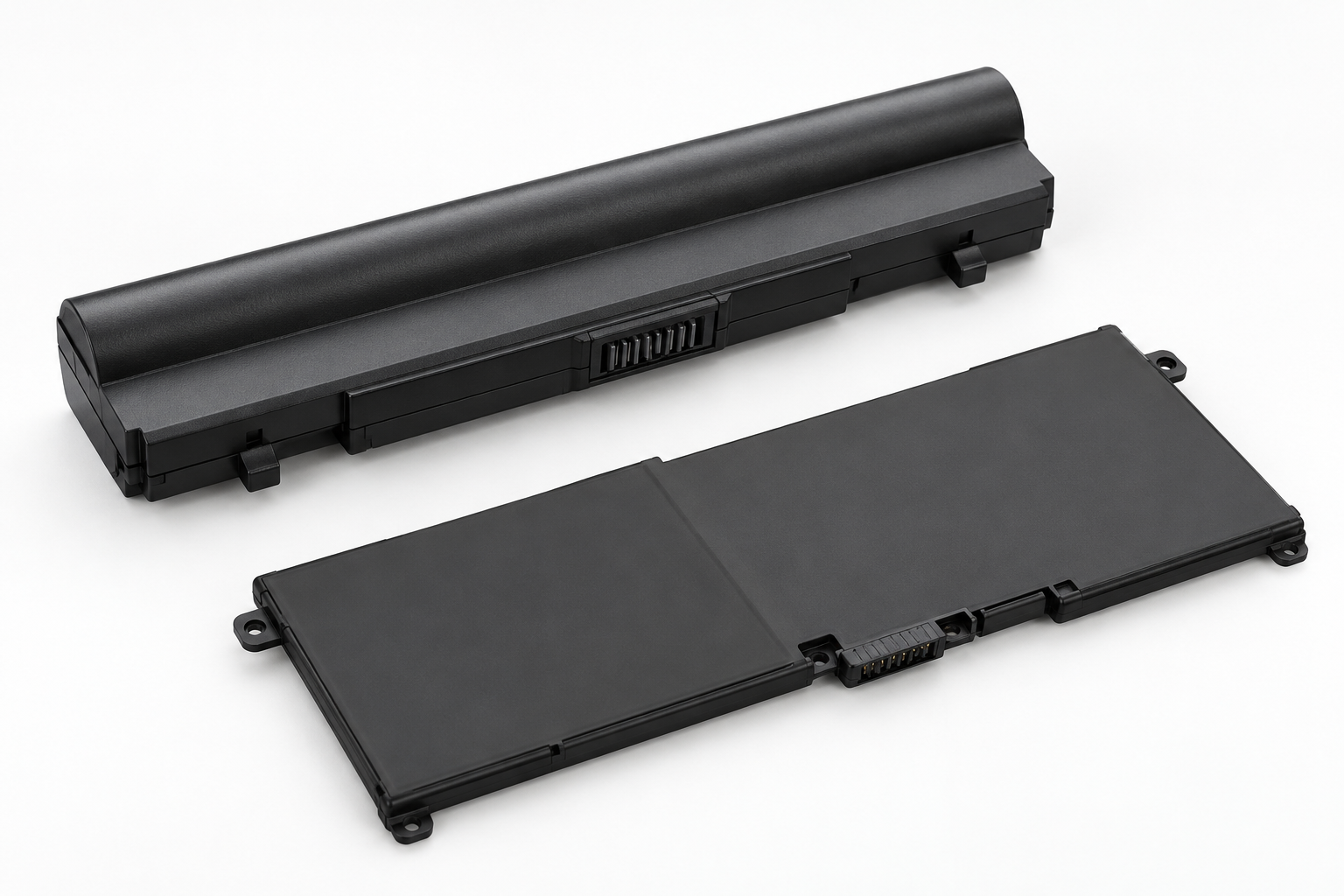
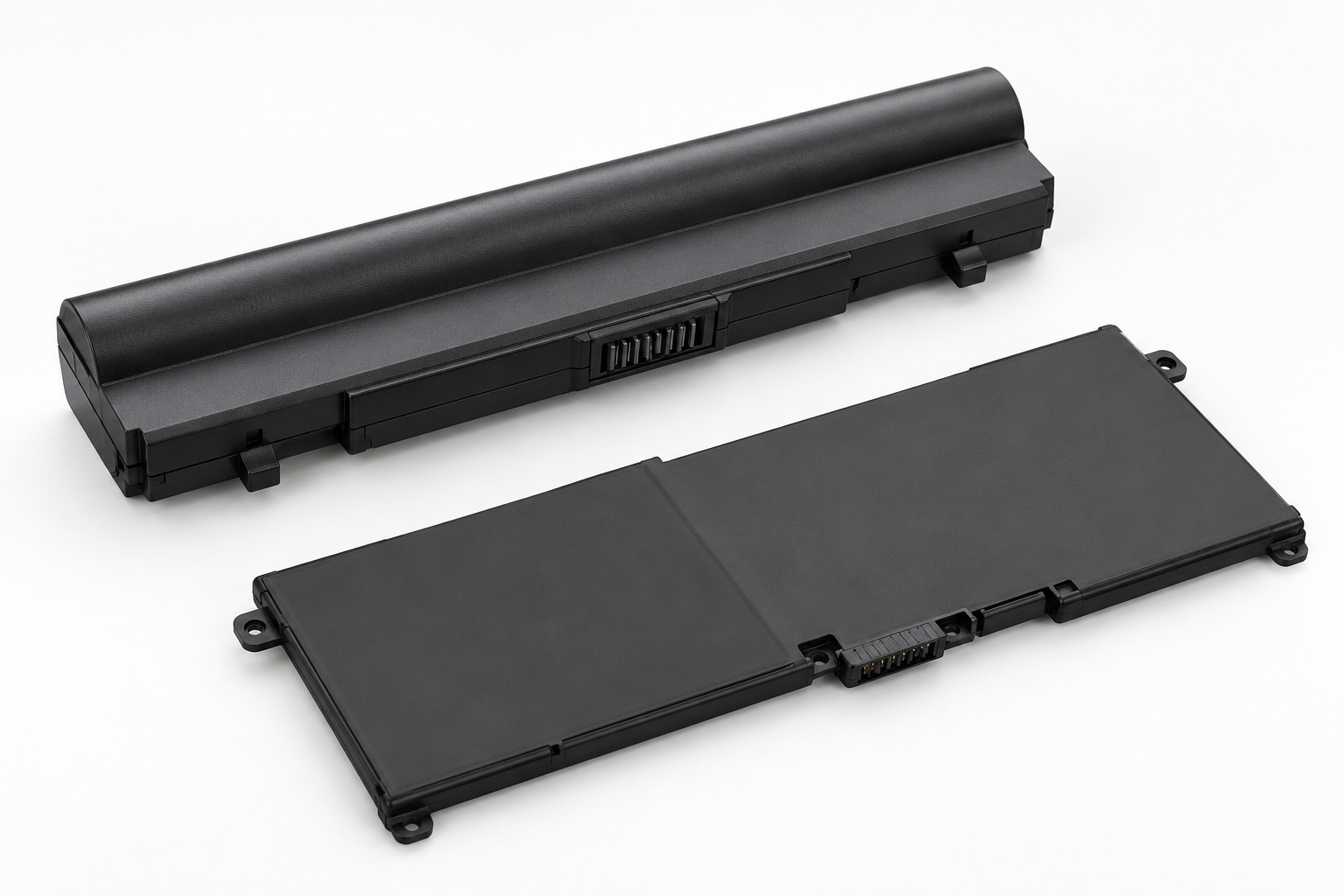
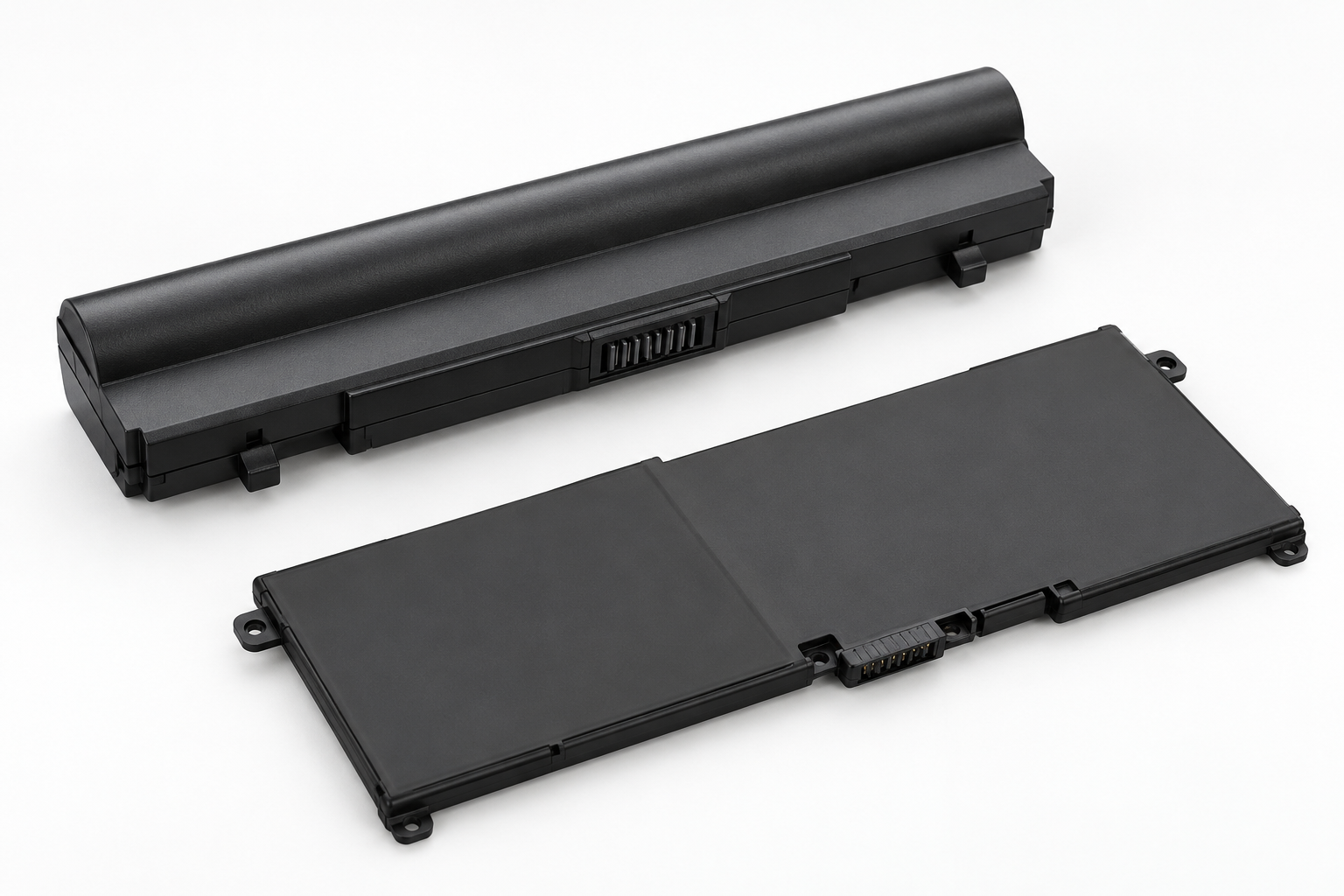
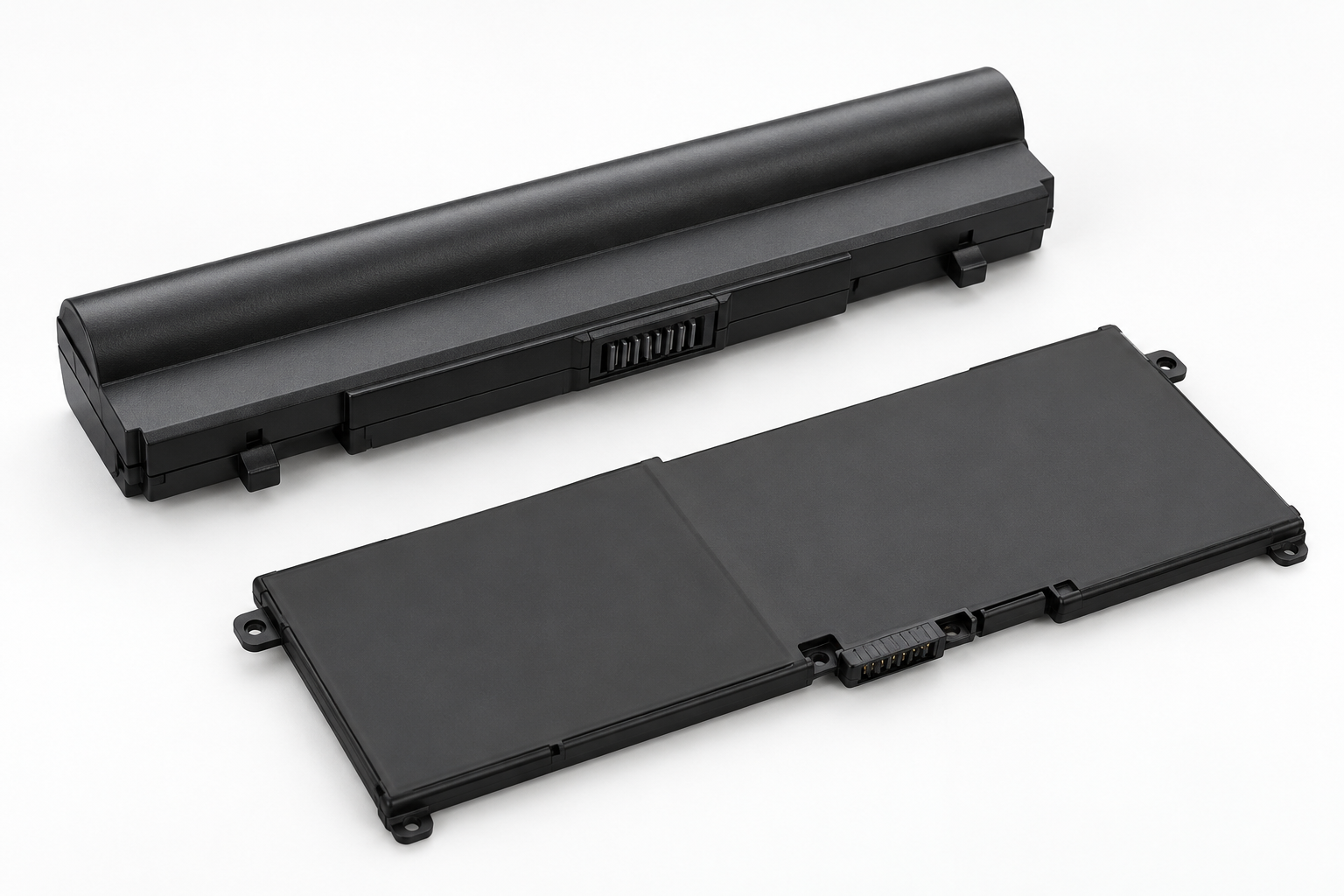
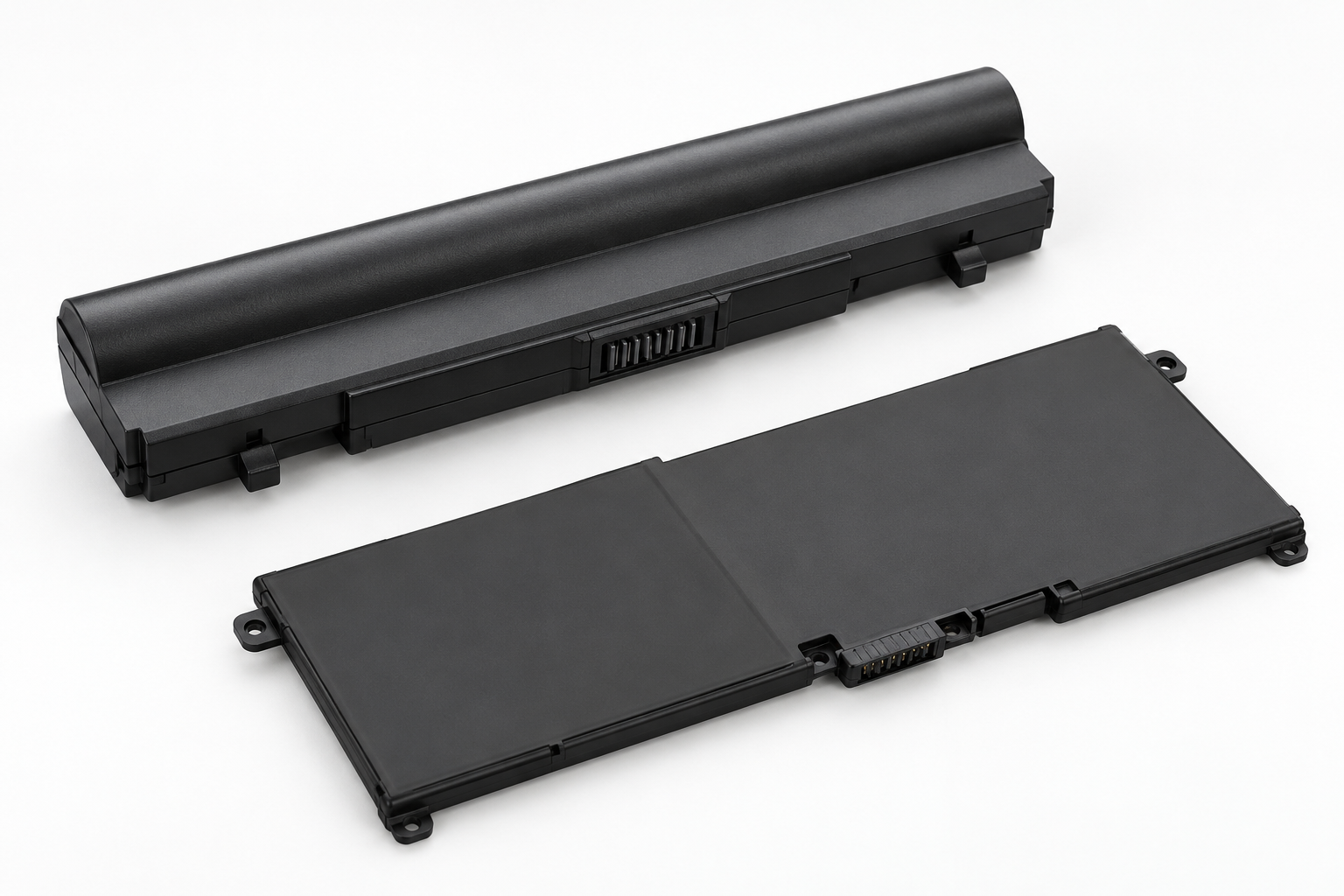
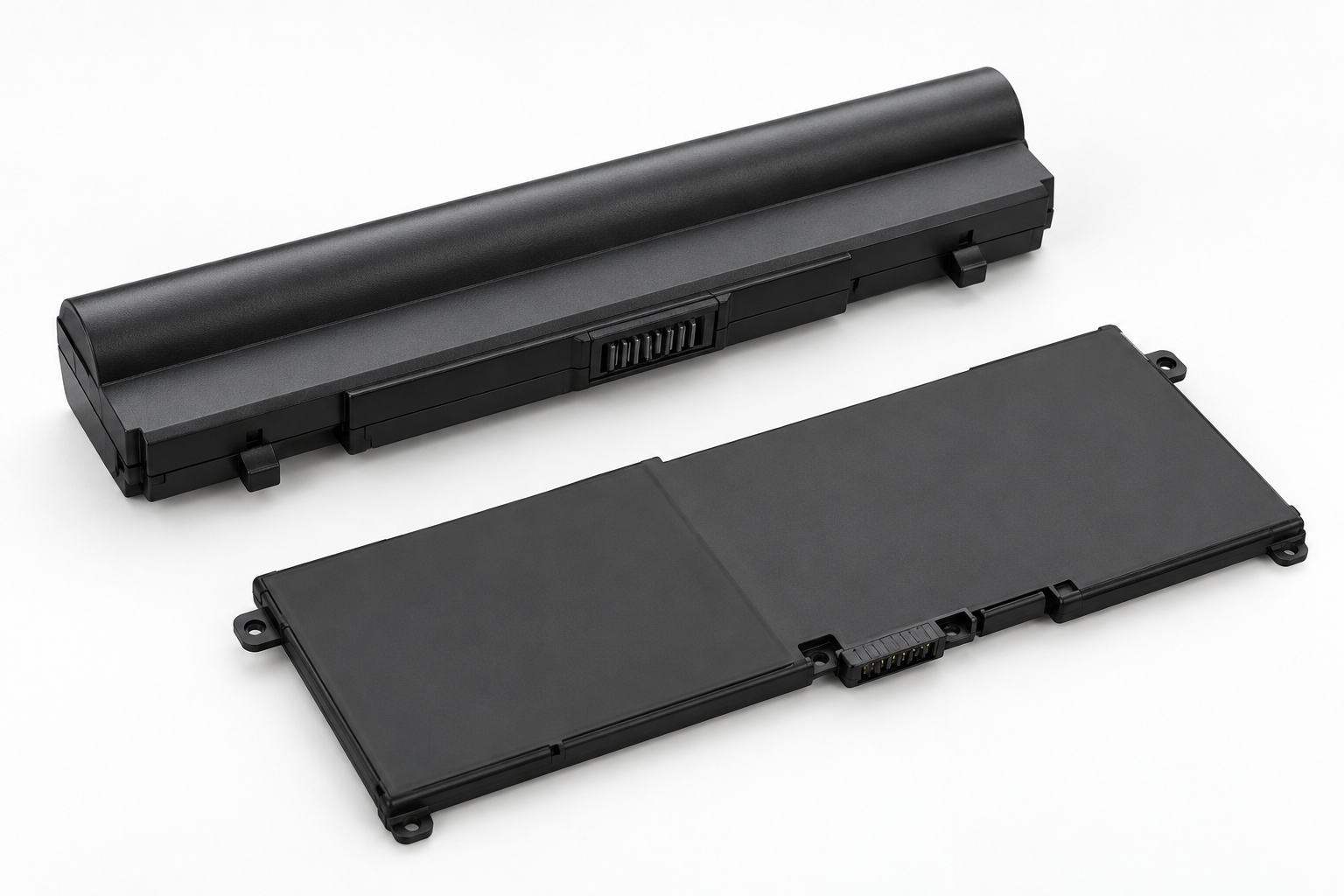
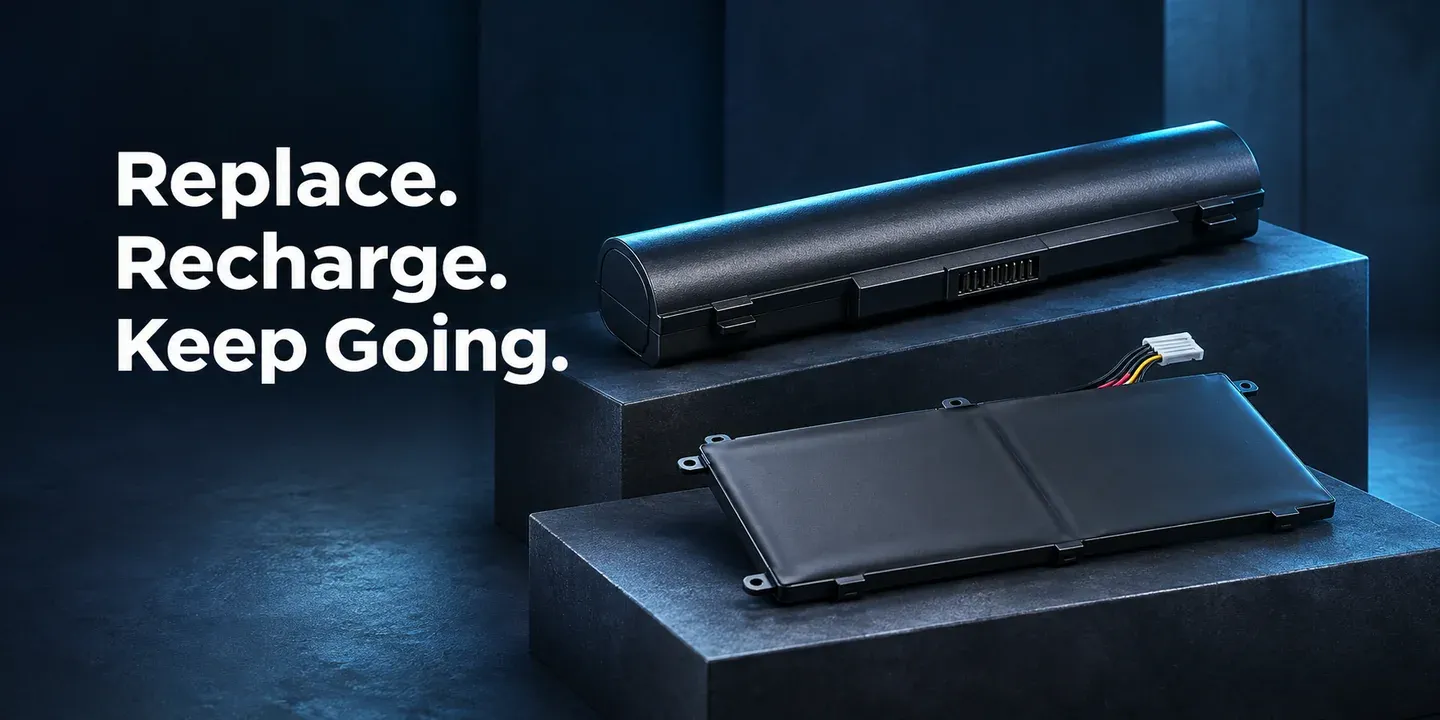
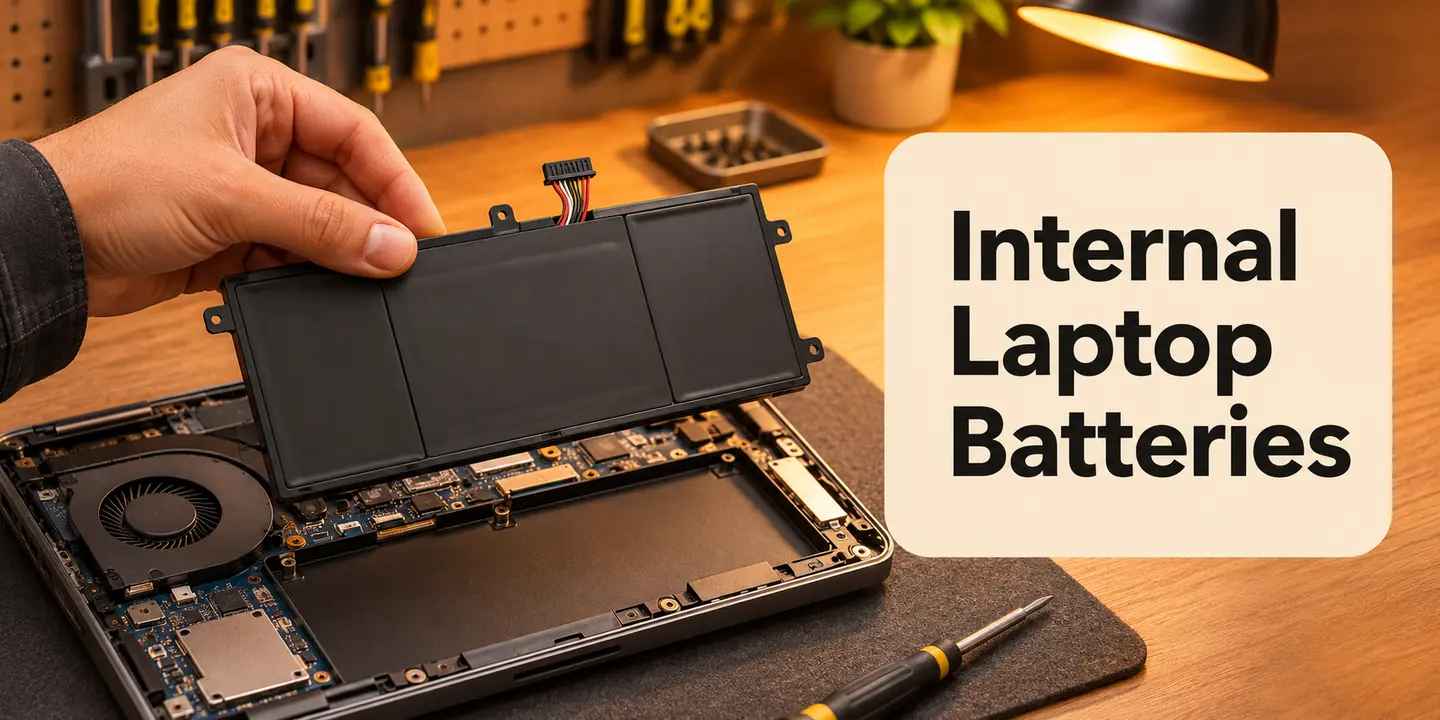
Slim, integrated packs. Match the part number, dimensions and connector.
Check the fit ↗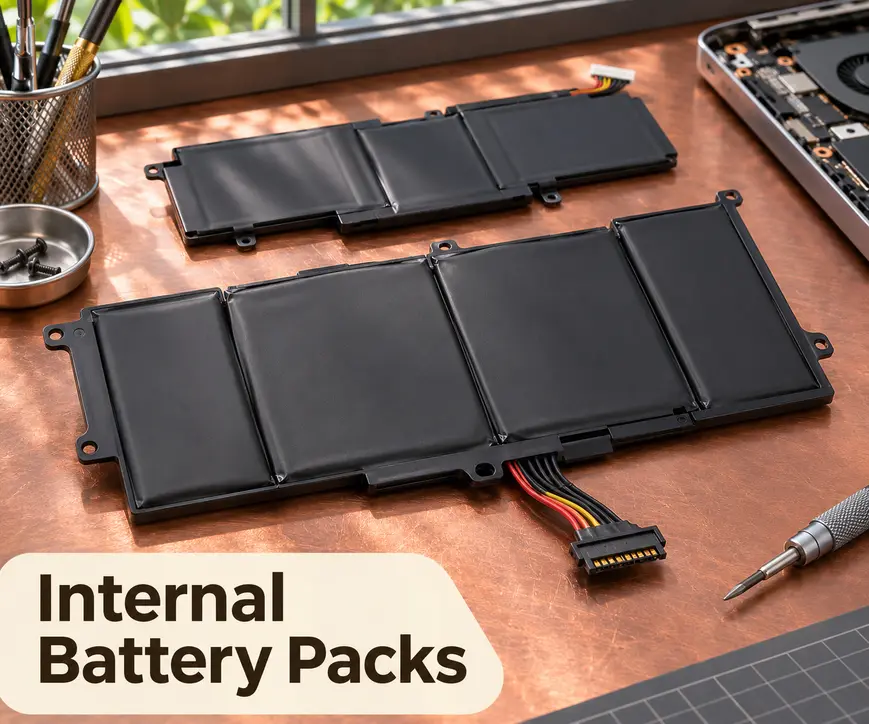
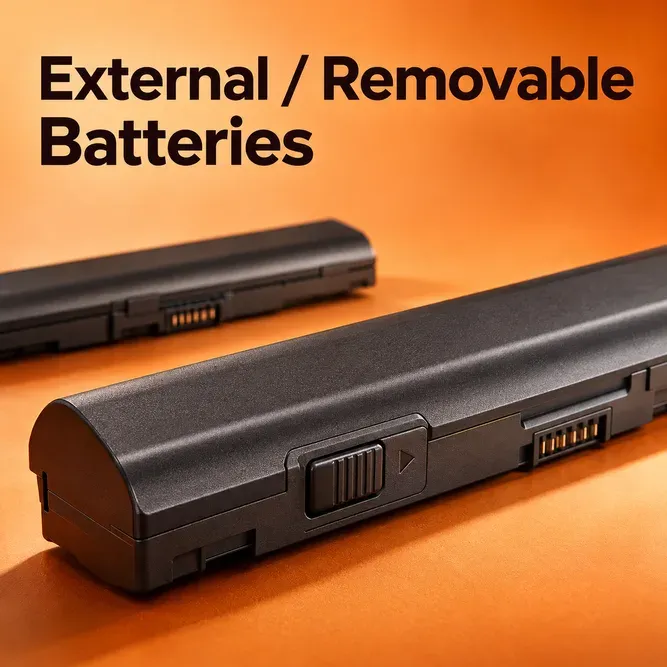
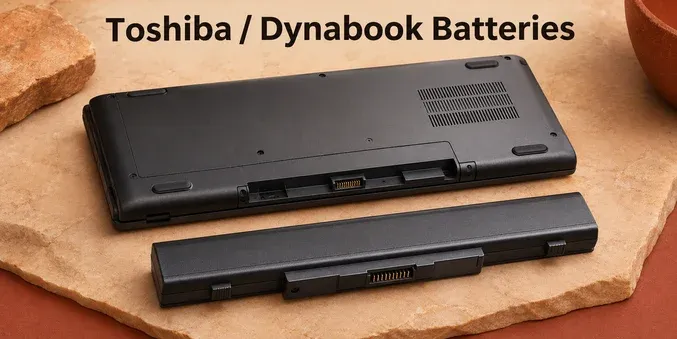
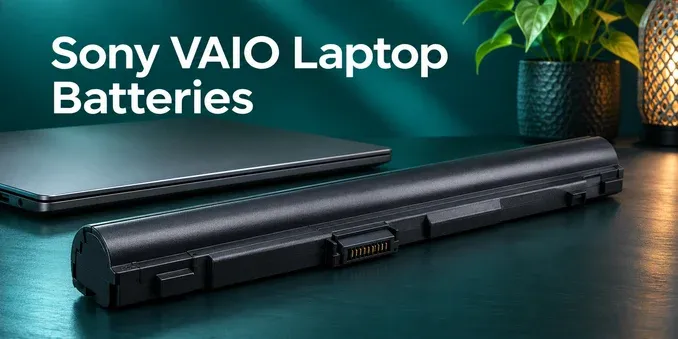
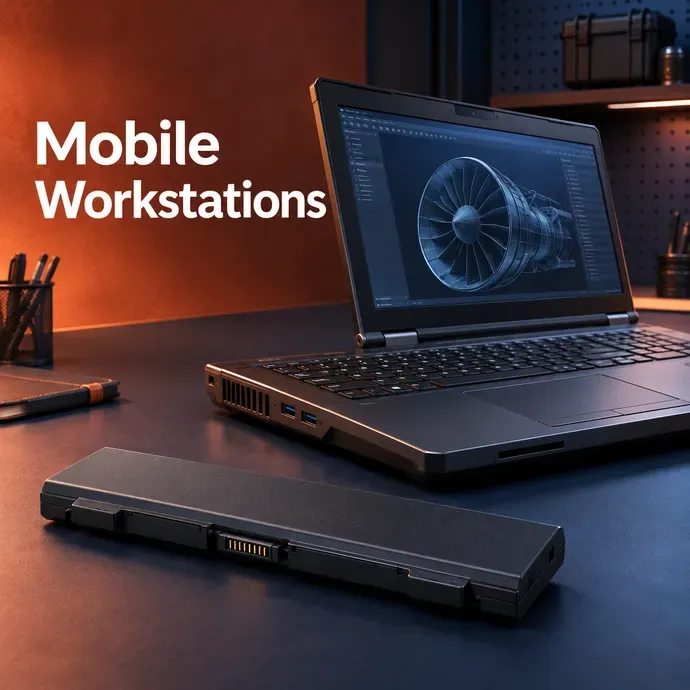
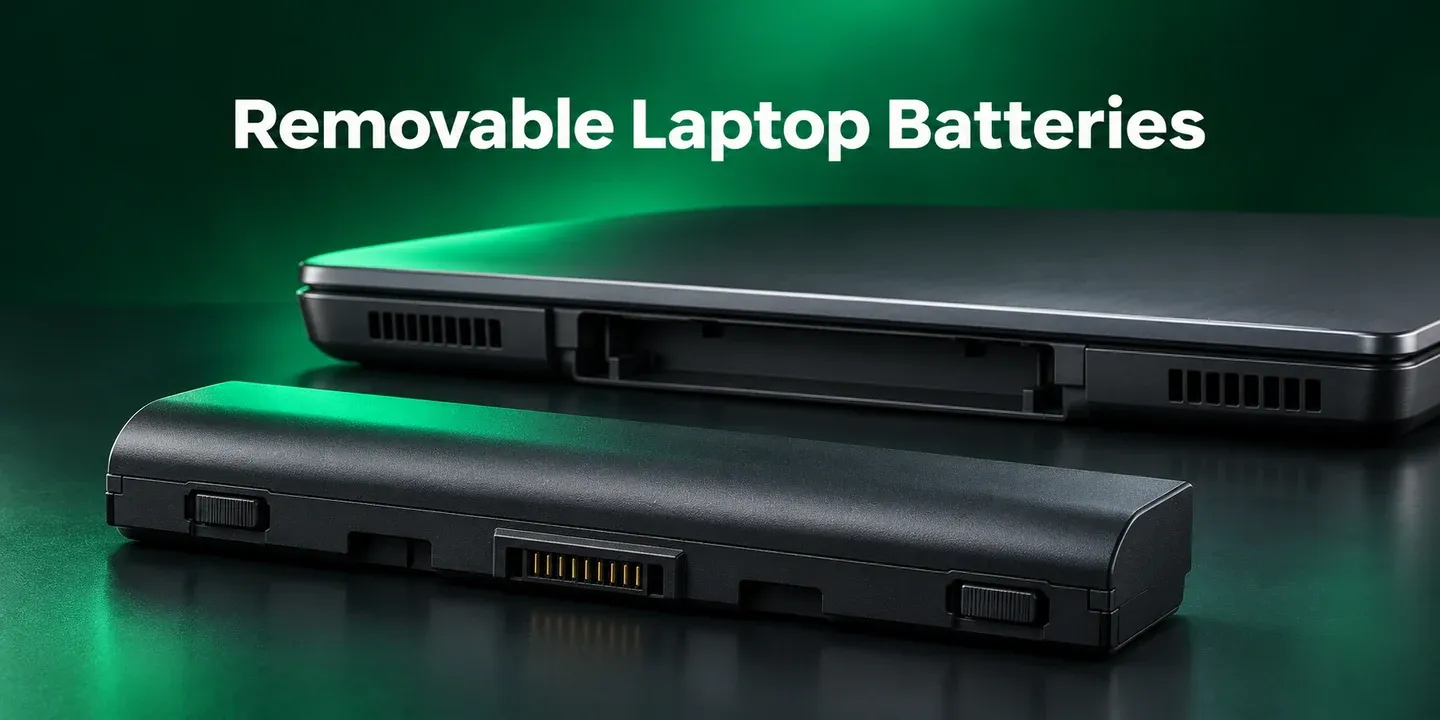
Detachable designs. Match the housing, contacts and locking points.
Check the fit ↗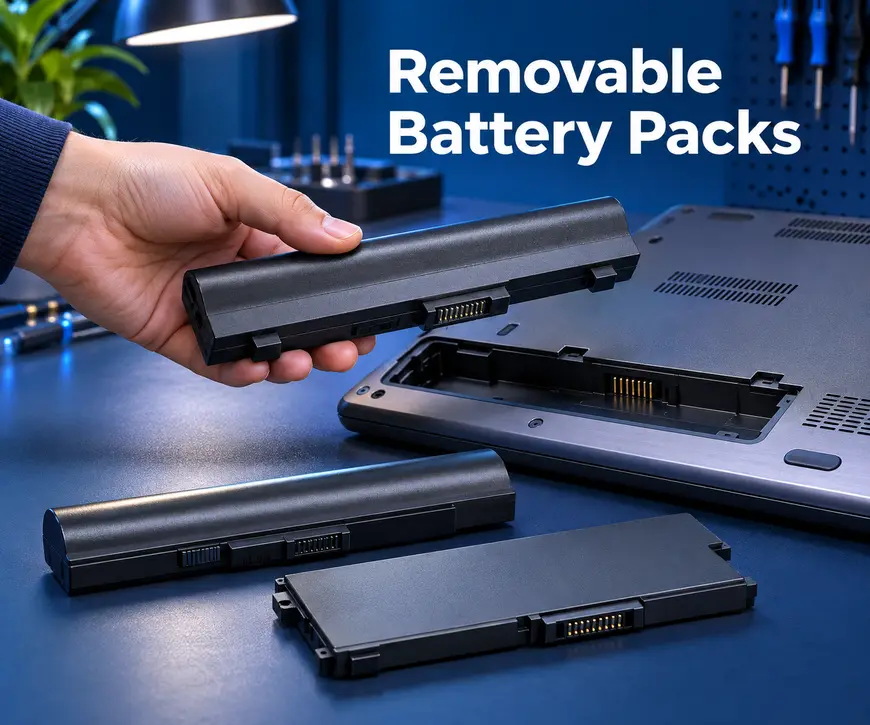
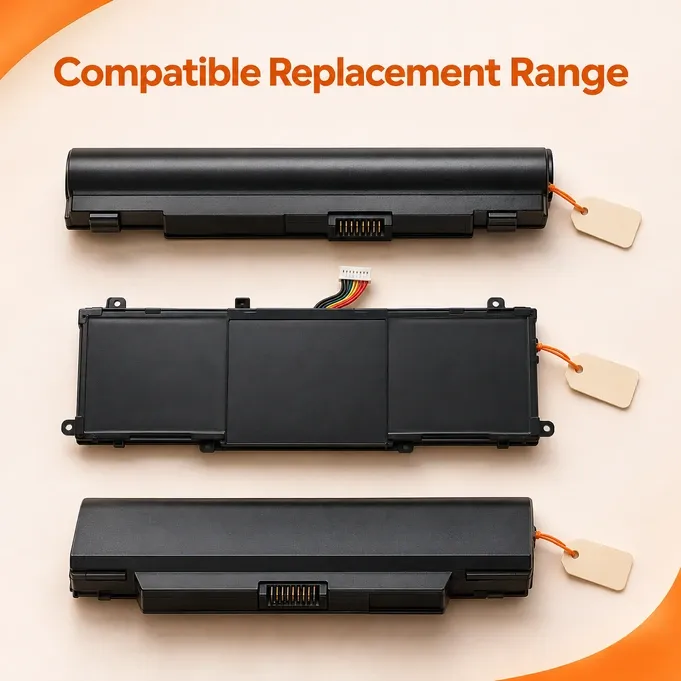
Start with the battery label and your laptop model.
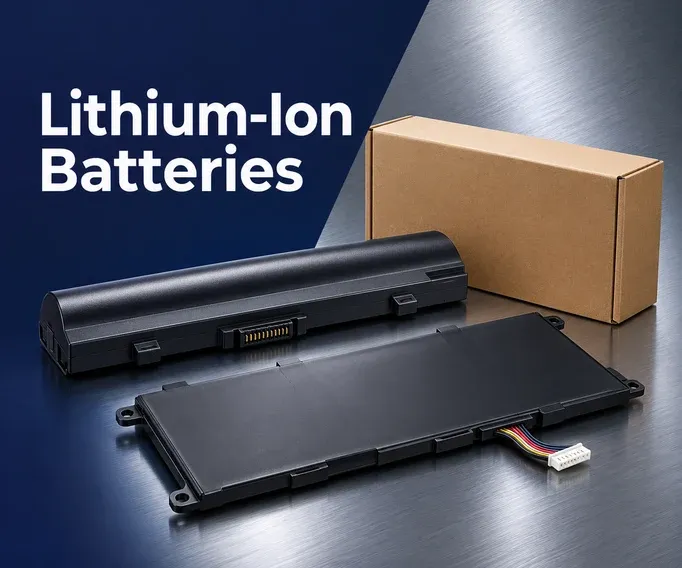
Check the original battery specification.
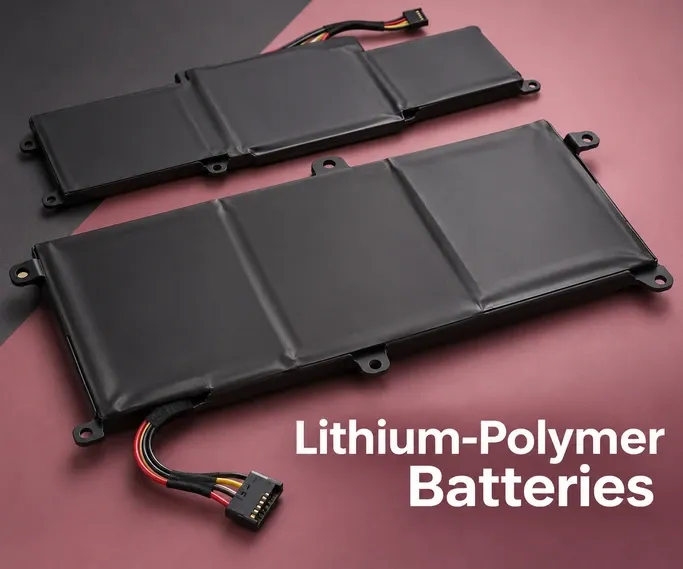
Match the approved replacement part.

Compare the specified Wh rating.
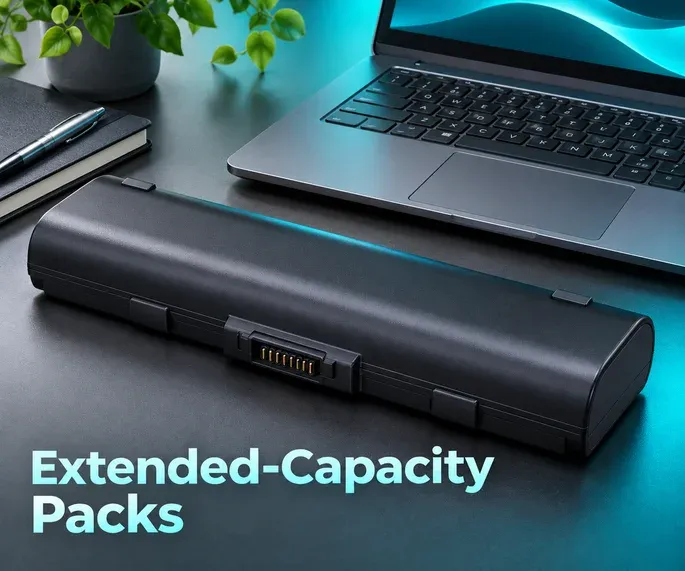
Check fit and model support before selecting.
Use is a browsing guide; exact model compatibility comes first.
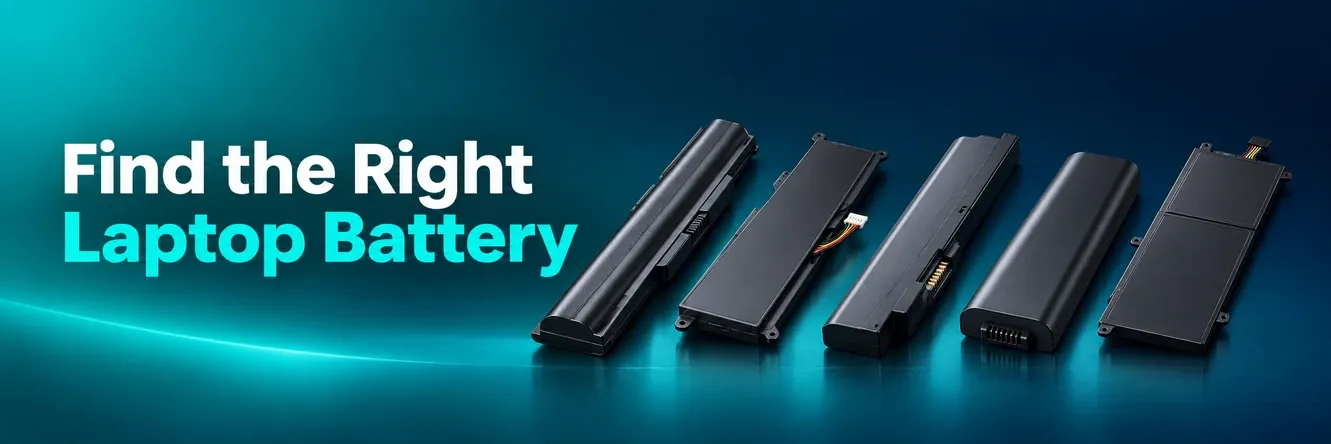
Brand or capacity alone is not enough. Check these details together before selecting a replacement.
Find the full model number on the laptop label or in system information.
Compare the battery part number with the replacement compatibility details.
Check the specified voltage and Wh rating against the laptop’s requirements.
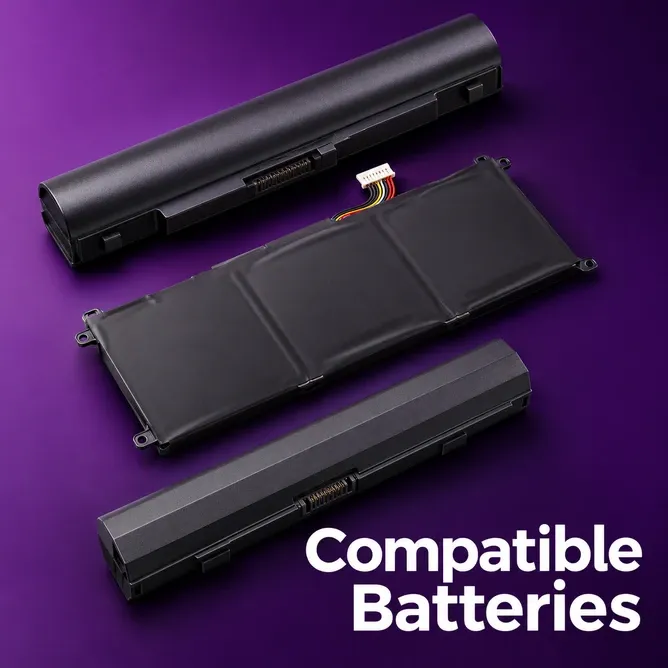
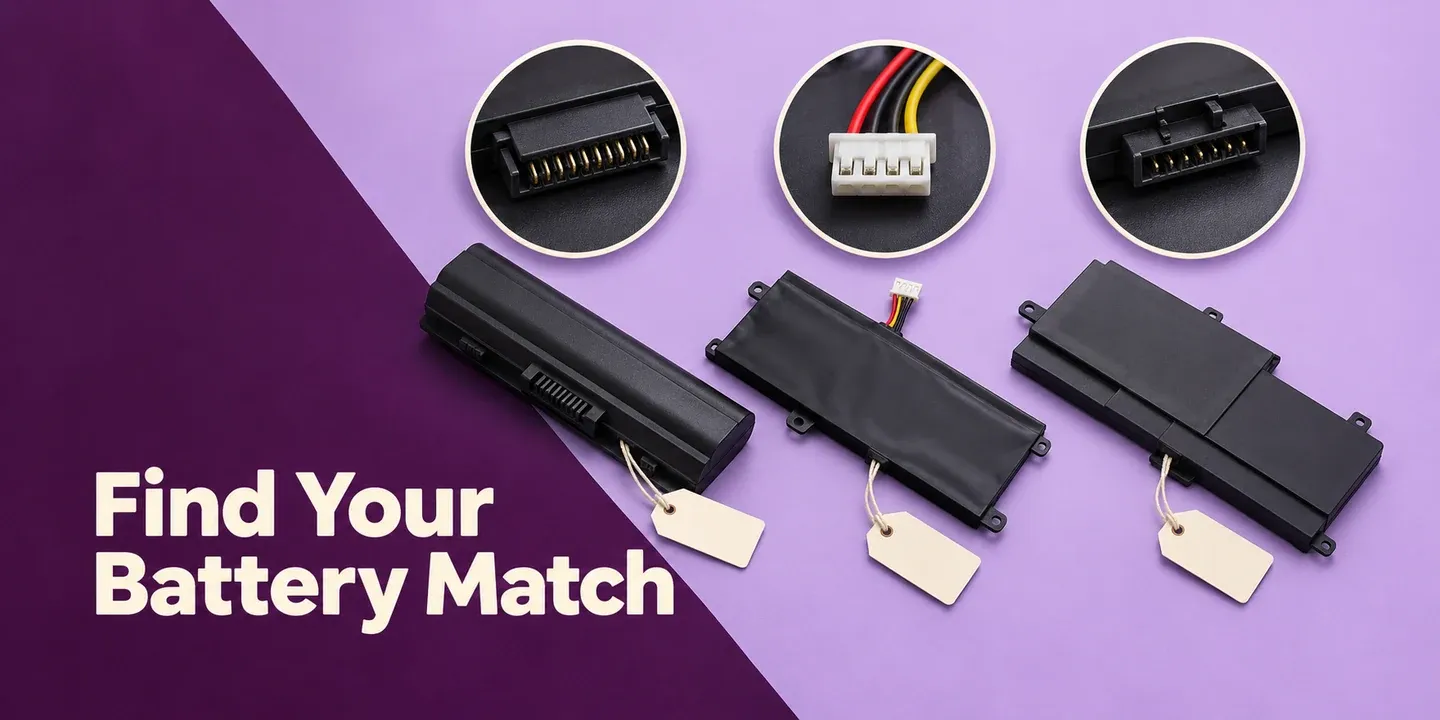
Confirm dimensions, connector, cable position and mounting points together.
No. Different laptops from the same brand may use different battery packs. Confirm the exact model and supported battery part number.
No. Capacity alone does not establish compatibility. Verify model support, electrical requirements and physical fit.
A replacement from a third-party supplier intended for specified laptop models. Check the supplied compatibility information before choosing.
Note your laptop model and existing battery part number. Use those identifiers to confirm the correct replacement.

We use cookies to improve user experience, and analyze website traffic. For these reasons, we may share your site usage data with our analytics partners. By continuing to the site, you consent to store on your device all the technologies described in our cookie policy. Here is the the cookie policy