


Flash Sale
Ends In :
0 days : 00 hrs : 00 mins : 00 sec
Oppo F3 Front Camera-100% Original, Premium Care Quality
Get 5% cash back
₹140
₹215
35% Off
24-36 Hours Dispach

24Hours Return

Pay on Delivery(COD)

100% Secure Delivery & Transaction

Ecom Logistics

Affiliate Commission : ₹7.00 (5.00%)

Key Features
- 100% Original: Made with genuine parts for superior quality and performance.
- Premium care quality for reliable performance
- Fast 24H Replacement Warranty: Limited cover on camera for peace of mind.
- Reliable Performance – Built for lasting use.
- High-Resolution Selfies – Sharp and clear image capture.
- Factory-tested for flawless performance
- Quick Installation – Easy to replace with basic tools.
Frequently Bought Together
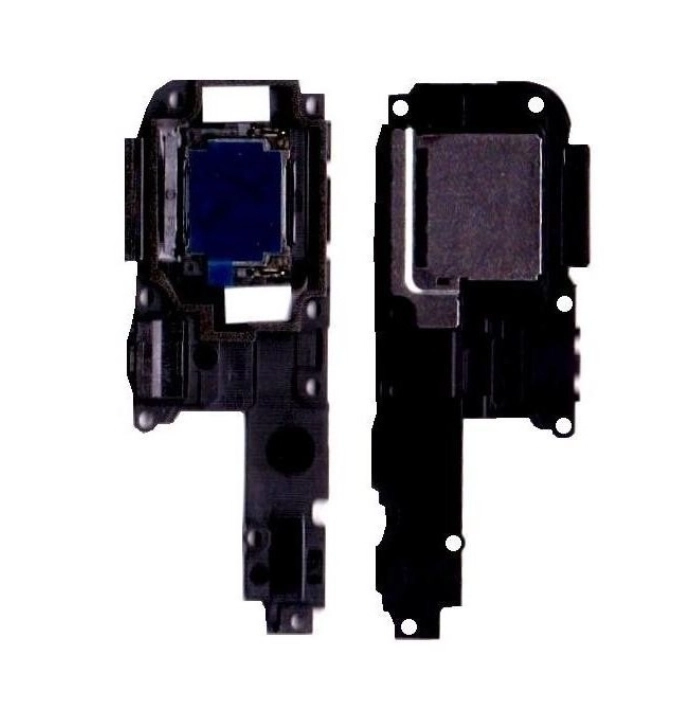
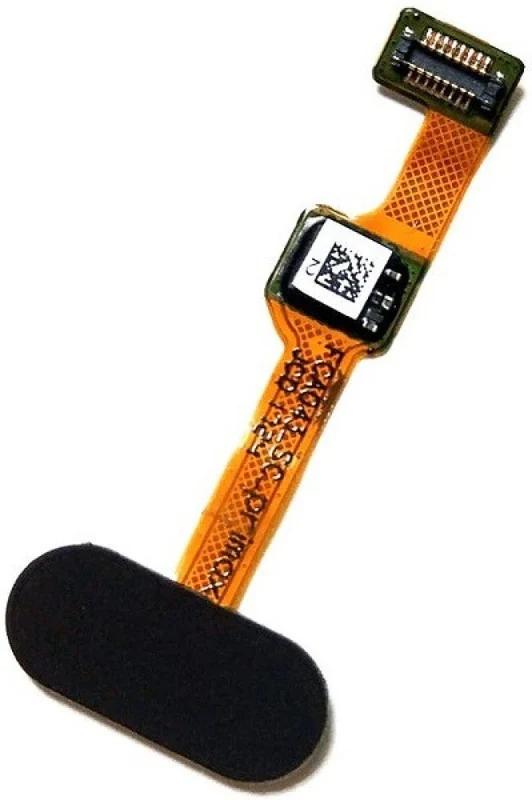
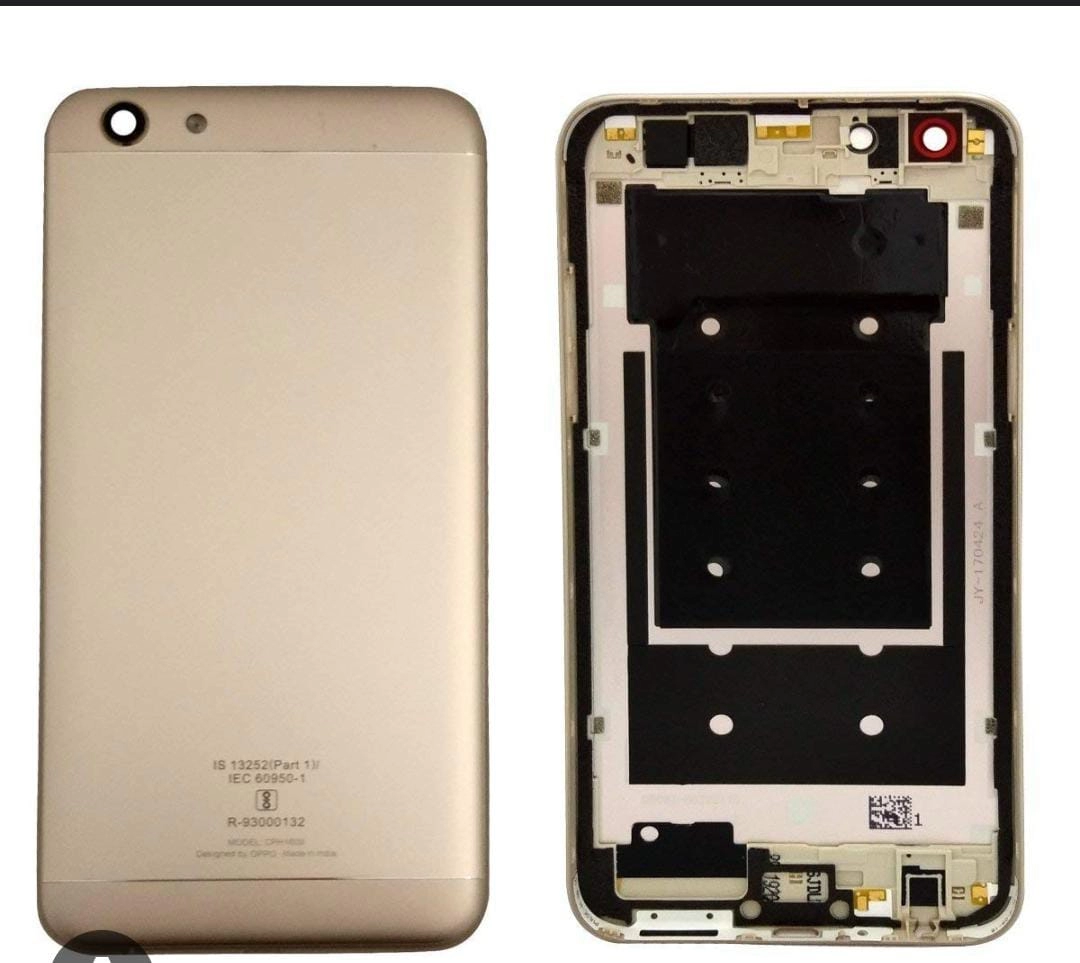
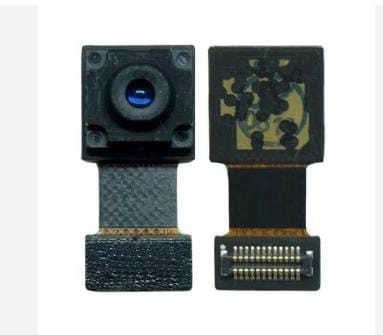
Total: ₹393
Add all to Cart
Front Camera Specifications:- The Oppo F3 features a dual front camera setup:
- Primary Selfie Camera: 16 MP with an f/2.0 aperture and a wide-angle lens (26mm).
- Secondary Selfie Camera: 8 MP with an f/2.4 aperture.
- These cameras are designed to capture high-resolution selfies and provide various shooting modes.
- The Oppo F3 features a dual front camera setup:
Replacement Process:
- If you need to replace the front camera module, follow these steps:
- Disassembly:
- Power off the phone and remove the SIM card tray.
- Carefully remove the back cover and disconnect the battery.
- Unscrew the necessary screws to access the internal components.
- Front Camera Removal:
- Locate the front camera module near the top of the phone.
- Disconnect the flex cable connecting the camera to the motherboard.
- Gently pry out the camera module from its housing.
- Replacement:
- Obtain a compatible replacement camera module.
- Align it with the housing and connect the flex cable.
- Secure the camera in place and reassemble the phone.
- Testing:
- Power on the phone and test the front camera functionality.
- Ensure that autofocus, flash, and other features work correctly.
- Disassembly:
- If you need to replace the front camera module, follow these steps:
Highlights and Applications:
- Selfies: The dual front cameras allow for creative selfies. Use the 16 MP camera for regular shots and the 8 MP camera for wider-angle group selfies.
- Portrait Mode: Achieve a blurred background effect (bokeh) for professional-looking portraits.
- Beauty Mode: Enhance skin tones and features for flattering selfies.
- Video Calls: Enjoy clear video calls using the front camera.
- Social Media: Share your moments on platforms like Instagram, Snapchat, and TikTok.
Technical Details
| Brand: | Oppo |
|---|---|
| Model number: | F3 |
| Part Number: | 02 |
| Seller SKU: | Fatima-342 |
| Condition: | New |
| Origin: | India |
| Availability: | In Stock |
| Minimum order quantity: | 1 |
| Shipping weight: | 500.00 g |
| Date first listed on DP MART : | Aug 30, 2024 |
Oppo F3 Front Camera Specifications:
- Main Camera (Rear): 13 MP, f/2.2 aperture, 1/3.1" sensor size, PDAF (Phase Detection Autofocus), LED flash, HDR, panorama. It can record videos at 1080p@30fps.
- Selfie Camera (Front): Dual setup
- 16 MP (f/2.0, 26mm wide) for standard selfies.
- 8 MP (f/2.4) for wide-angle group selfies.
Installation Process:
Disassembly:
- Power off the phone and remove the SIM card tray.
- Use a plastic opening tool or a case opening tool to gently pry open the back cover.
- Unscrew the screws securing the rear panel.
- Carefully disconnect the battery connector.
- Remove any other components blocking access to the front camera module.
Front Camera Replacement:
- Locate the front camera module near the top of the phone.
- Disconnect the ribbon cable connecting the camera to the motherboard.
- Remove the camera module from its housing.
- Replace it with a new front camera module (compatible with Oppo F3).
- Reconnect the ribbon cable.
Reassembly:
- Reattach any other components you removed during disassembly.
- Secure the rear panel with screws.
- Reconnect the battery.
- Snap the back cover back into place.
- Insert the SIM card tray.
- Power on the phone and test the front camera.
Applications:
- The front camera is essential for:
- Taking selfies and group photos.
- Video calls and conferencing.
- Face unlock (if supported by the phone).
- Augmented reality (AR) applications.
- Social media apps like Instagram, Snapchat, and TikTok.
kaushal Verified Purchase | 5 months ago
Works as expected. Happy with my order.
Satyabhan Verified Purchase | 6 months ago
Loved it! Will definitely order again from this shop.
Abdul muneer Verified Purchase | 6 months ago
Exactly what I was looking for. Thank you.
Jignesh rojasara Verified Purchase | 6 months ago
The item arrived on time and in perfect condition.
Umesh Kumar Verified Purchase | 7 months ago
Loved it! Will definitely order again from this shop.
sonaram Verified Purchase | 8 months ago
Average product, does the job fine.
Subham Verified Purchase | 8 months ago
Satisfactory purchase. Meets my requirements.
Related Items
₹250
₹385
35% Off₹250
₹385
35% Off
₹40
₹62
35% Off₹40
₹62
35% Off
₹30
₹46
35% Off₹30
₹46
35% Off
₹100
₹154
35% Off₹100
₹154
35% Off
₹310
₹477
35% Off₹310
₹477
35% Off

4231
Active listings212
Items sold
Welcome

KK Spare
Delhi, Delhi
kkspare1404@yopmail.com
Delhi, Delhi
kkspare1404@yopmail.com
KARAN Verified Purchase | 1 month ago
Please send Blue / Fusion Blue color for Realme 7i (RMX2103)
Sanjay Verified Purchase | 2 months ago
Frant cemara not working
Sk Kased Verified Purchase | 1 year ago
Service Not Good Ail Product Not Bya

